Help / challenge
Give up a challenge
The Challenger can give up partway through a challenge.
-
The Challenger can give up partway through a challenge.
-
Give-up is only available when the Sponsor has enabled it.
-
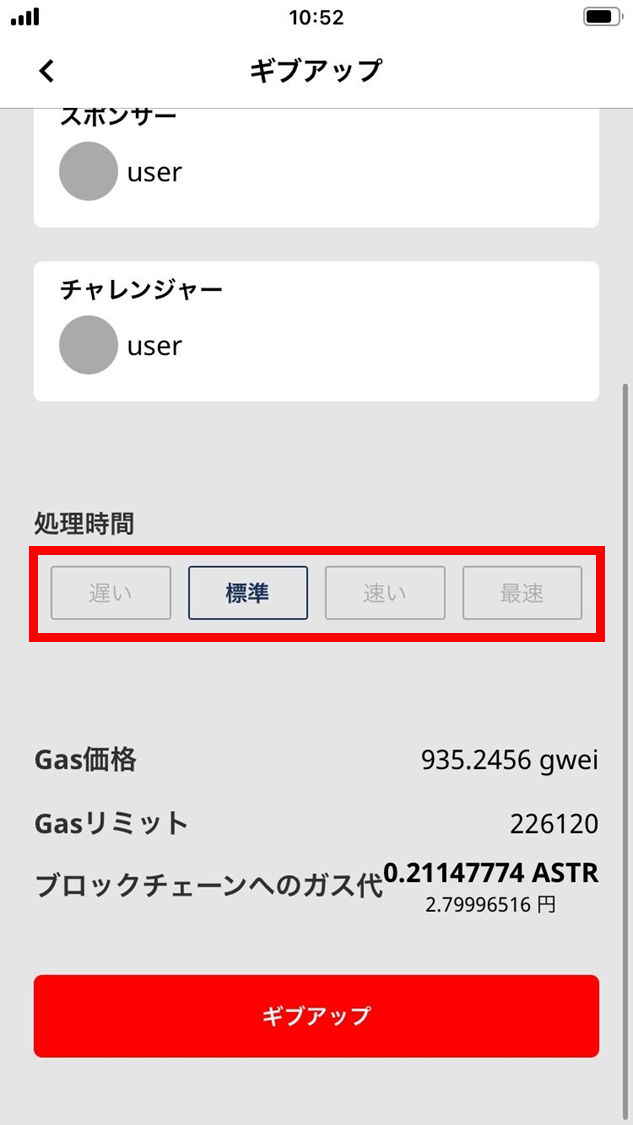
If the confirmation screen shows a network fee, review it before submitting the give-up action.
-
Whether give-up is available is shown on the challenge detail screen.
-
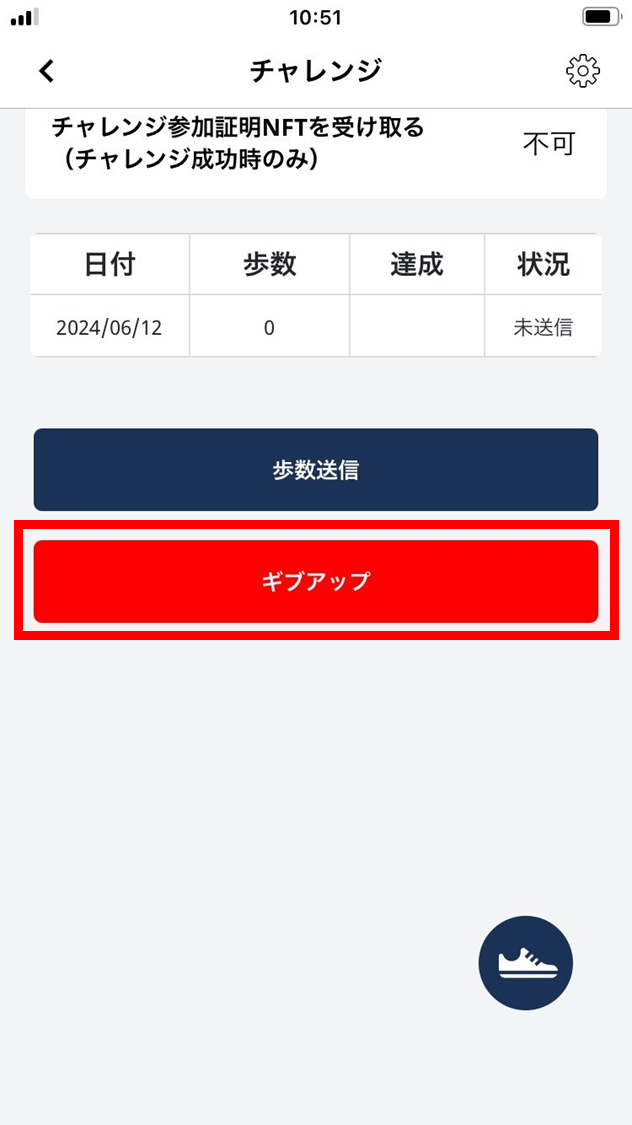
When give-up is available, “Give up” is shown below “Send steps”.
- To give up the challenge partway, tap “Give up”.
- Review the network fee, requested action, and network shown on the confirmation screen.
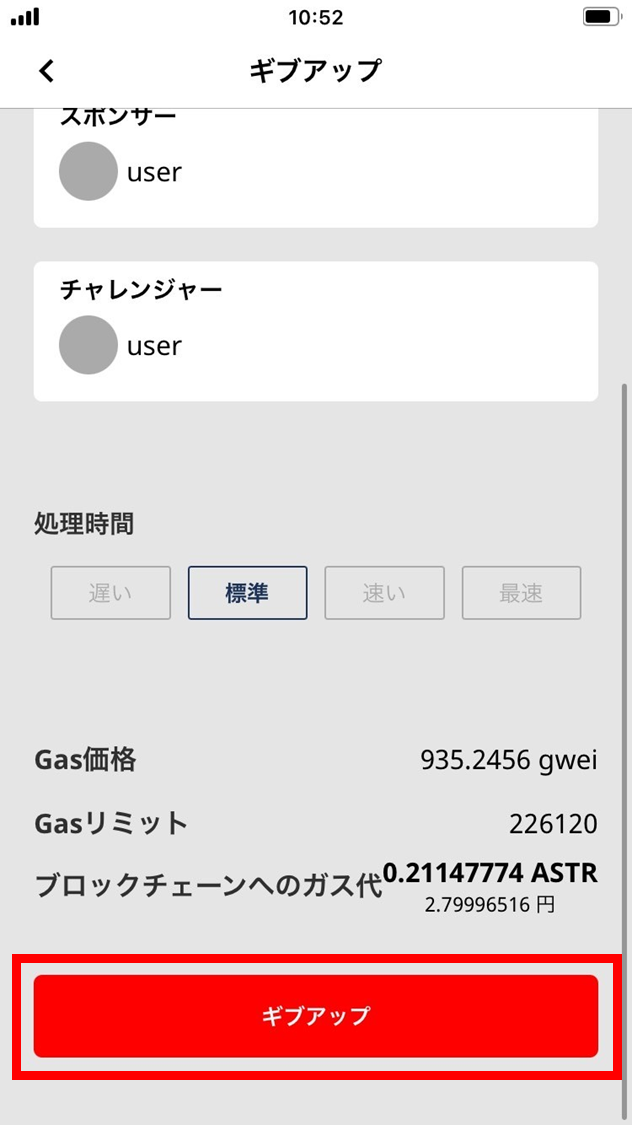
- Tap “Give up”.
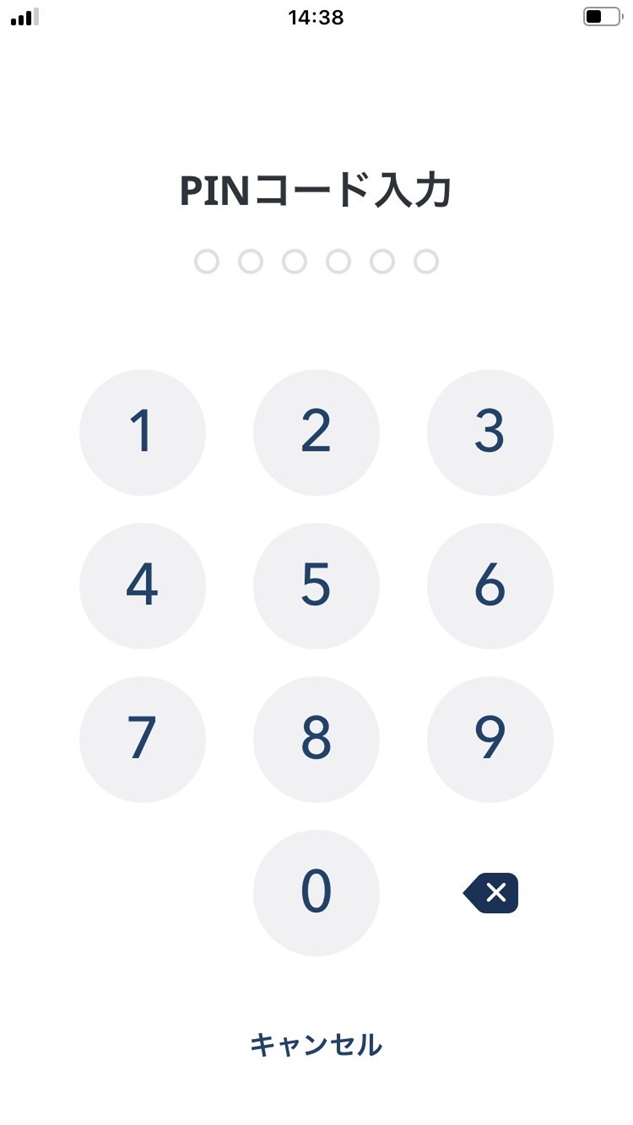
- Enter your PIN.
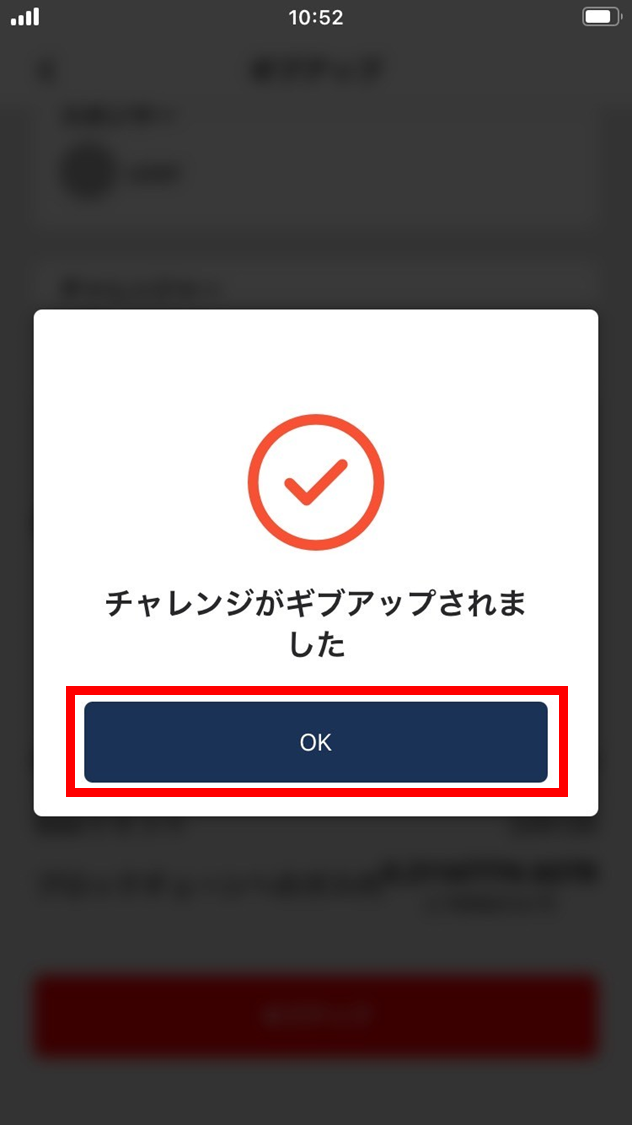
- Tap “OK”.
The challenge is given up.
-
The give-up is confirmed.
-
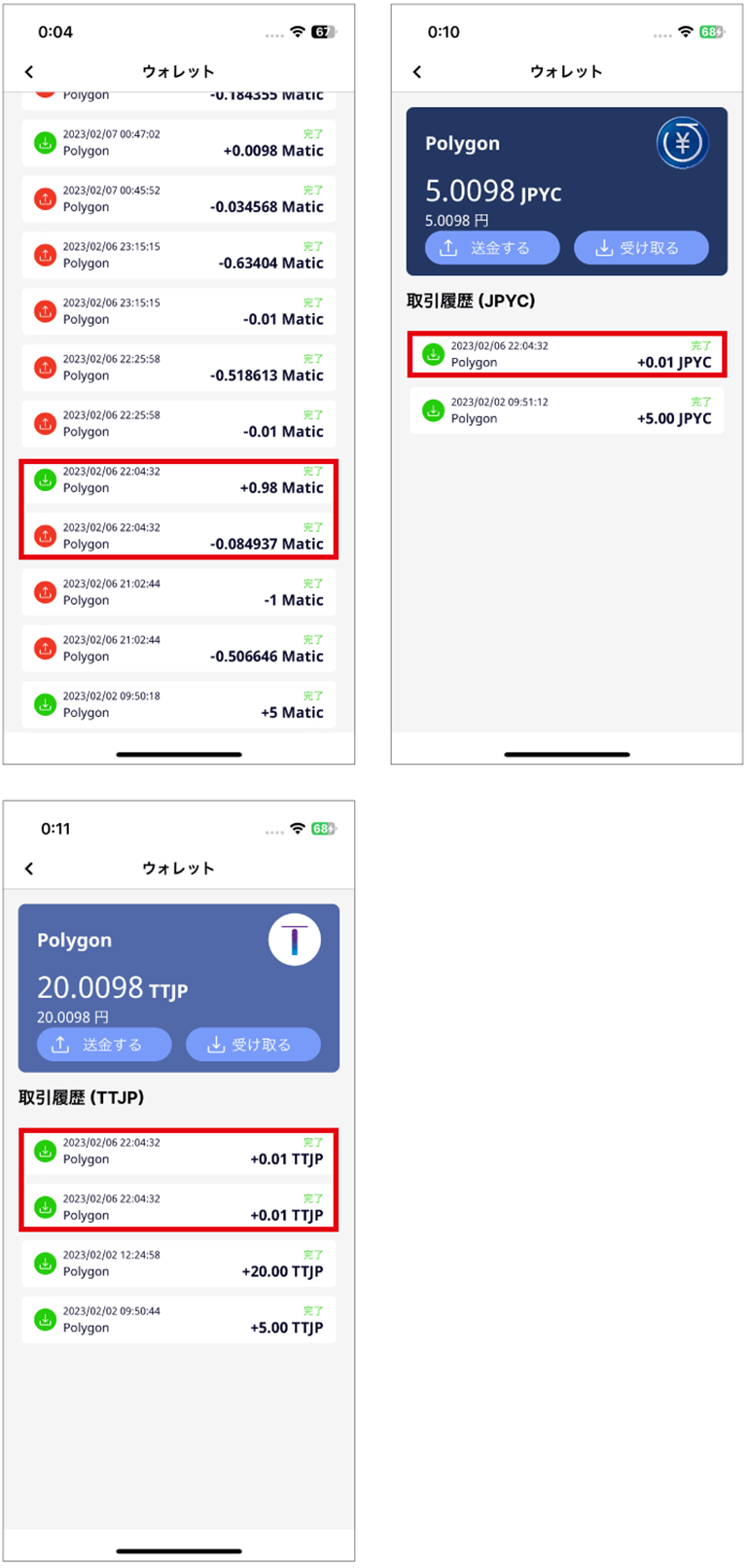
When the Sponsor ends the challenge, the give-up distribution rule kicks in. Check the give-up distribution on the challenge screen and in the wallet transaction history.
Review the distribution method selected when the challenge was created.
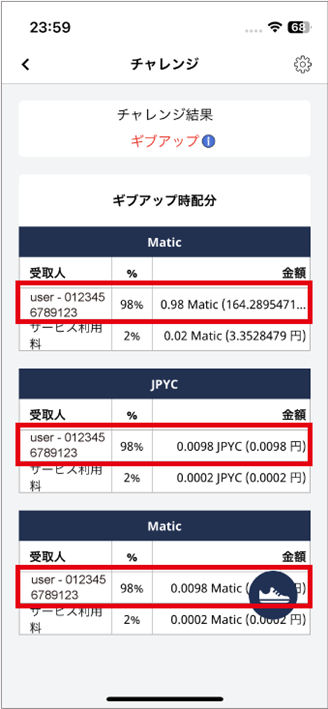
- After the Sponsor submits the end action and it is confirmed on the blockchain, check the challenge screen and wallet for the distribution of challenge funds.
- Check the current challenge screen and transaction history for the recipient, amount, and deducted fees.
- Processing time varies with network conditions. If it still does not appear after waiting and refreshing, contact support.