Help / challenge
Join a challenge (Challenger)
Join a challenge created by a Sponsor.
-
Join a challenge created by a Sponsor.
-
Check the current challenge detail screen for when steps can be sent and the deadline for unsent data. Do not rely on a fixed time or number of days; complete the action with time to spare.
- Scroll down on the challenge top screen.
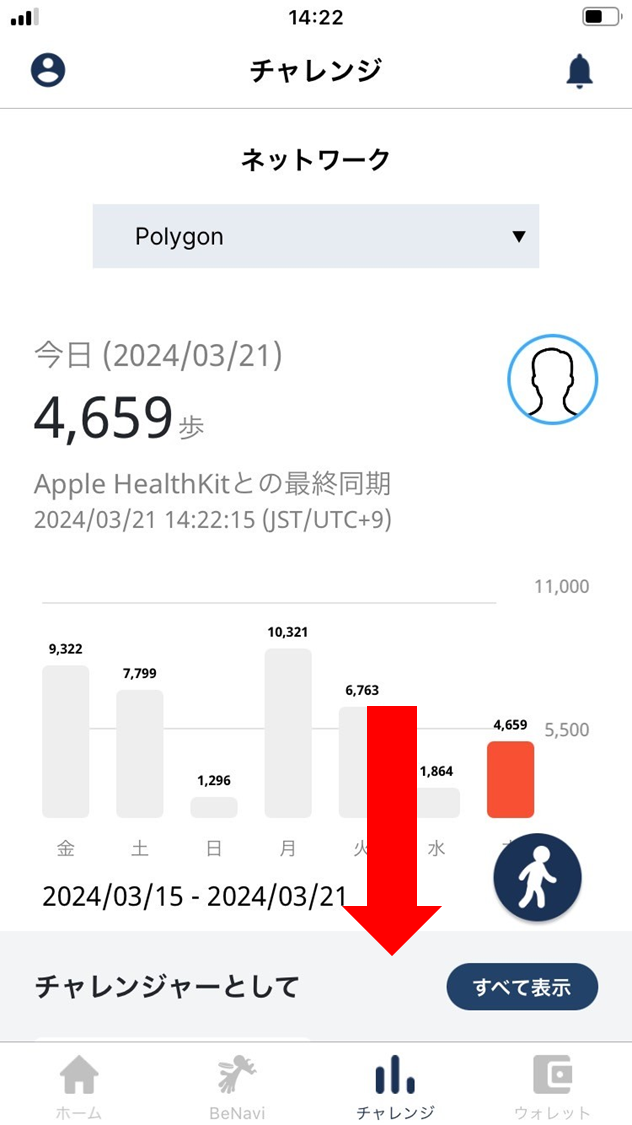
- Challenges you’ve joined as a Challenger appear.
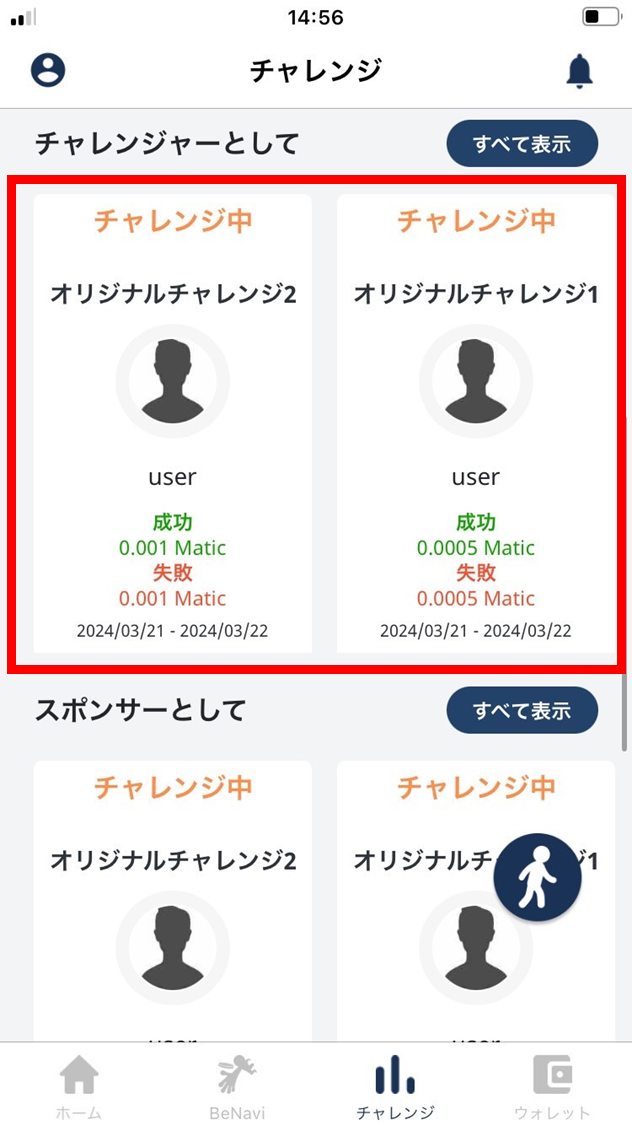
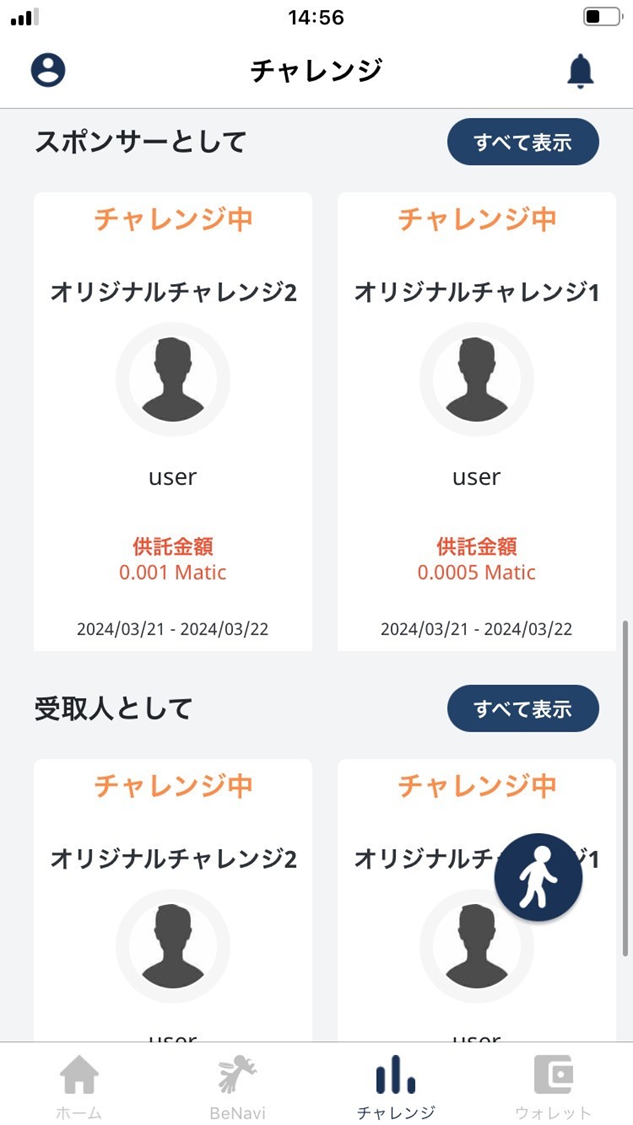
- To see challenge details, tap.
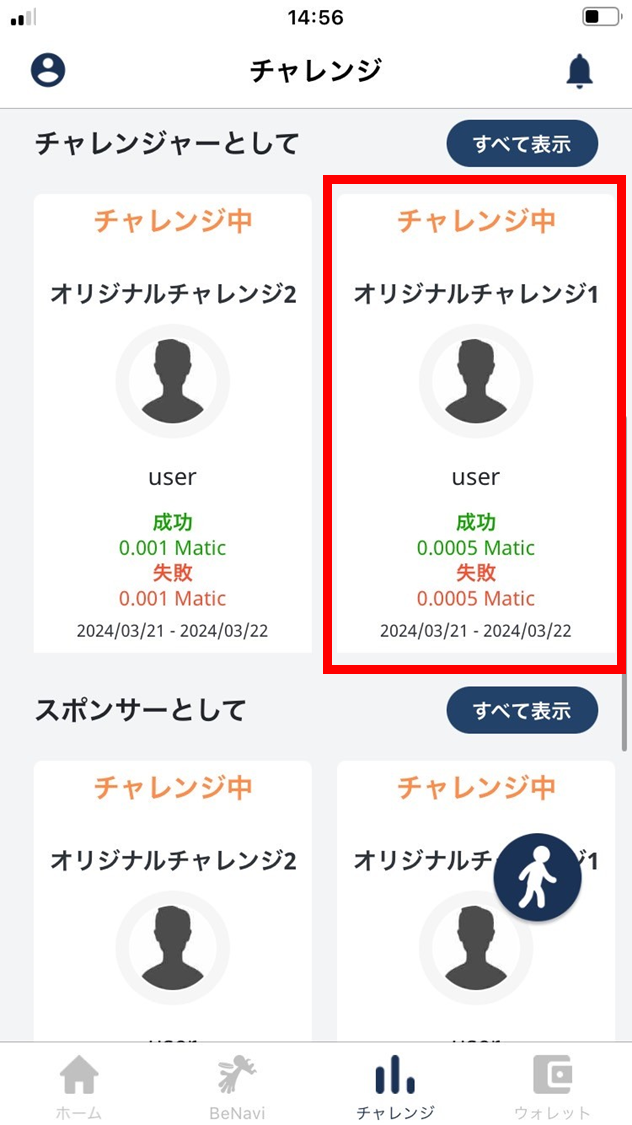
- The challenge detail screen opens.
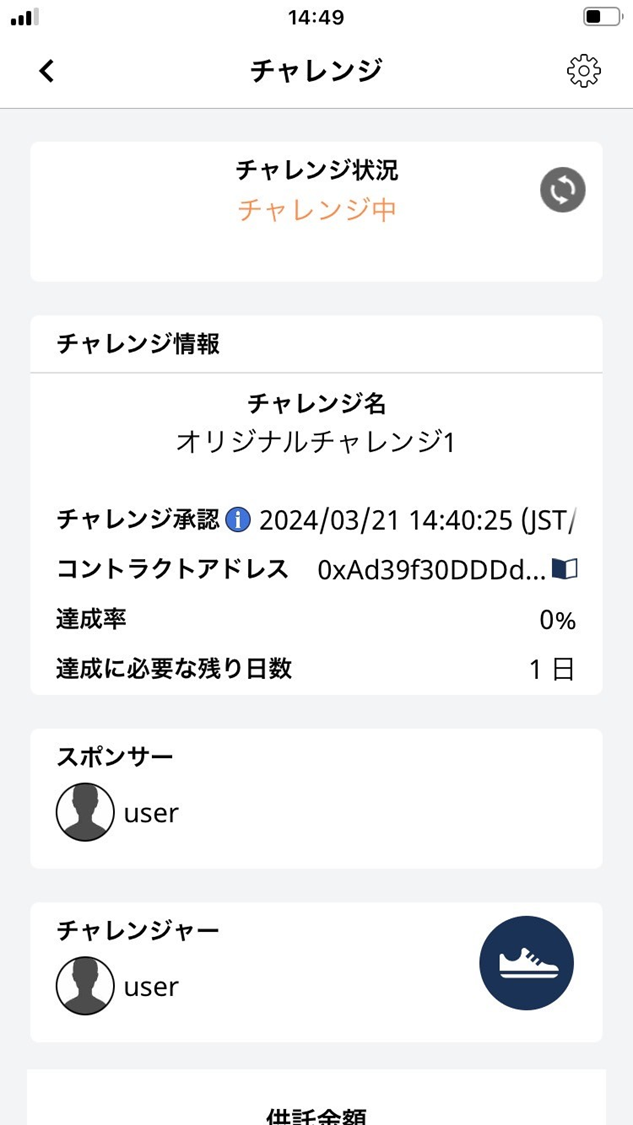
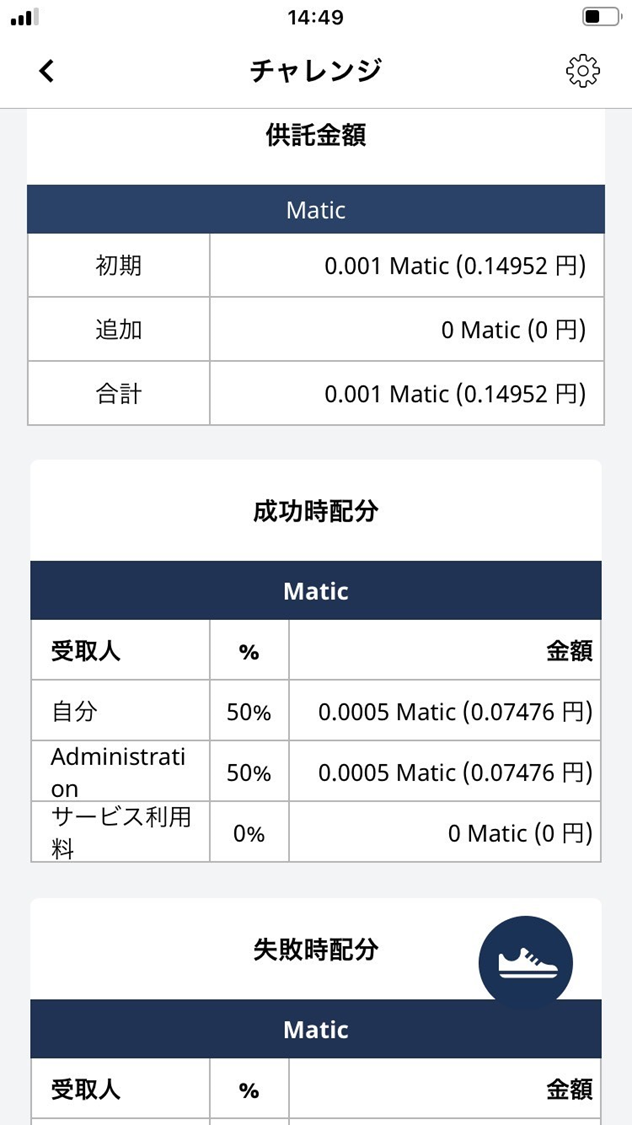
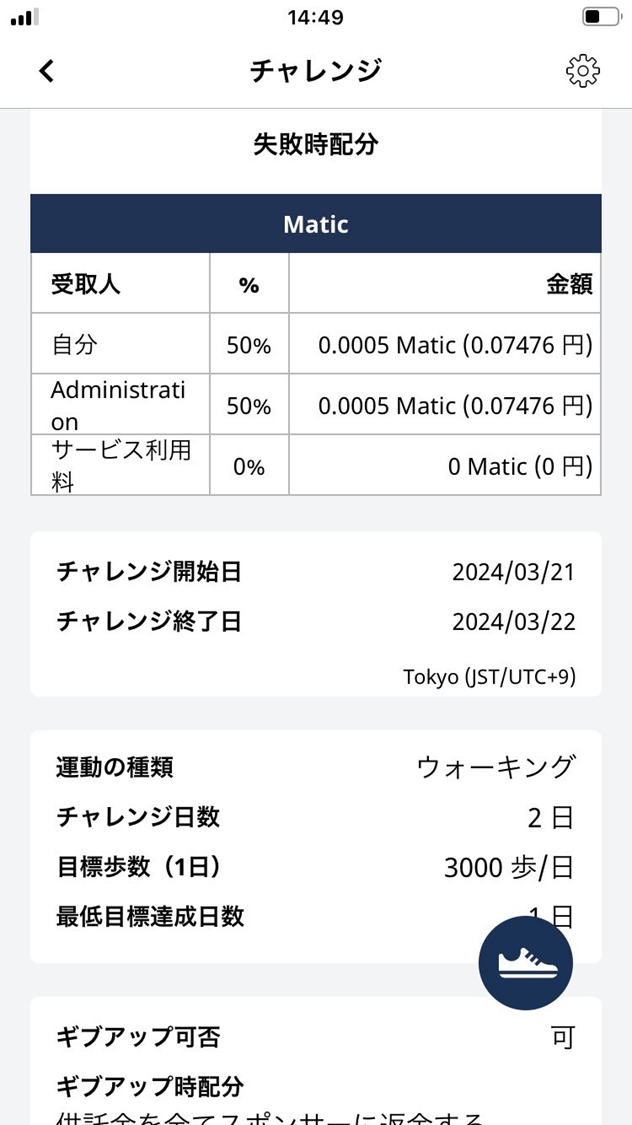
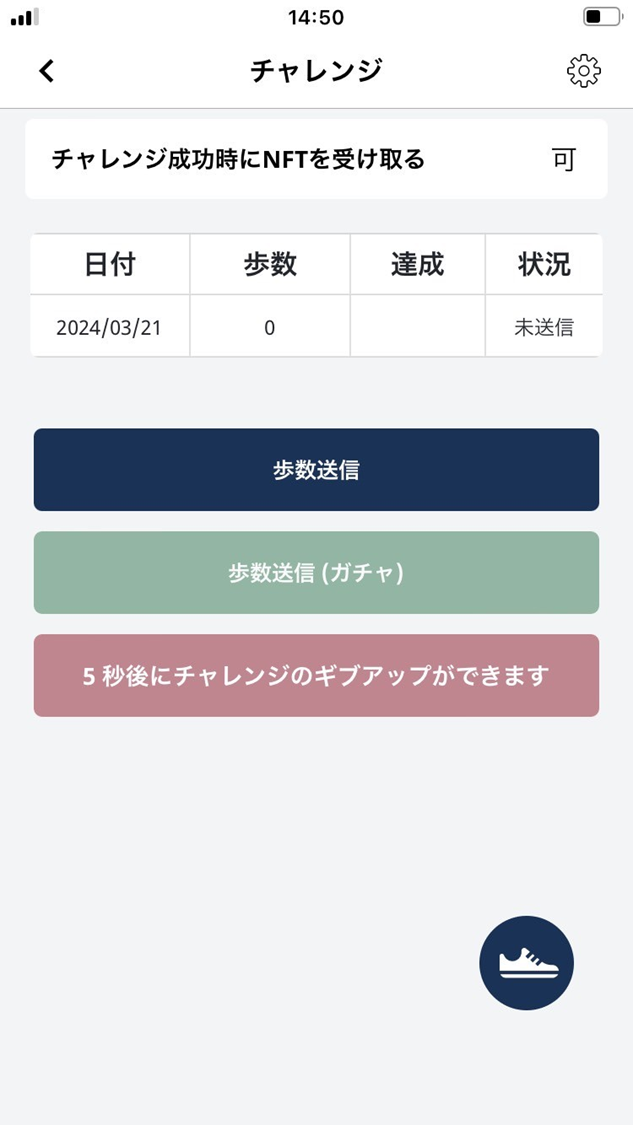
- Review the challenge details.
- Challenge start date
- Challenge end date
- Activity type
- Number of days in the challenge
- Daily step goal
- Minimum required achievement days
- Whether give-up is allowed
- Receive an NFT on success
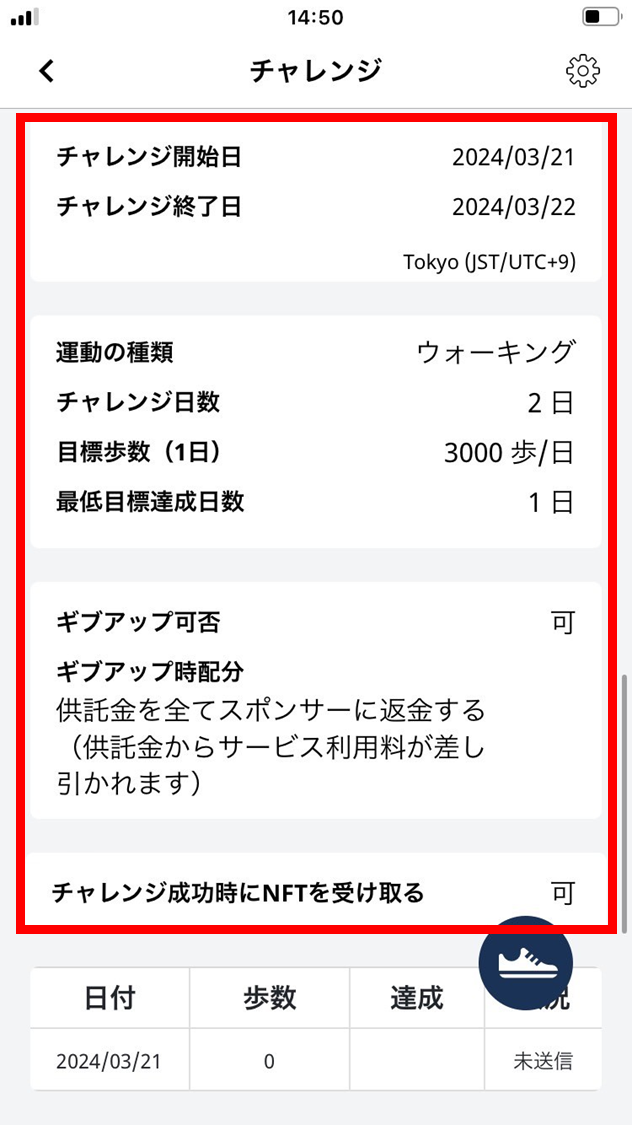
- Walk with the phone on which you allowed ESPL to use step or physical-activity data.
Success conditions vary by challenge. Check the daily step goal, required achievement days, and step-submission deadline on the challenge detail screen.