Help / challenge
Send steps to the blockchain with a gacha (Challenger)
When "Receive a participation-proof NFT (on success only)" is enabled at challenge creation, a gacha screen appears. (You cannot spin the gacha if you selected "Send steps without the gacha".)
-
When “Receive a participation-proof NFT (on success only)” is enabled at challenge creation, a gacha screen appears. (You cannot spin the gacha if you sent steps via “Send steps without the gacha”.)
-
About 20 minutes after you finish walking, the steps appear in ESPL automatically.
-
The Challenger can send steps (with gacha) to the blockchain from around 0:10 on the day after walking.
-
You cannot send same-day steps (with gacha).
-
The Challenger must send all unsent steps (with gacha) within 2 days after the challenge ends. From day 3 onward after the challenge period ends, unsent steps (with gacha) can no longer be sent.
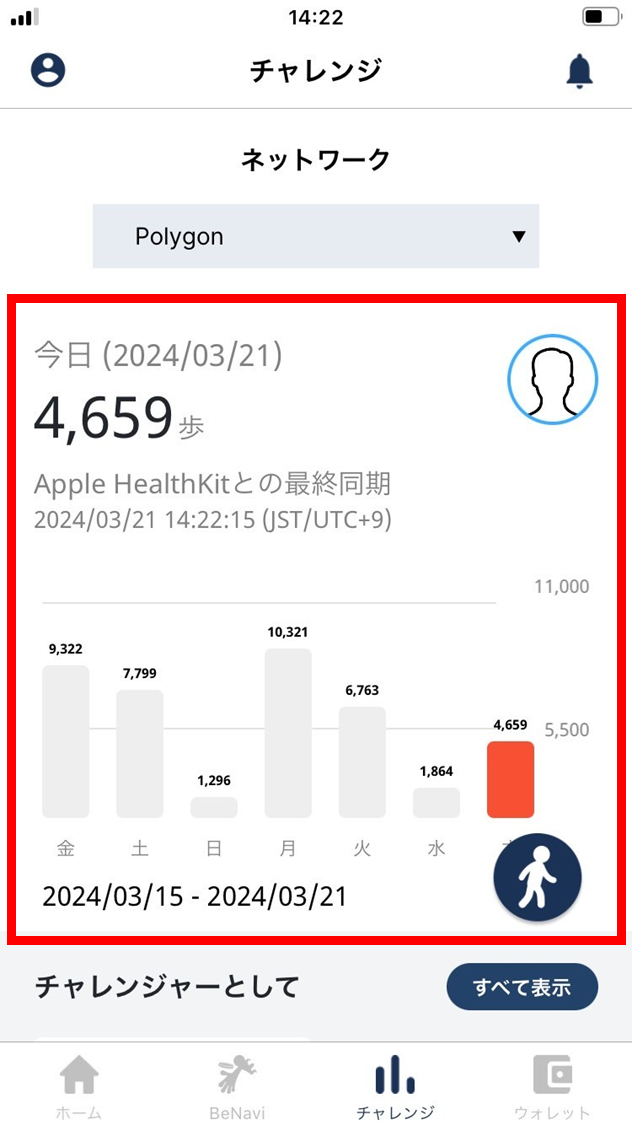
- On the day you walked, the Challenger confirms on the challenge screen that the steps have been recorded.
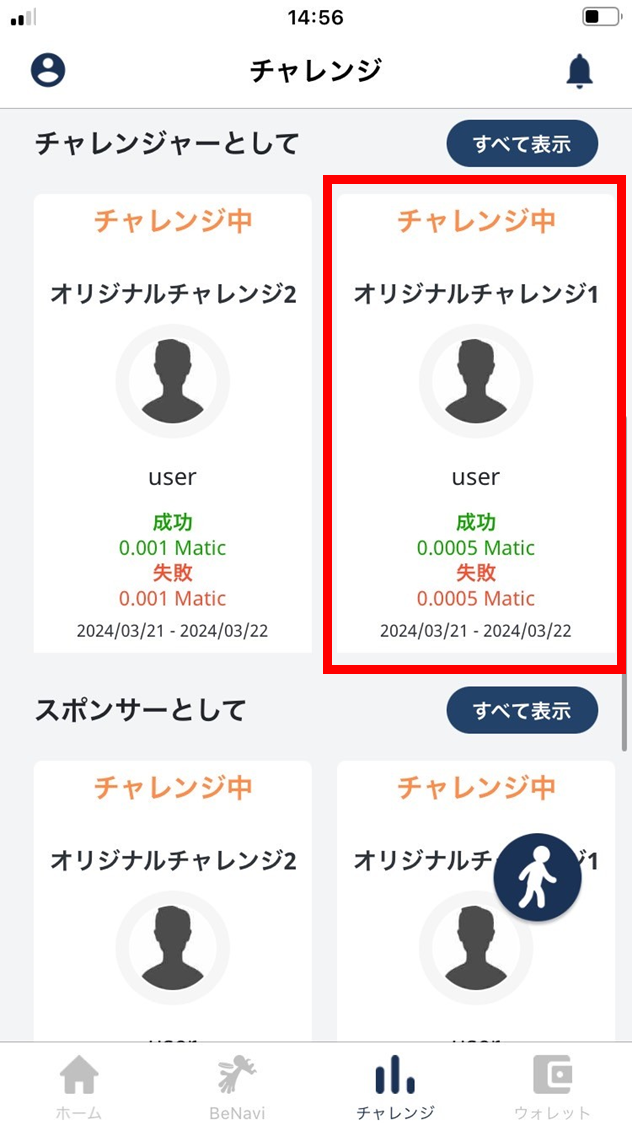
- From 0:10 on the day after walking, the Challenger taps an in-progress challenge.
- Confirm that yesterday’s steps are reflected.
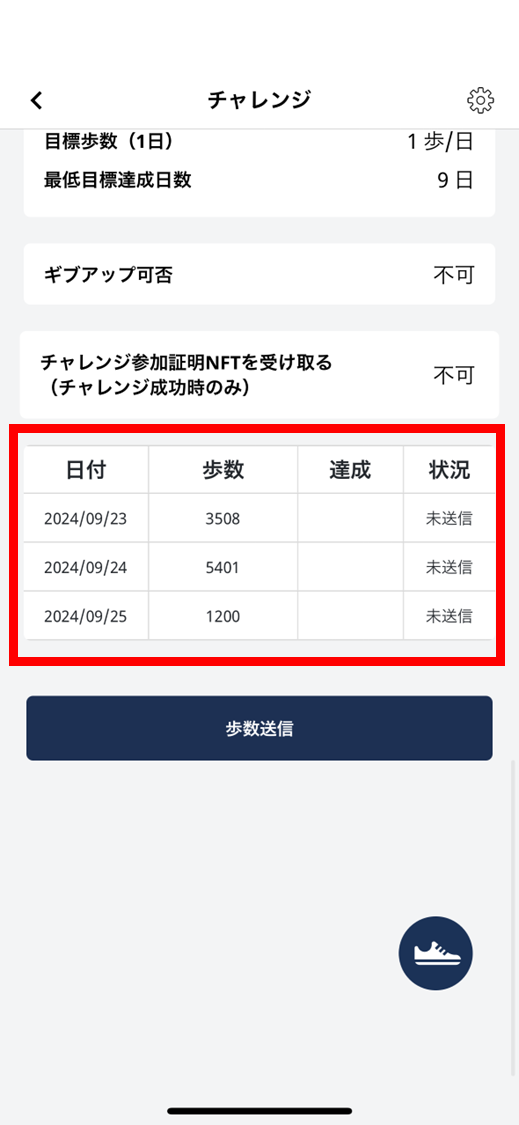
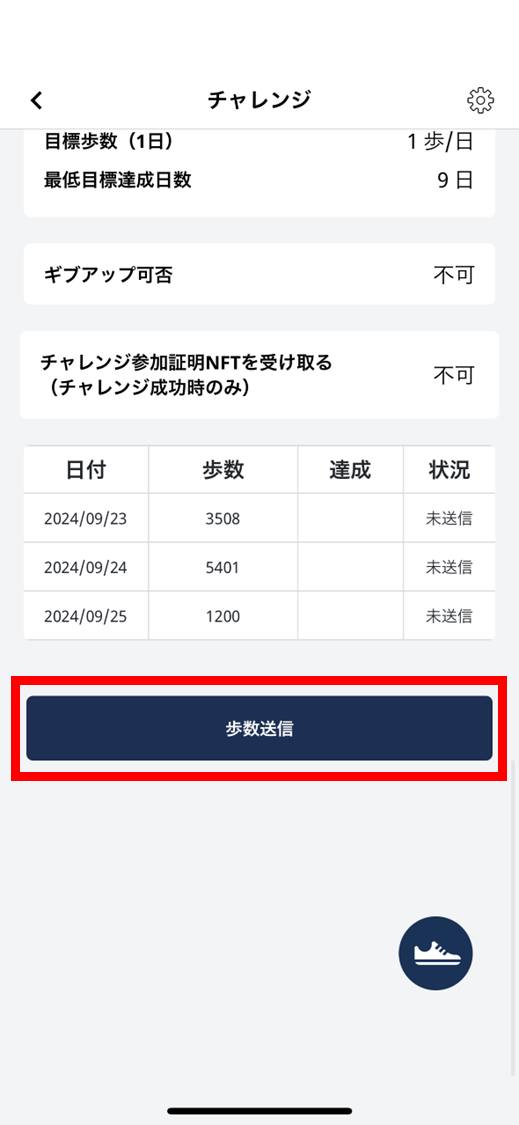
- Tap “Send steps”.
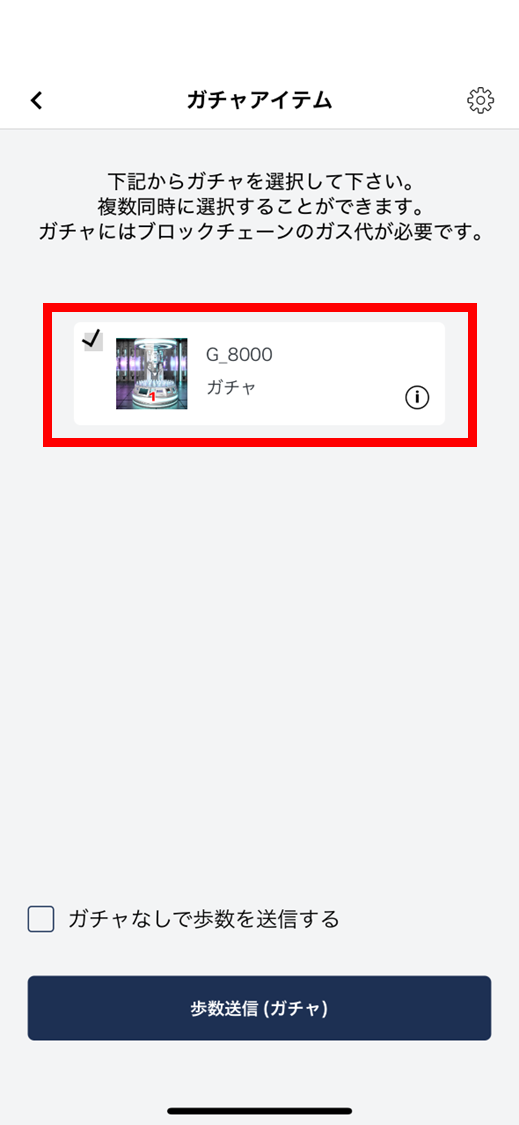
- Check the gachas you want to spin. You can pick multiple.
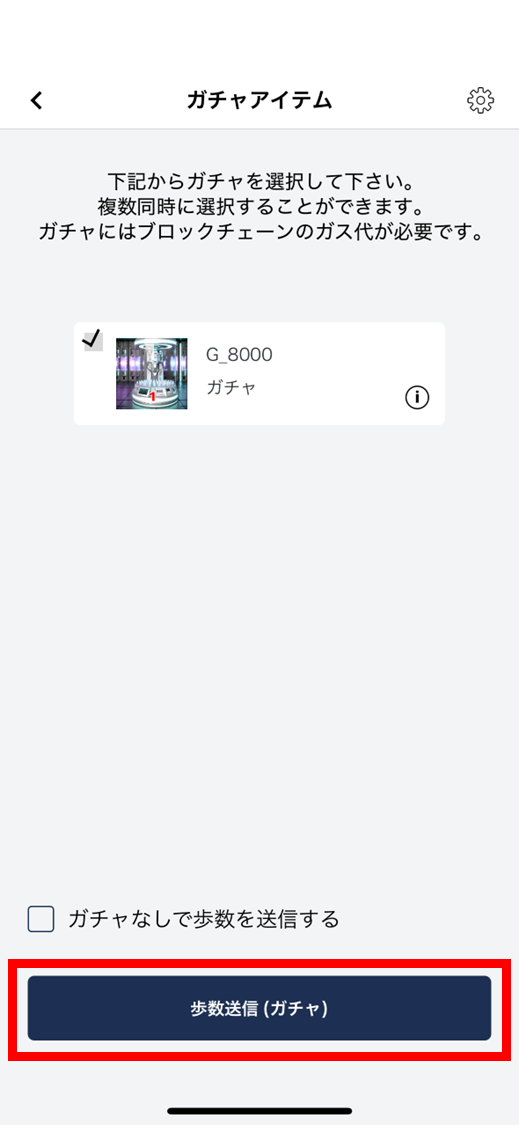
- Tap “Send steps (gacha)”.
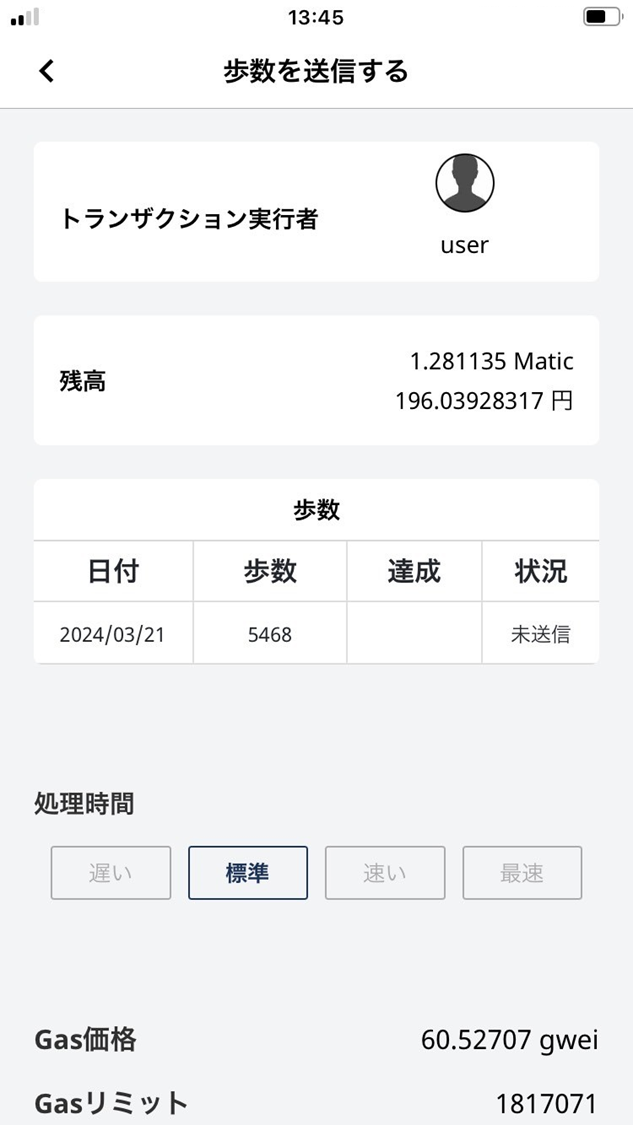
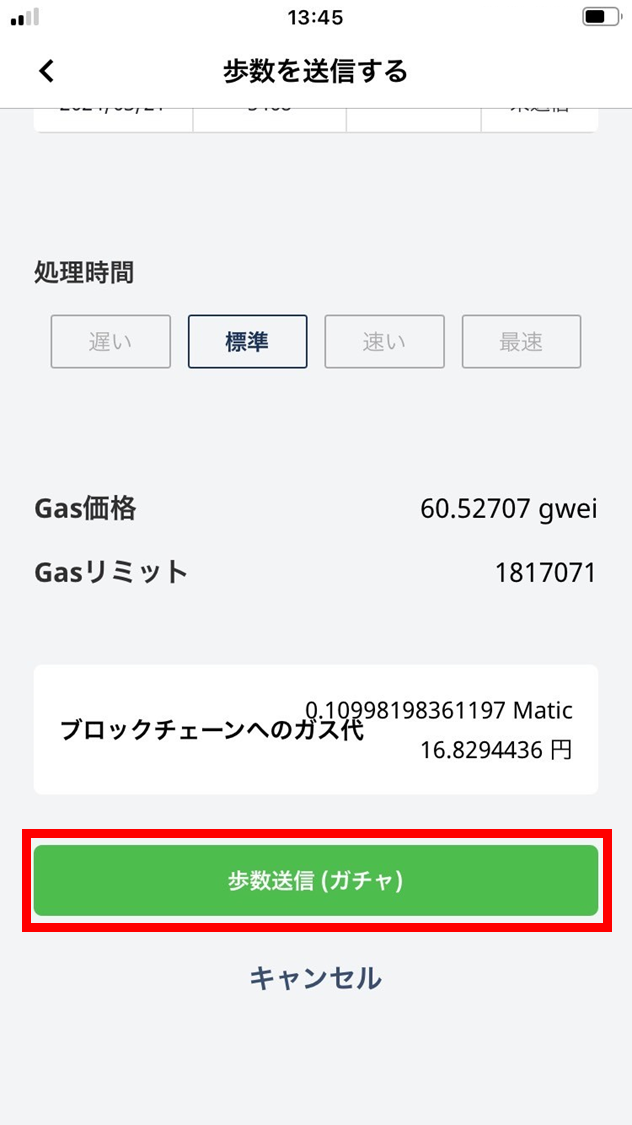
- Sending steps (with gacha) to the blockchain incurs a gas fee. Adjust gas (processing speed) as needed, then tap “Send steps (gacha)”.
Gas prices vary with processing speed — faster sends cost more.
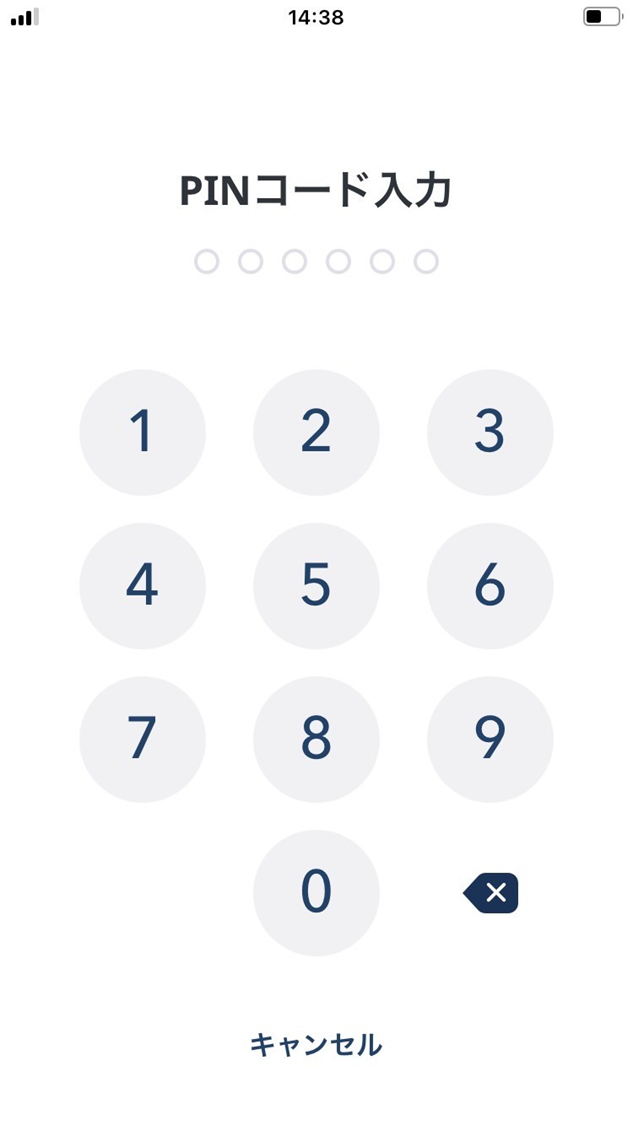
- Enter your PIN.
- The steps (with gacha) are sent. On successful send, a movie plays as below.
- The gacha result detail is shown.
- If you won an NFT, you can copy the contract address and token ID from the table.
- After you close this screen, you can still review the gacha result from the challenge detail screen.
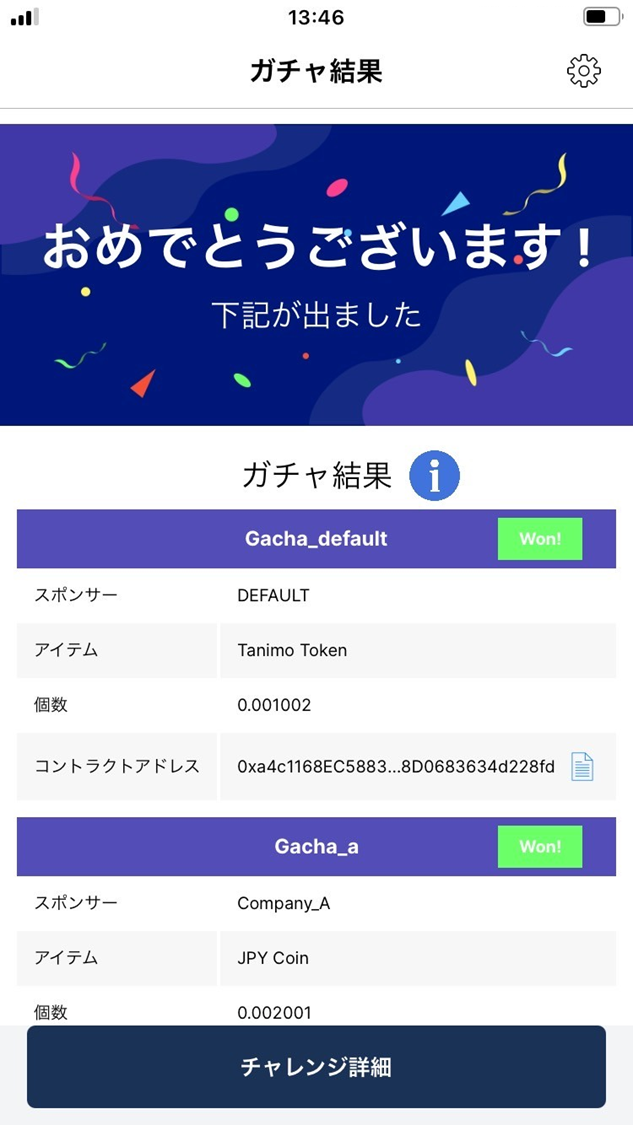
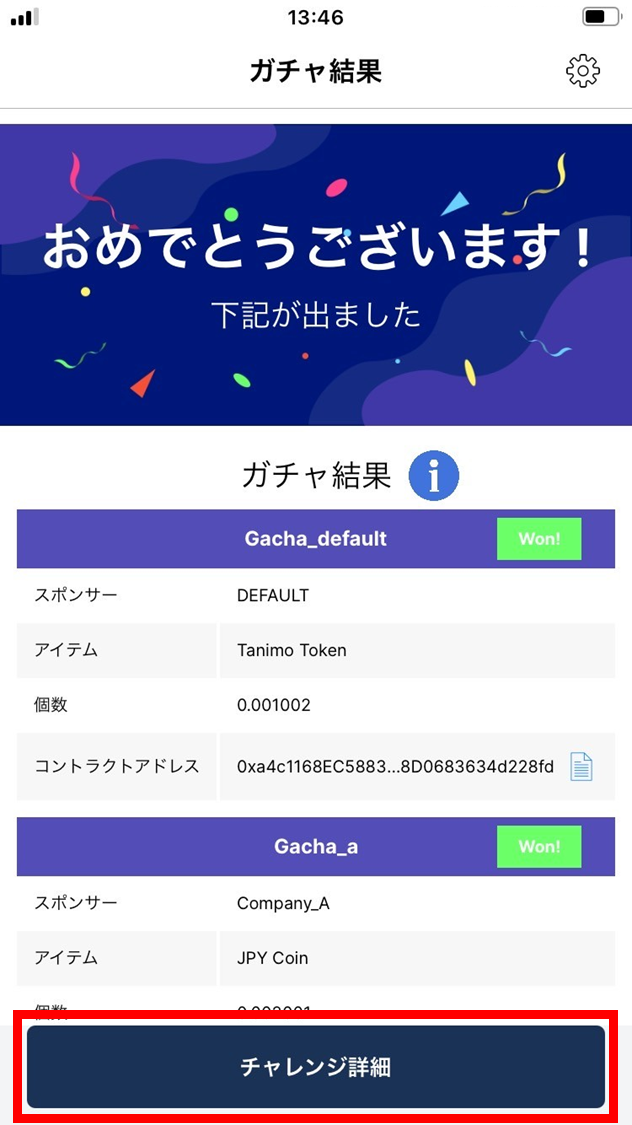
- When you’ve checked the gacha result, tap “Challenge detail”.
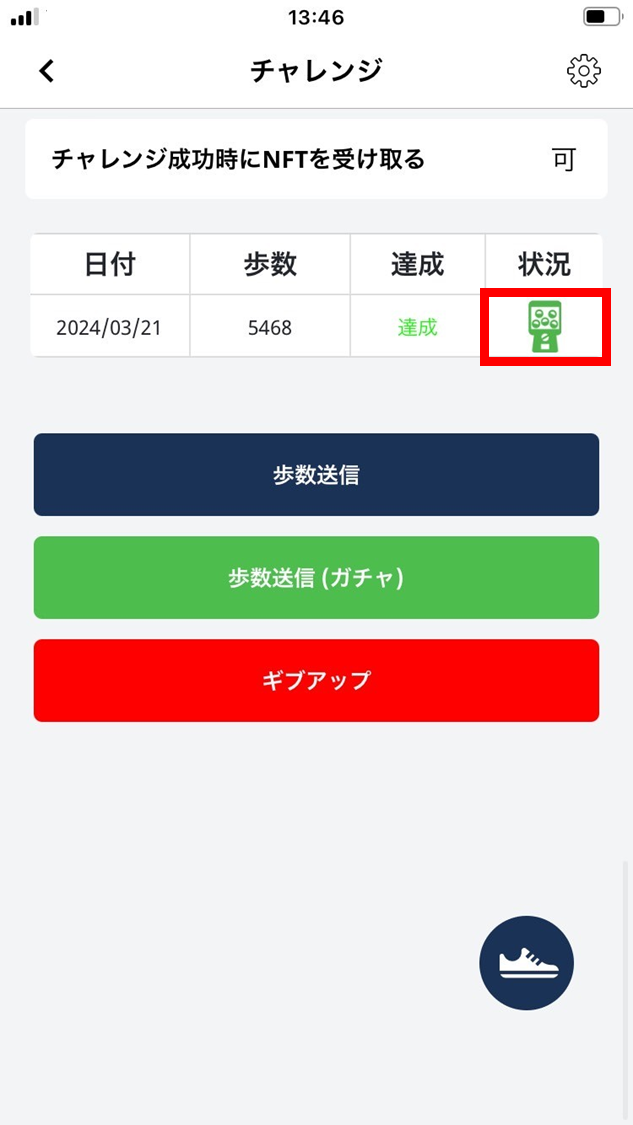
- The steps (with gacha) have been sent. On successful send, a green gacha mark appears as below.