Help / challenge
Send steps to the blockchain (Challenger)
Check the challenge detail screen for sendable steps and the deadline, then submit them.
-
Check the challenge detail screen for sendable steps and the deadline, then submit them with time to spare.
-
If an option such as “Include today’s steps” appears, review its on-screen explanation before using it.
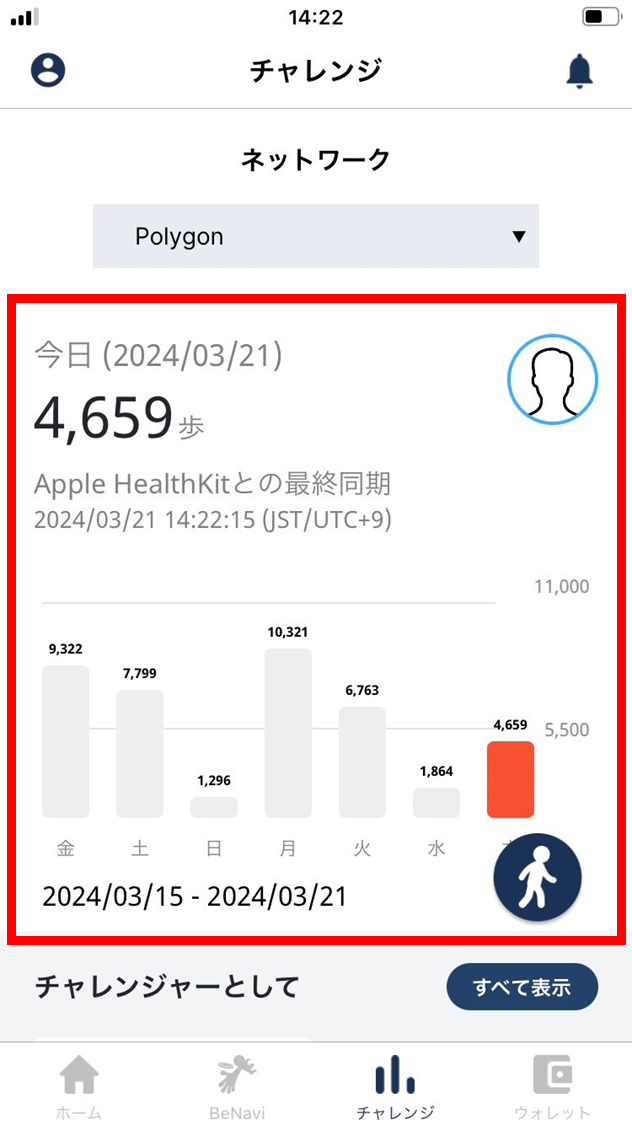
- On the day you walked, the Challenger confirms on the challenge screen that the steps have been recorded.
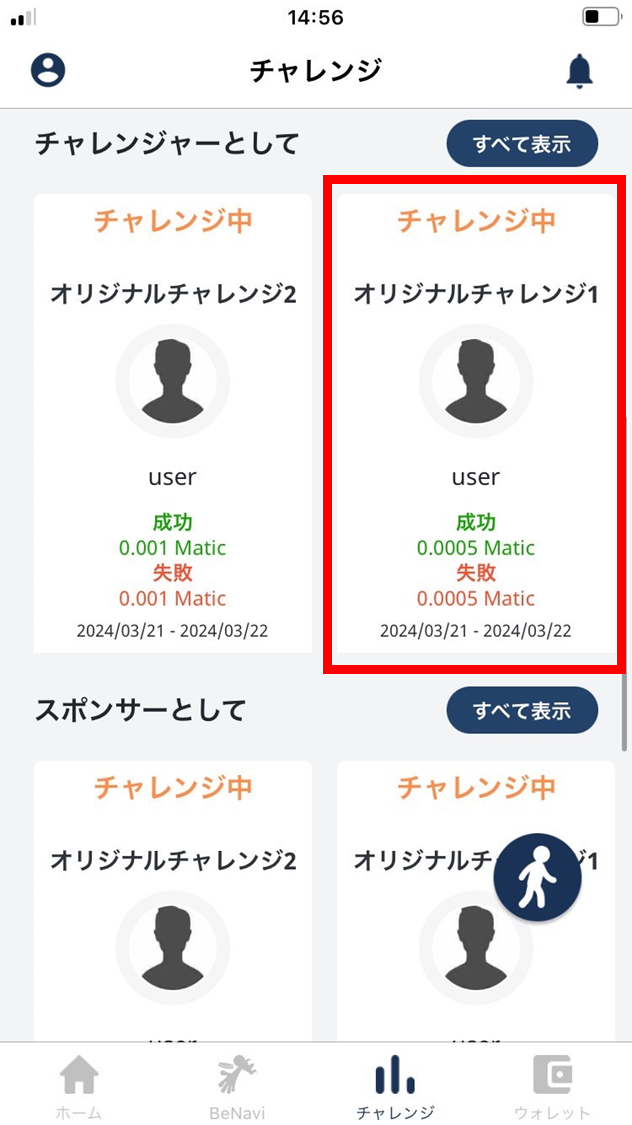
- The Challenger taps an in-progress challenge.
- Confirm that the steps are reflected.
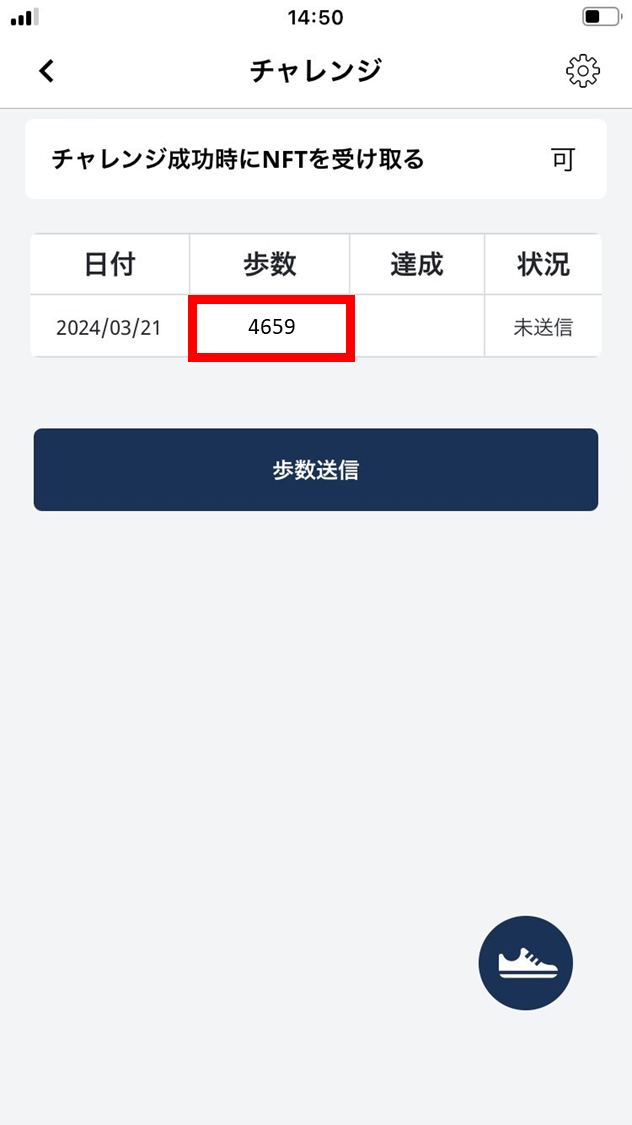
- Tap “Send steps”.
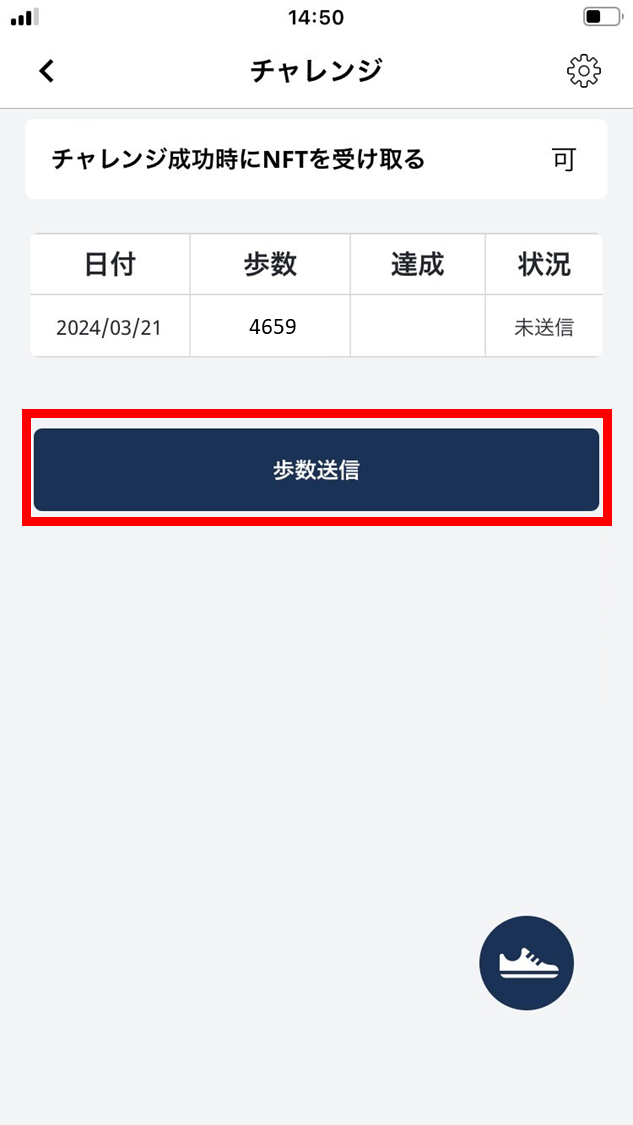
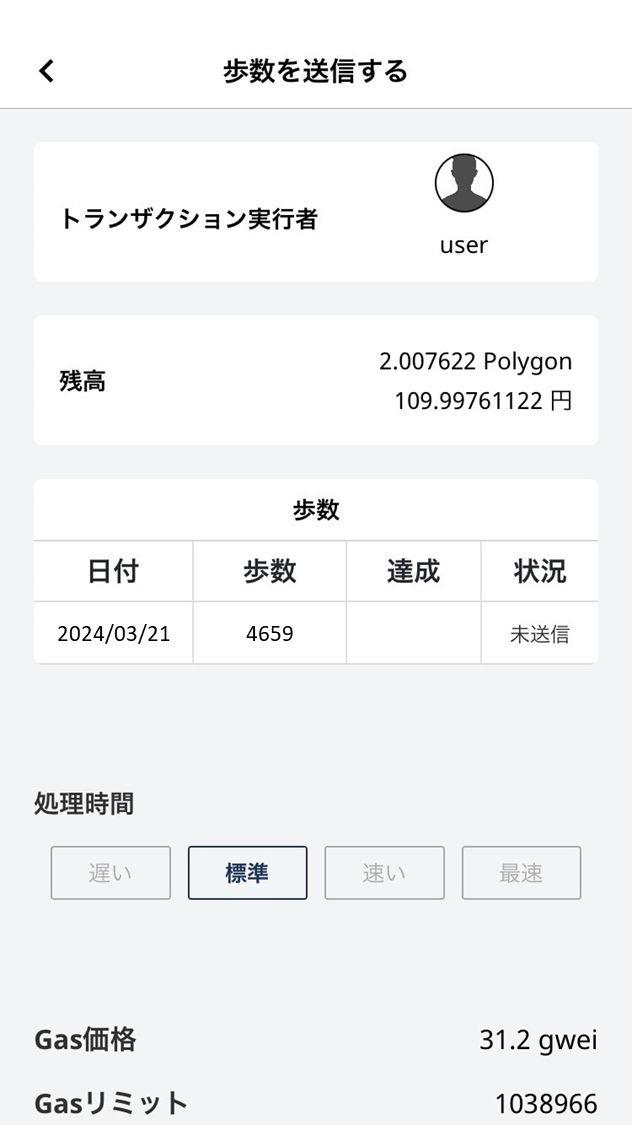
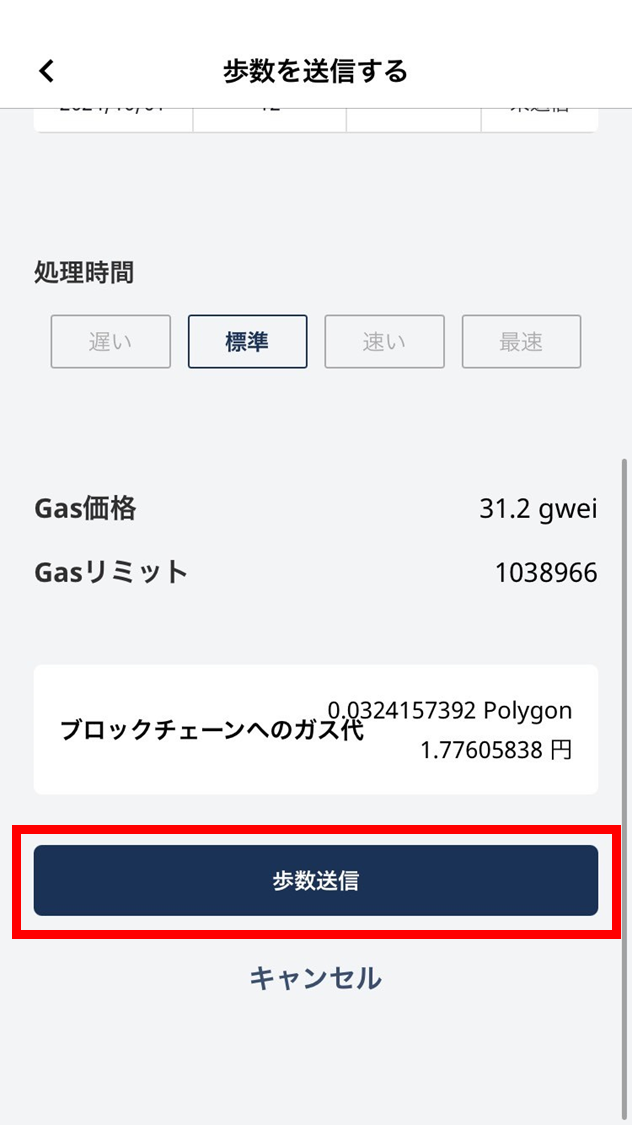
- Review the network fee, submission details, and network shown on the confirmation screen, then tap “Send steps”.
The fee may change with network conditions.
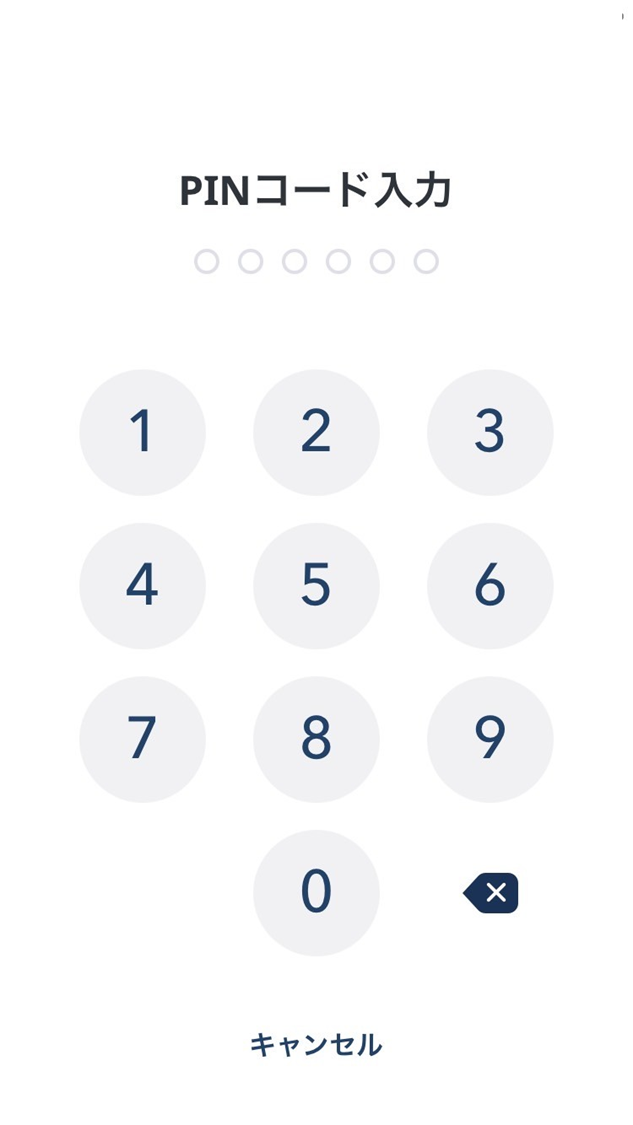
- Enter your PIN.
- The steps are sent.
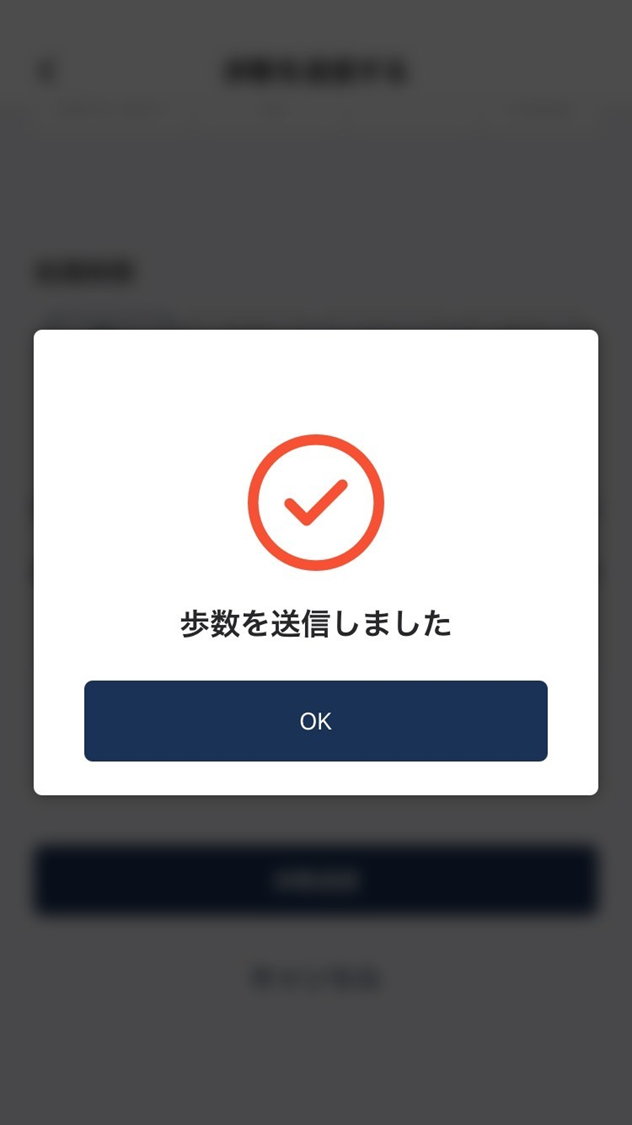
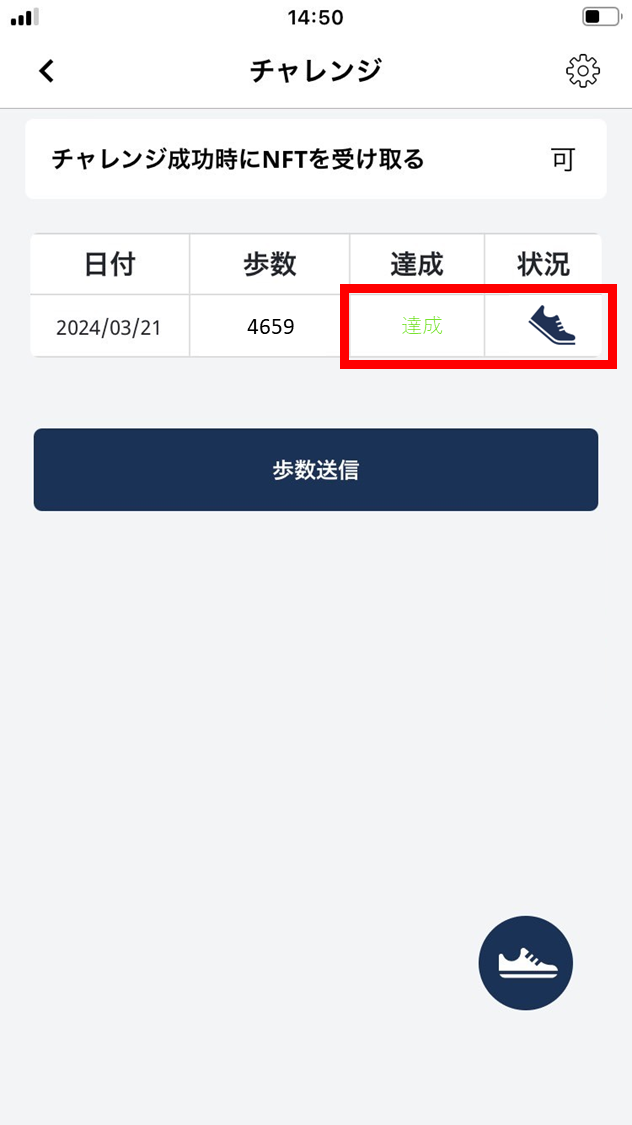
- On successful send, the challenge screen shows the following.
It can take a little time before the screen reflects this.