Help / nft
MetaMask
MetaMask is a wallet for managing Ethereum-family crypto-assets.
What is MetaMask?
-
MetaMask is a wallet for managing Ethereum-family crypto-assets.
-
NFTs distributed in ESPL can be displayed in MetaMask.
-
You can import your ESPL wallet into MetaMask and manage it there.
-
After importing, the assets in your ESPL wallet appear in MetaMask.
-
Importing requires your ESPL private key.
-
MetaMask exists as both a smartphone app and a desktop app; you can manage it from both.
Install MetaMask
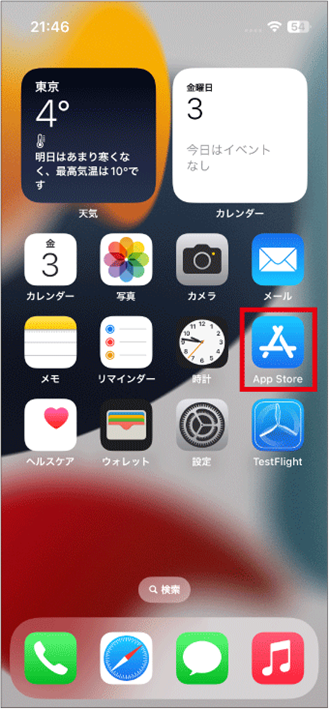
- Tap “App Store”.
-
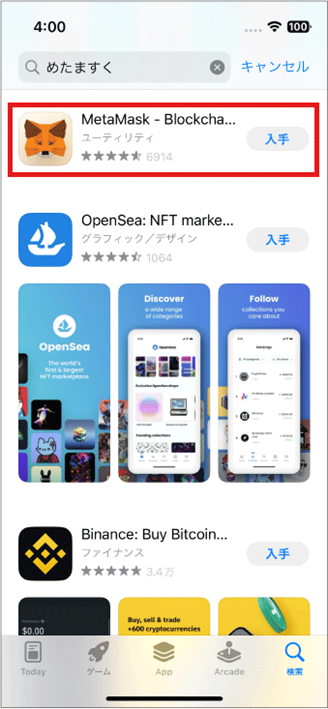
Search for MetaMask.
-
Install MetaMask.
Create a new wallet in MetaMask
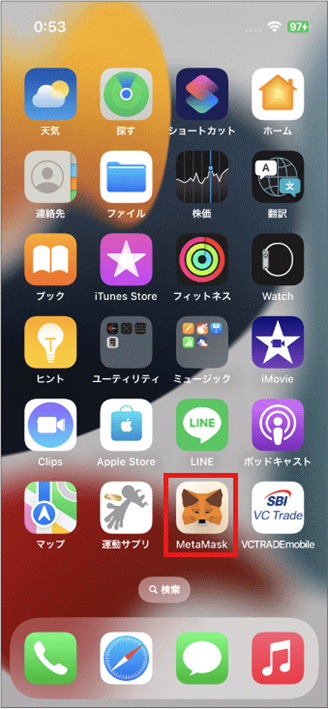
- Tap MetaMask.
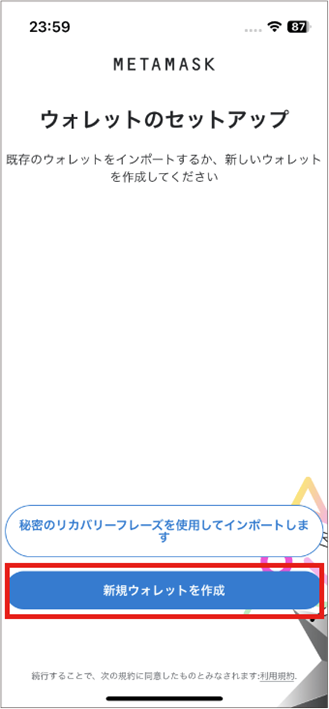
- Tap “Create a new wallet”.
- Tap the icon in the top left.
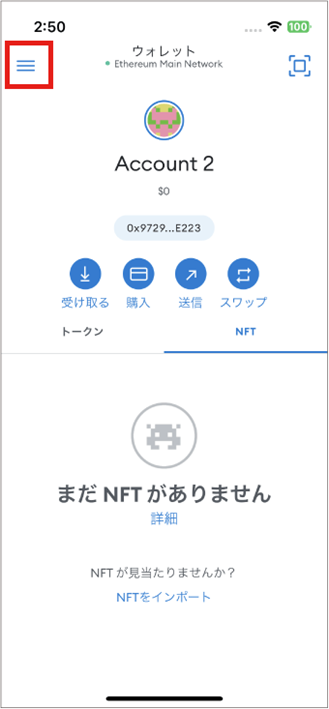
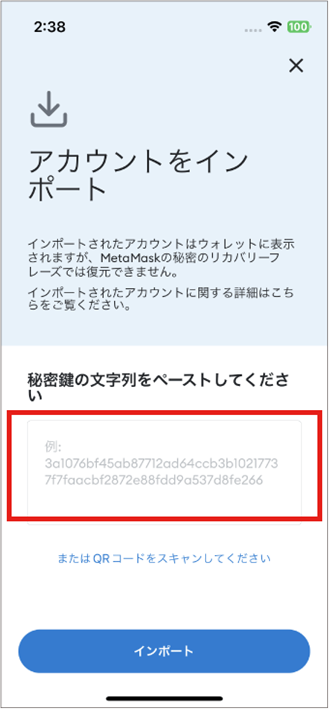
- To import an account, copy and paste your ESPL private key. You can also scan a QR code to import.
The ESPL private key is shown under: top-left settings icon → “Security” → “Private key”.
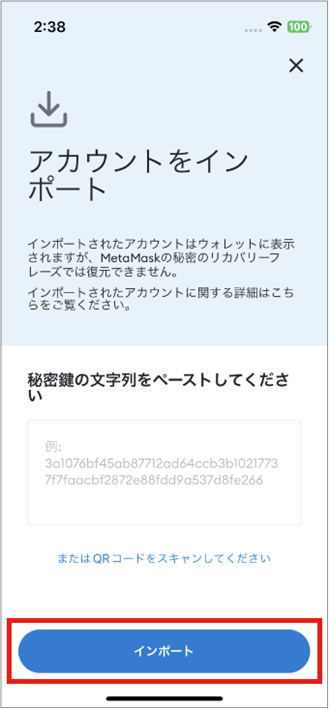
- Tap “Import”.
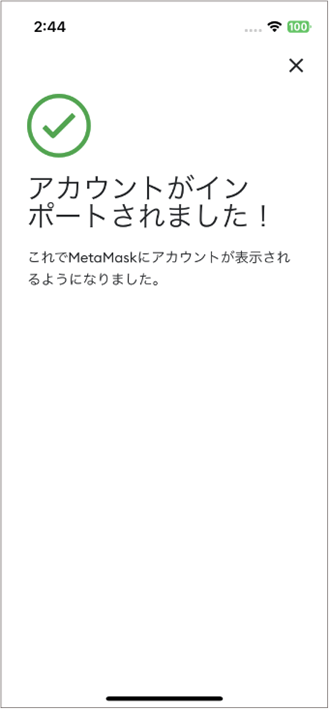
- The ESPL account is imported into MetaMask.
- Tap “Network” and choose “Polygon”.
The network switches to Polygon.
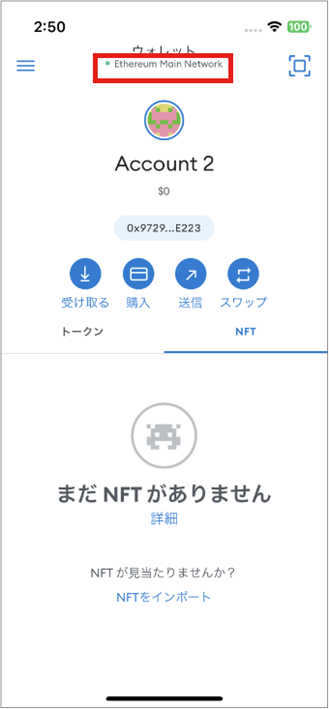
- The ESPL wallet balance is now visible in MetaMask too.
The import succeeded.
How to display NFTs
You can import NFTs distributed in ESPL into MetaMask and display them.
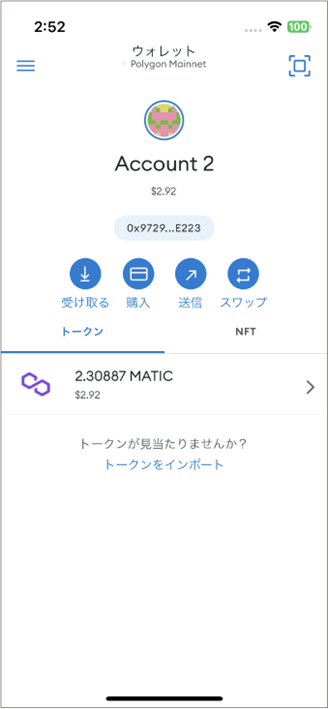
- In the ESPL ended-challenge screen, copy the NFT’s contract address.
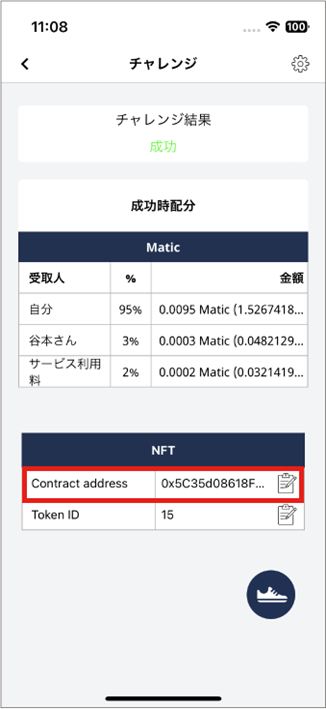
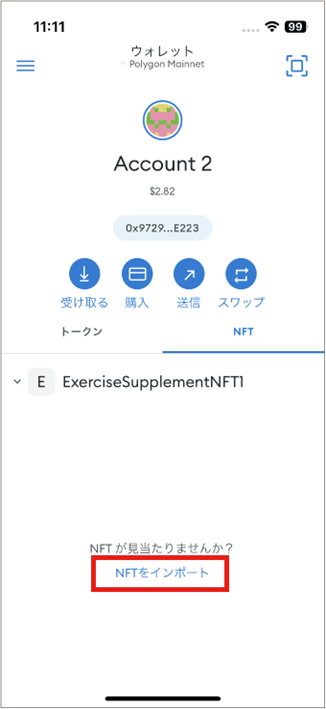
- In MetaMask, tap “NFT”.
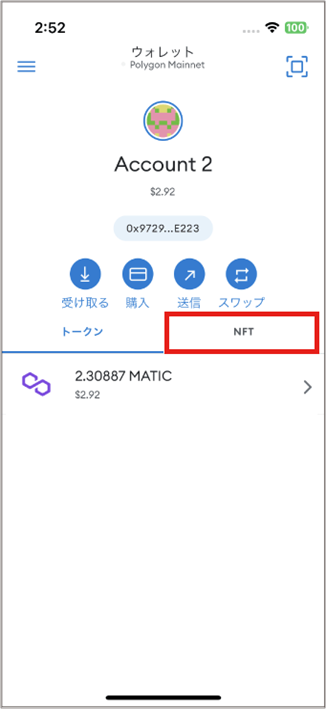
- Tap “Import NFT”.
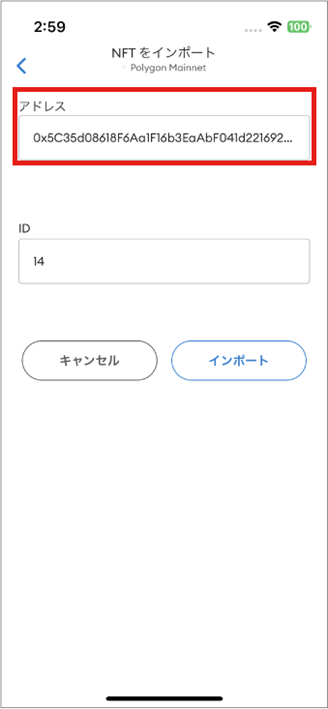
- Paste the contract address.
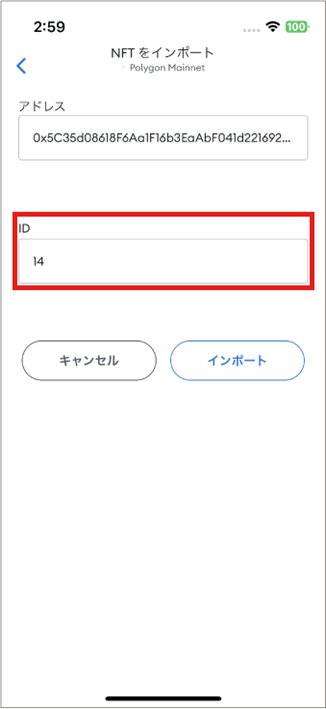
- Enter the ID.
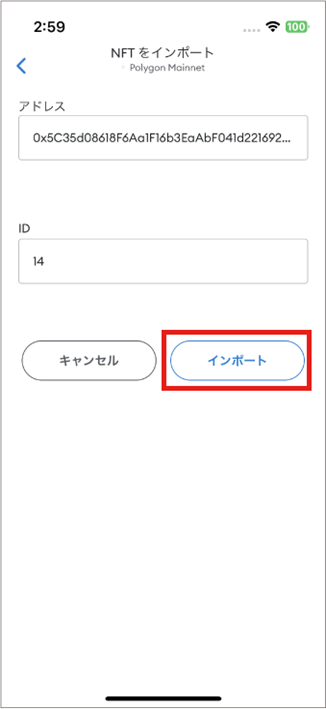
- Tap “Import”.
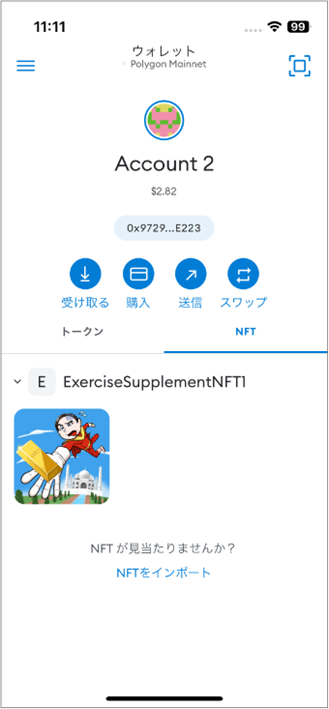
- The NFT image appears.
Buy crypto-assets in MetaMask
-
You can buy crypto-assets and tokens in MetaMask.
-
The minimum purchase amount can be higher than on a crypto-asset exchange.
-
For Polygon, for example, the minimum is ¥4,000 (JPY).
-
You can pay with Apple Pay, credit card, or debit card.
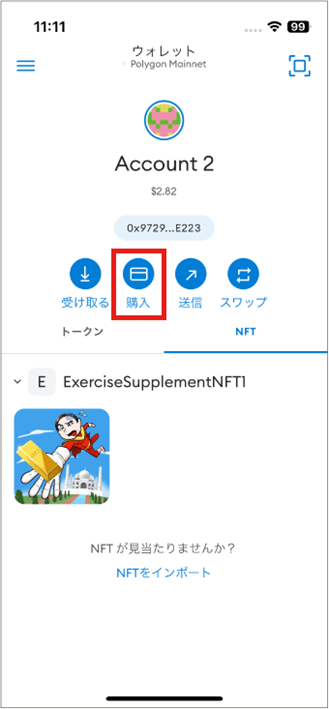
- Open the account that has the ESPL wallet linked, and tap “Buy”.
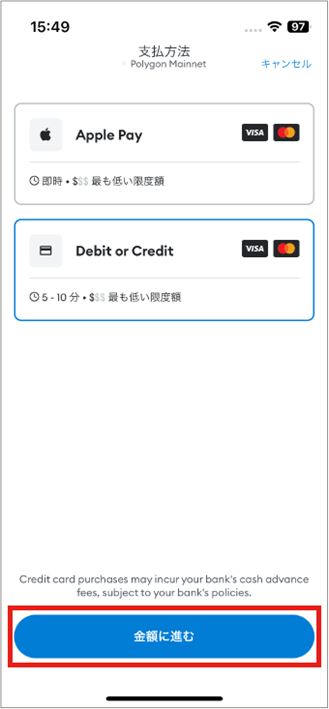
- Tap “Apple Pay” or “Debit or Credit” → “Continue to amount”.
- Pick the crypto-asset to buy.
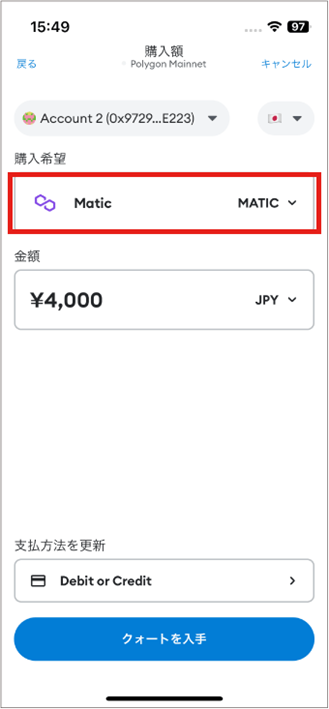
- Enter the amount and choose the currency.
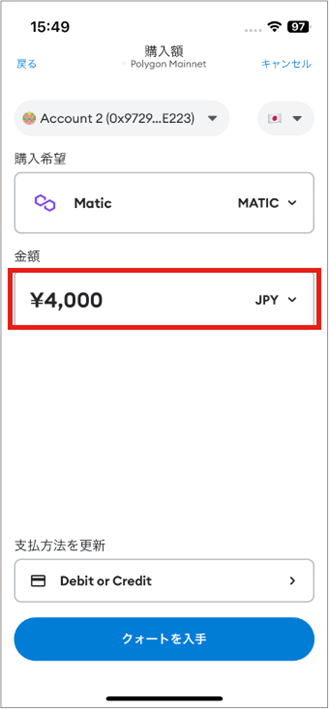
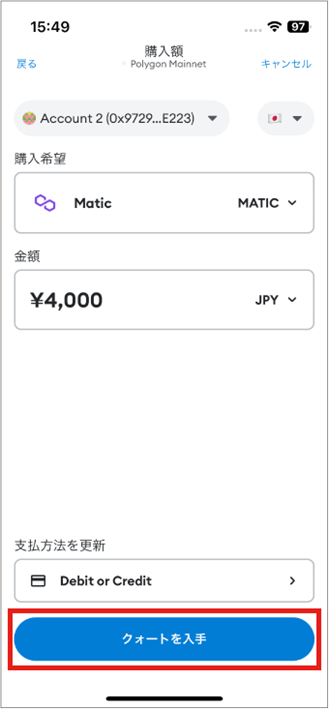
- Tap “Get quote”.
- To buy POL from a partner provider, the MetaMask app forwards you securely to the partner’s portal. Tap “Buy with Transak”.
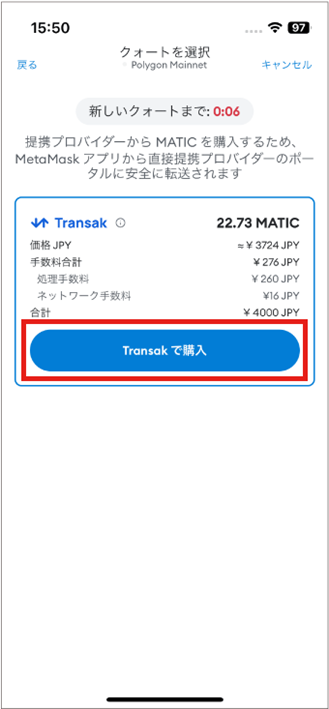
- From here, follow the provider’s instructions to complete the purchase.