Help / settings
Address book
Register the nicknames, email addresses, and wallet addresses of yourself, Sponsors, and Receivers.
-
Register the nicknames, email addresses, and wallet addresses of yourself, Sponsors, and Receivers.
-
Used when creating a challenge.
-
We recommend registering addresses before starting a challenge.
-
You can edit and add address-book entries later.
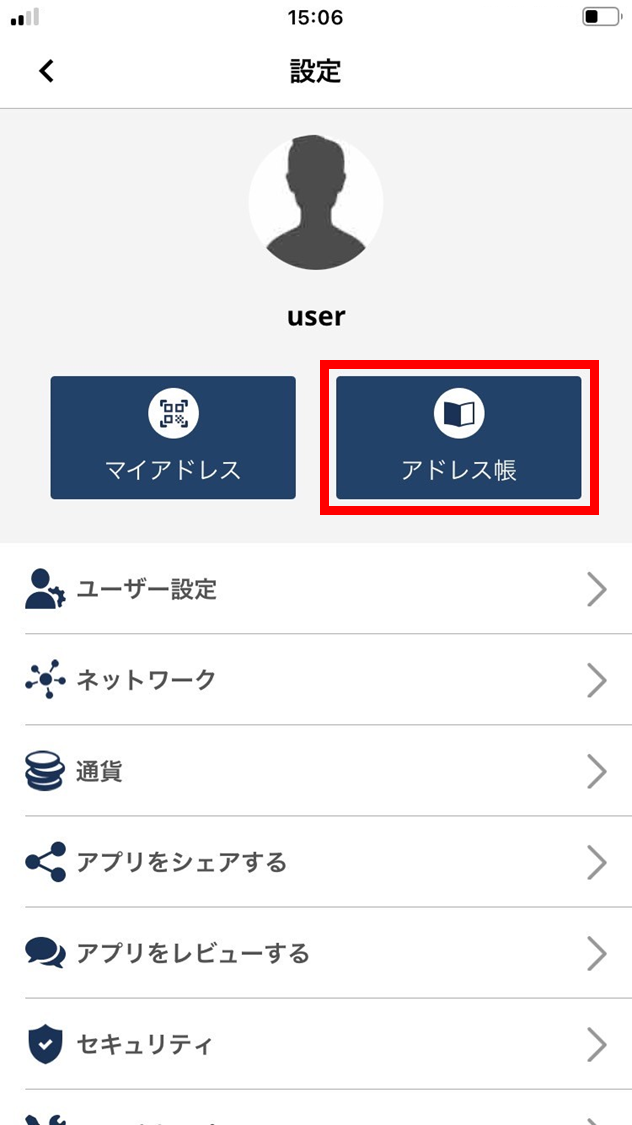
- Tap “Address book”.
-
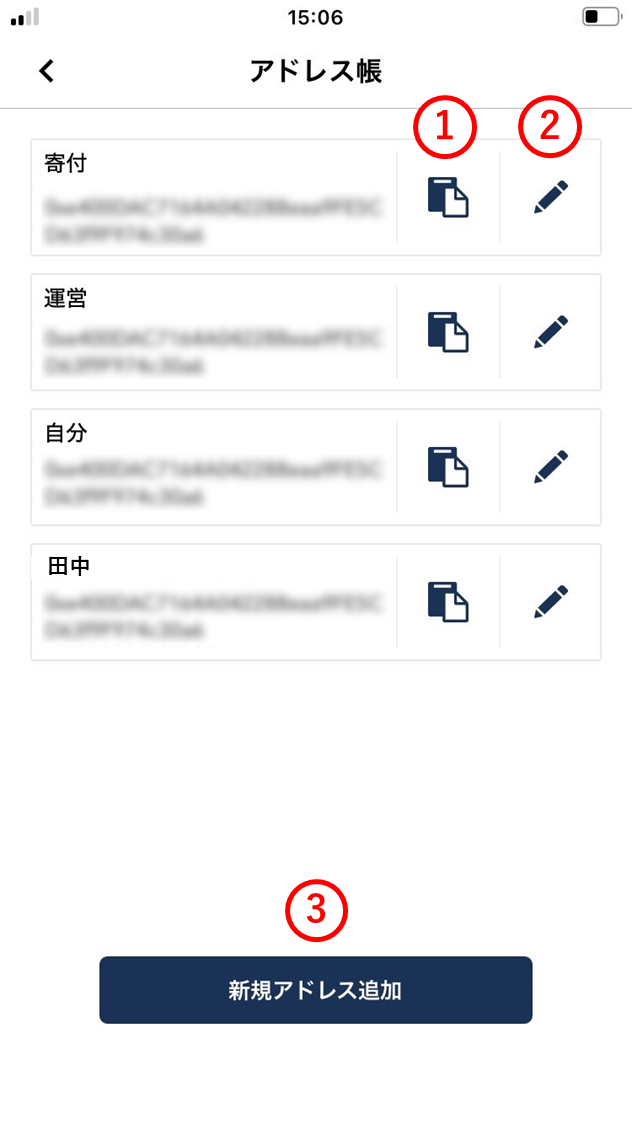
The contents of the address book are shown. (1) Copy address
Tap to copy the wallet address.
(2) Edit address
Edit the address-book entry.
(3) Add new address
Add a Sponsor, supporter, etc. to the address book.
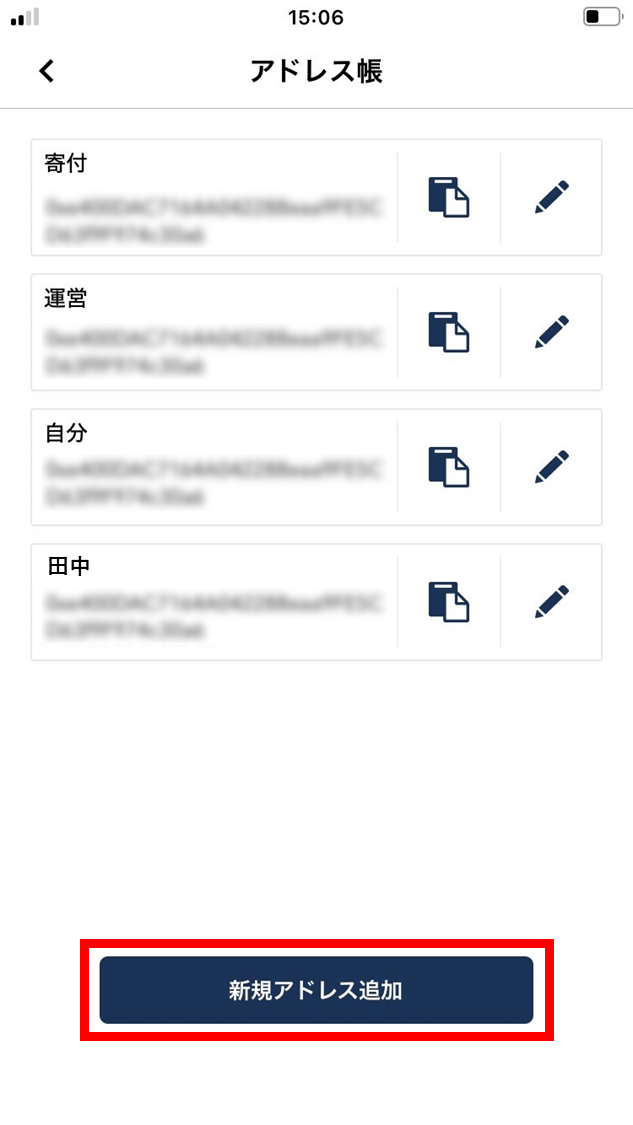
- To register a new entry, tap “Add new address”.
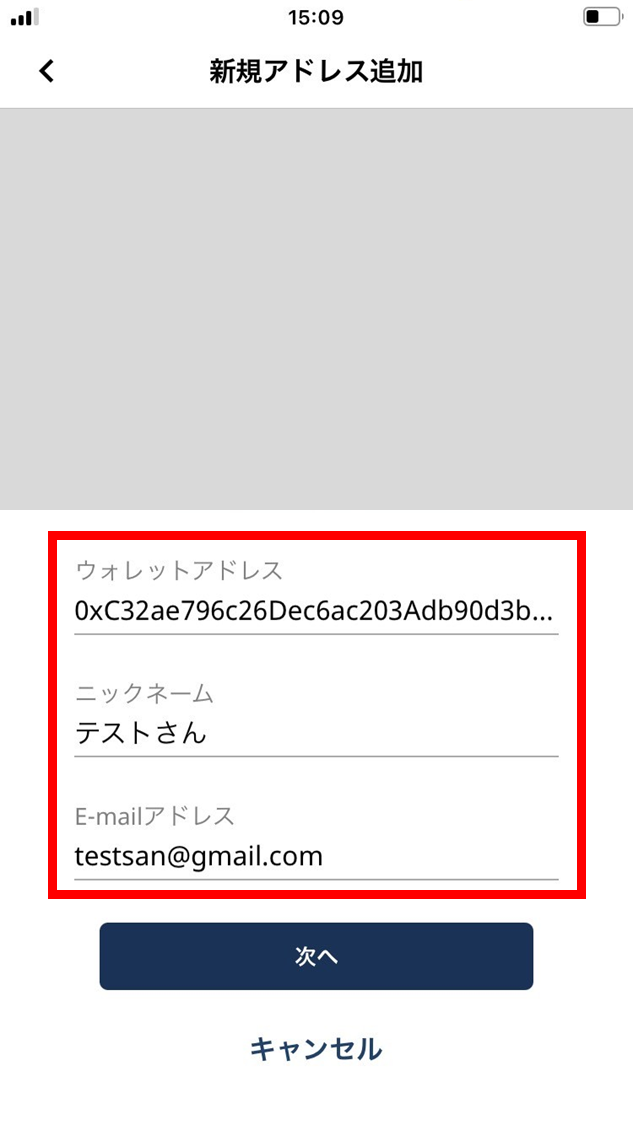
- Enter the wallet address, nickname, and email address.
In the camera area, you can scan the wallet-address QR code.
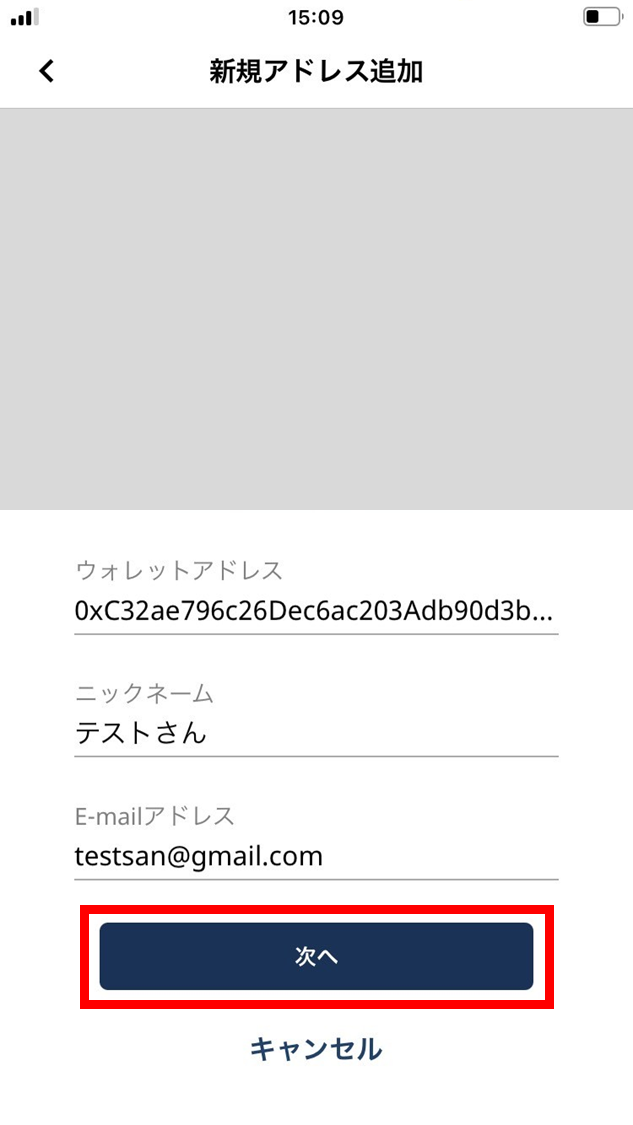
- Tap “Next”.
- Confirm that all fields are filled in, then tap “OK”.
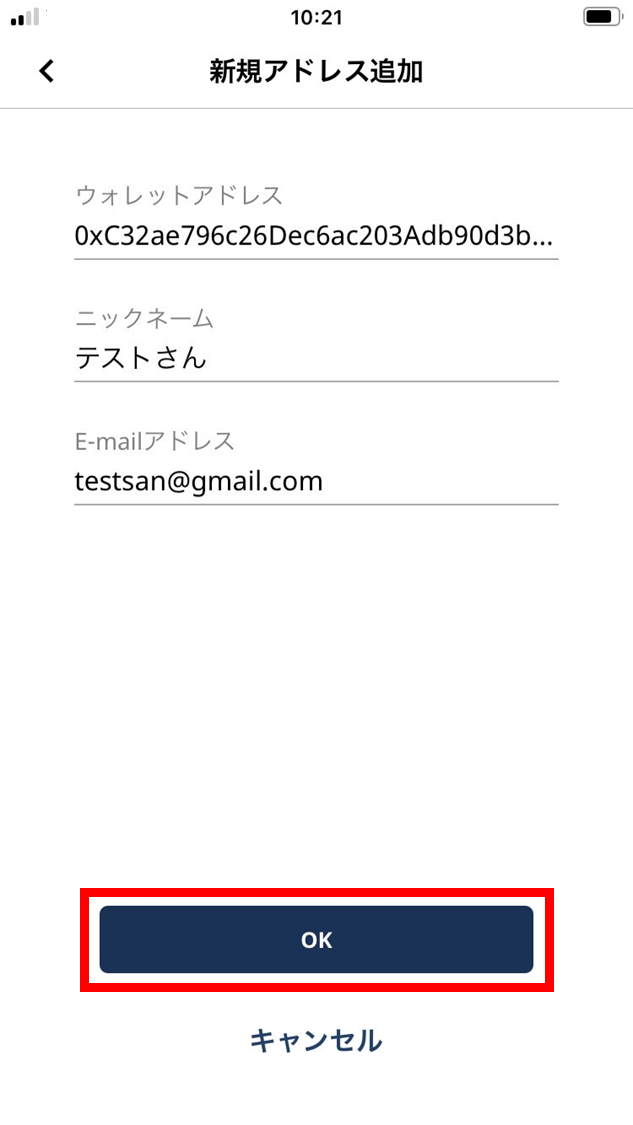
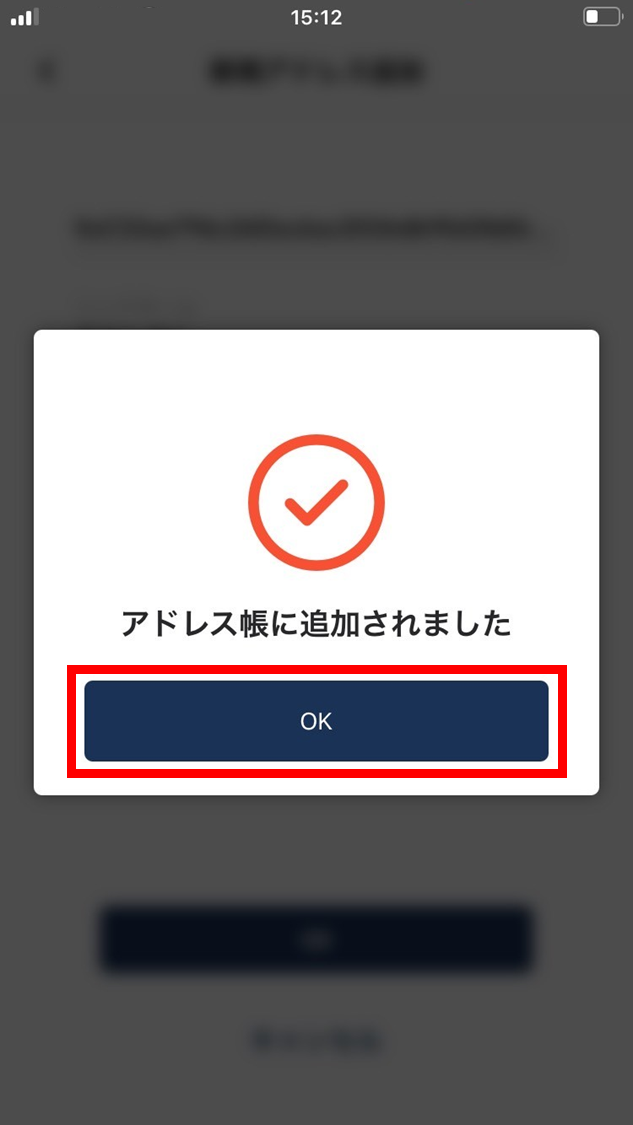
- On the confirmation screen, tap “OK”.
The new address is now registered.