Help / settings
User settings
View and edit your ESPL user information.
-
View and edit your ESPL user information.
-
You can also register your date of birth, gender, height, and weight.
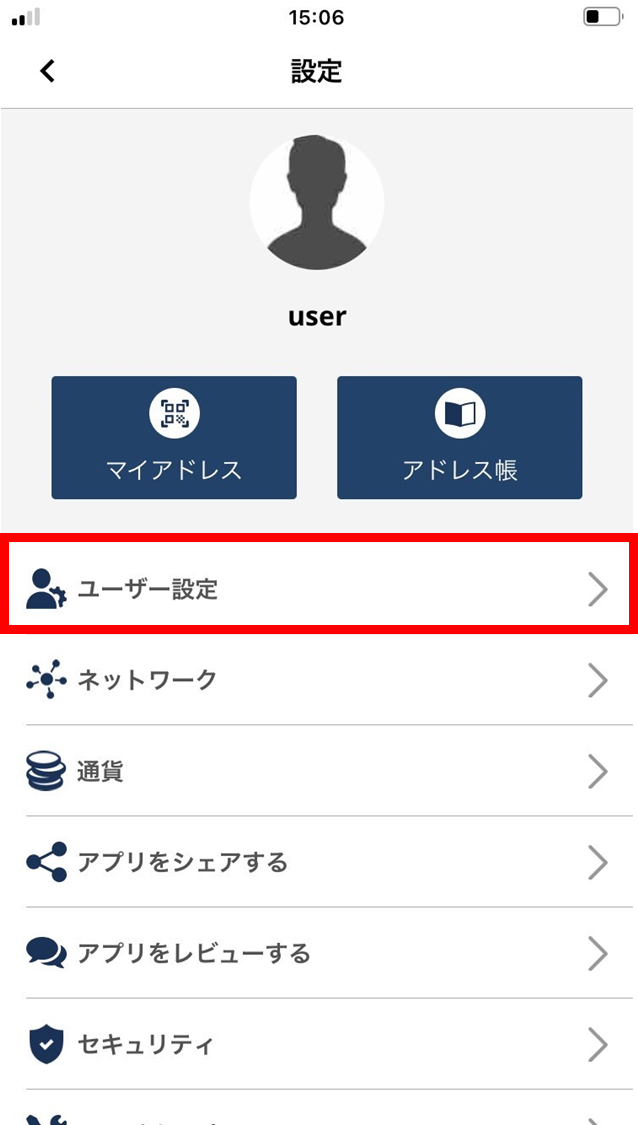
- Tap “User settings”.
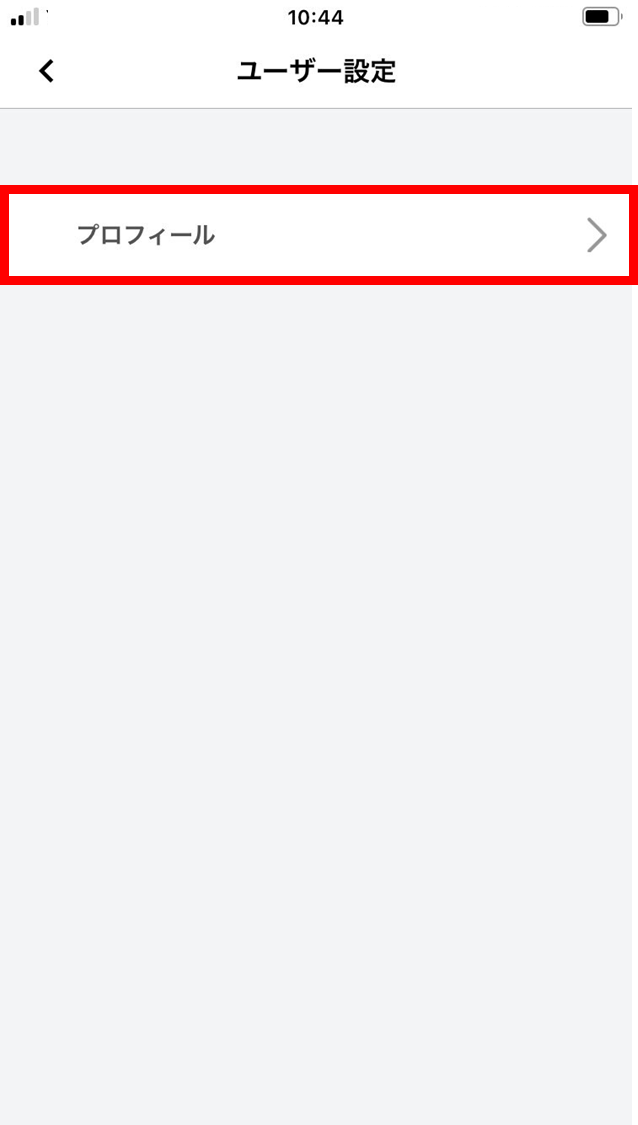
- Tap “Profile”.
-
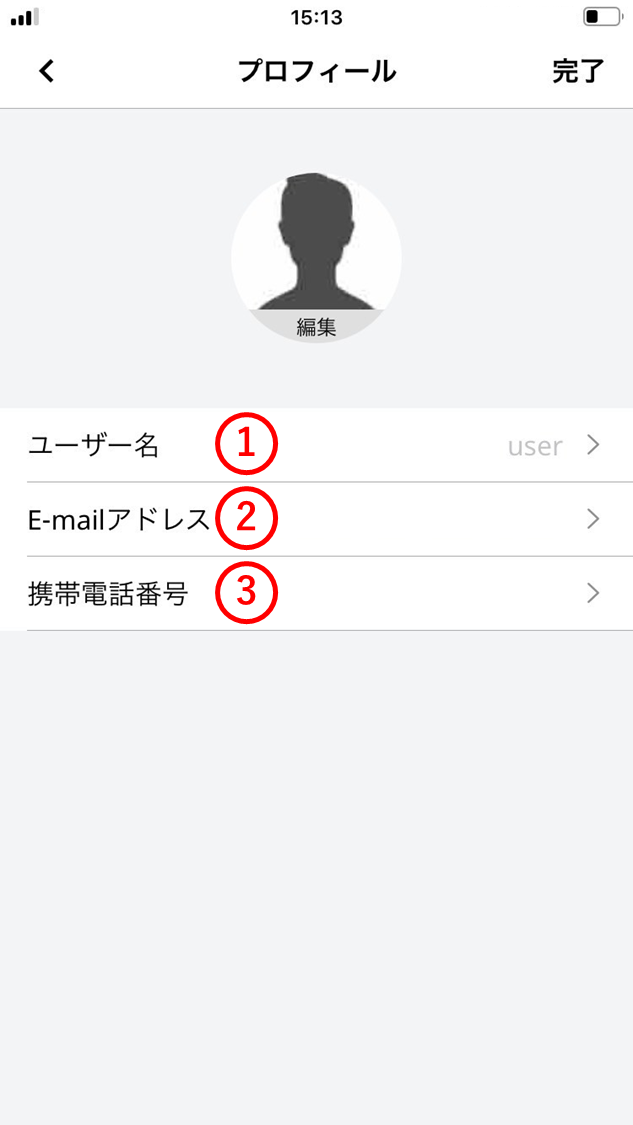
View and edit your user information. (1) Username
Change your username.
(2) Email address
Change your email address.
*Depending on your sign-up method, the email may not be changeable.
(3) Mobile phone number
Change your mobile phone number.