Help / wallet
History
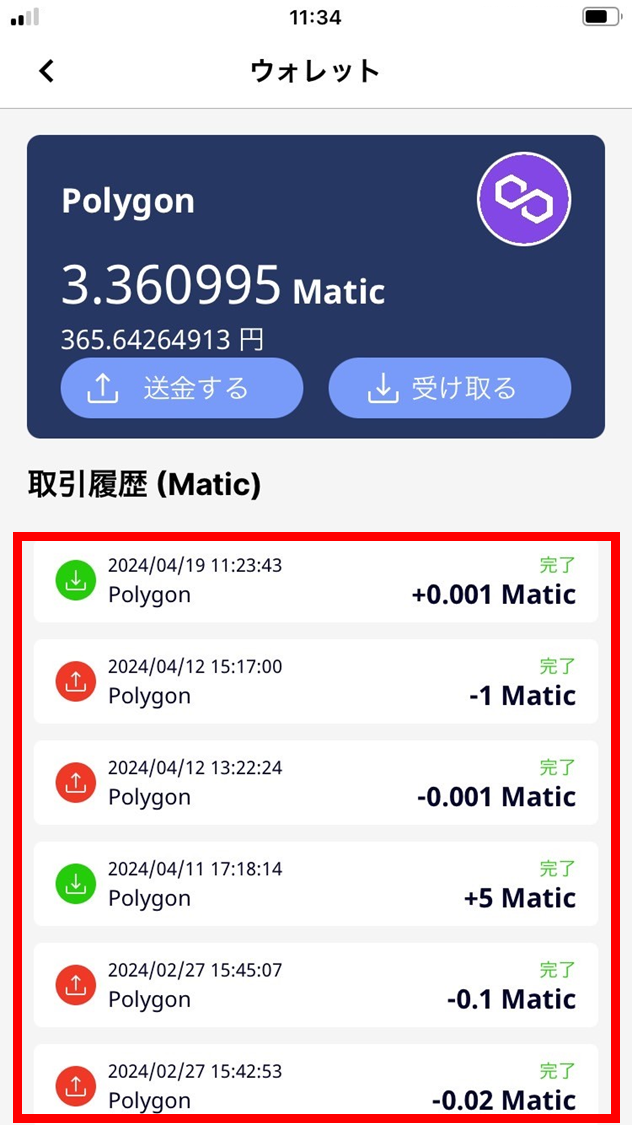
The transaction history shows the send and receive history of crypto-assets and tokens.
-
The transaction history shows the send and receive history of crypto-assets and tokens.
-
Tap a transaction in the history to see details.
-
Swipe down on the screen to refresh wallet information.
-
The commitment deposit distributed from the blockchain after a challenge ends also appears here.
- Tap the crypto-asset you want to inspect.
For this example, we select POL.
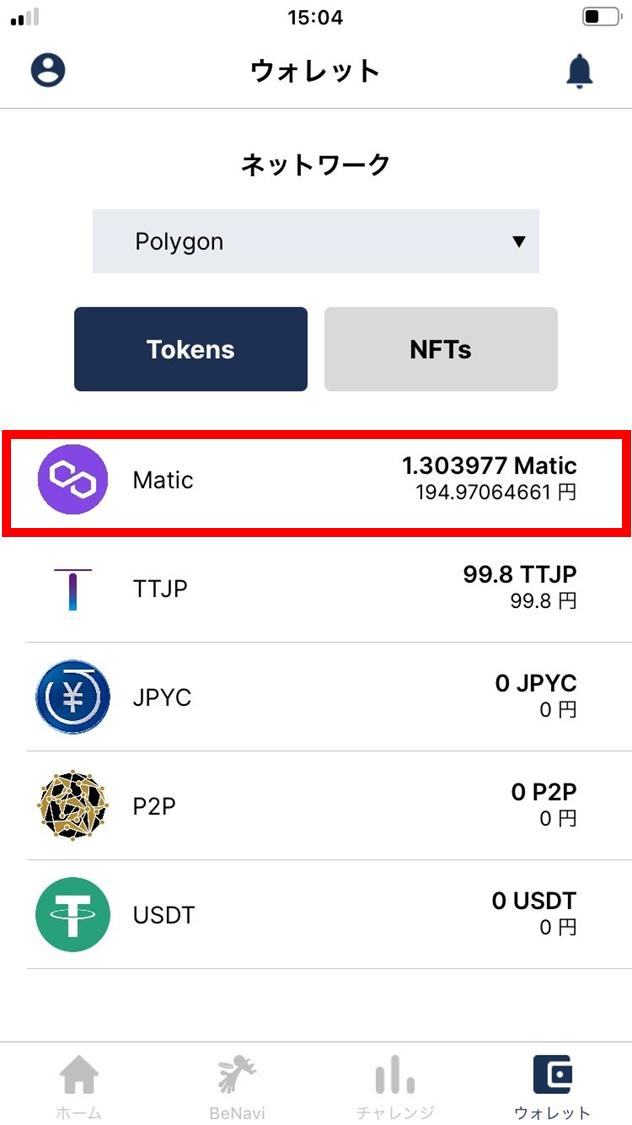
- The transaction history is shown. Tap an entry to see details.