Help / wallet
Sending
Send the crypto-assets or tokens you hold in your wallet.
- Send the crypto-assets or tokens you hold in your wallet.
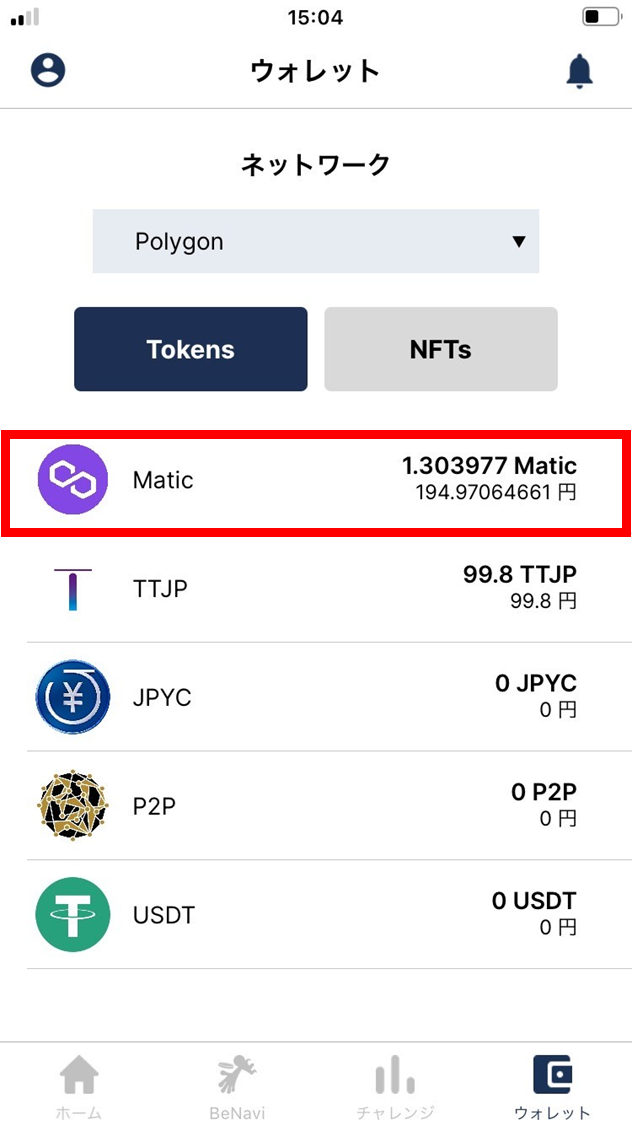
- Tap the crypto-asset you want to send.
For this example, we select POL.
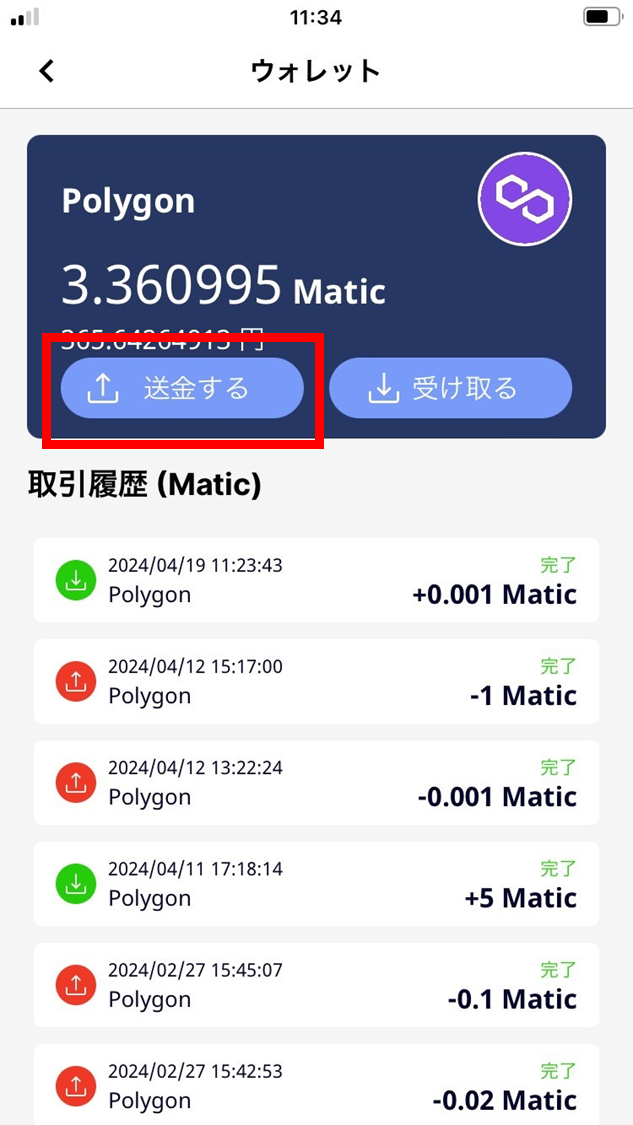
- Tap “Send”.
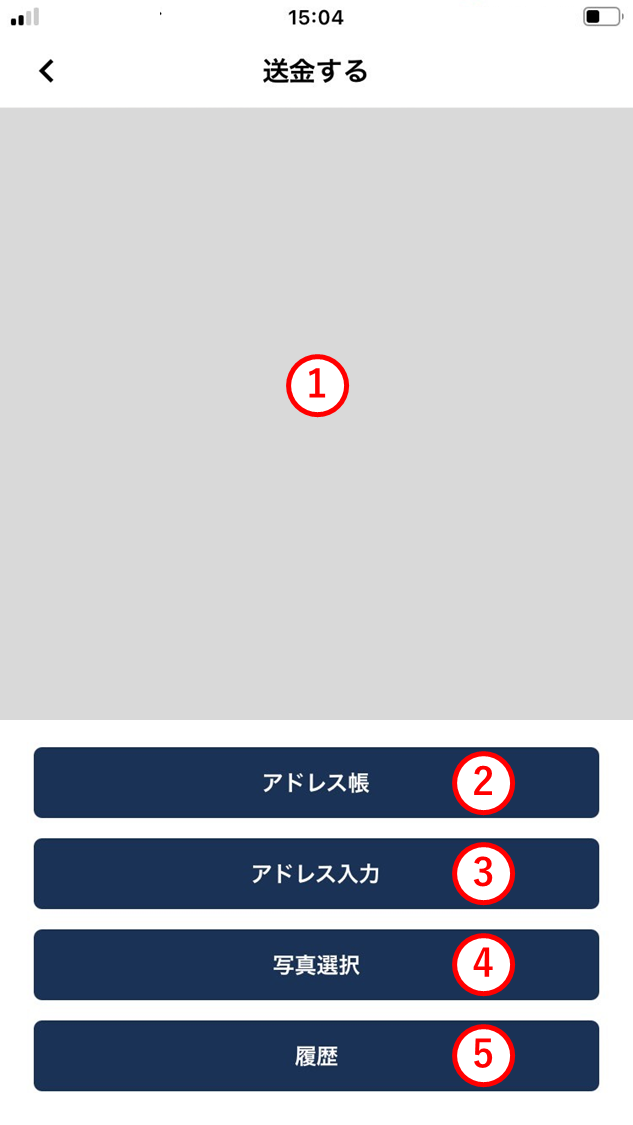
- Specify the destination address using one of the following methods.
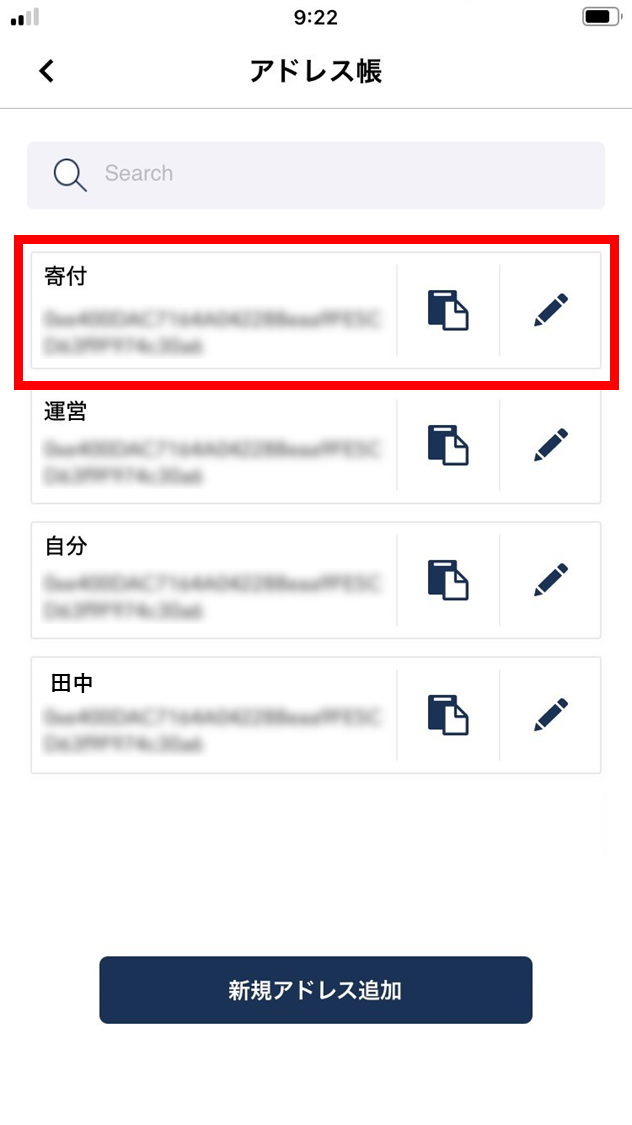
For this example, we send from the address book.
(1) QR code camera
Scan the destination address’s QR code with the camera.
(2) Address book
Pick the recipient from your address book.
(3) Enter address
Type or paste the destination address.
(4) Select photo
If you have a saved photo of the destination address QR code, import it.
(5) History
Pick the destination from the send history.
- Select the recipient.
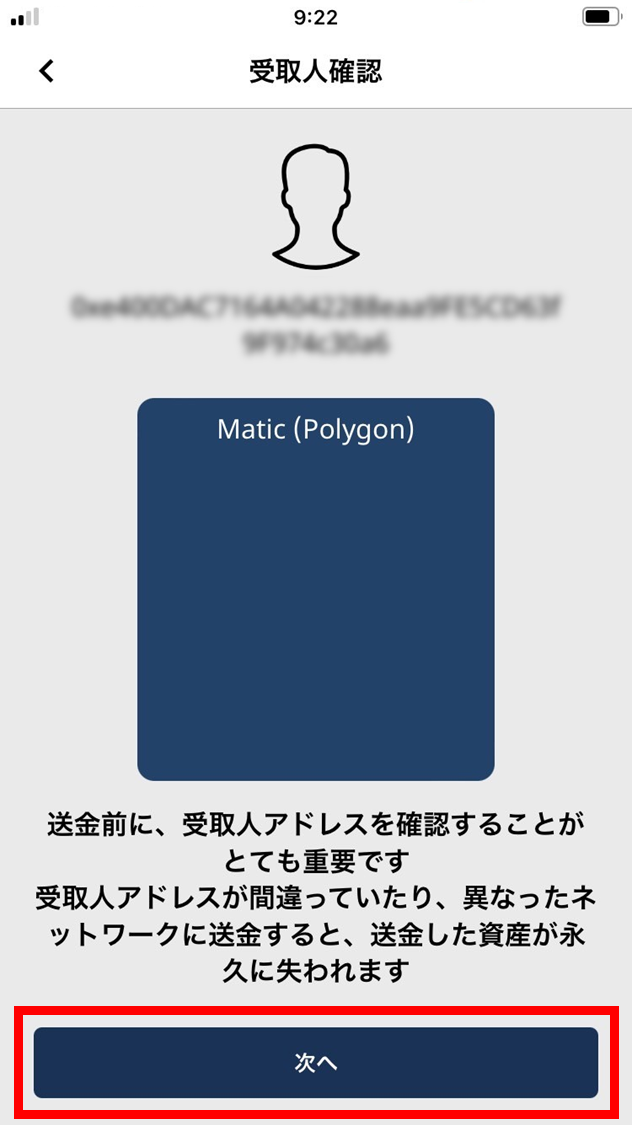
- Confirm the recipient and tap “Next”.
If the recipient’s address is wrong or you send on the wrong network, the asset will be lost permanently — please confirm carefully.
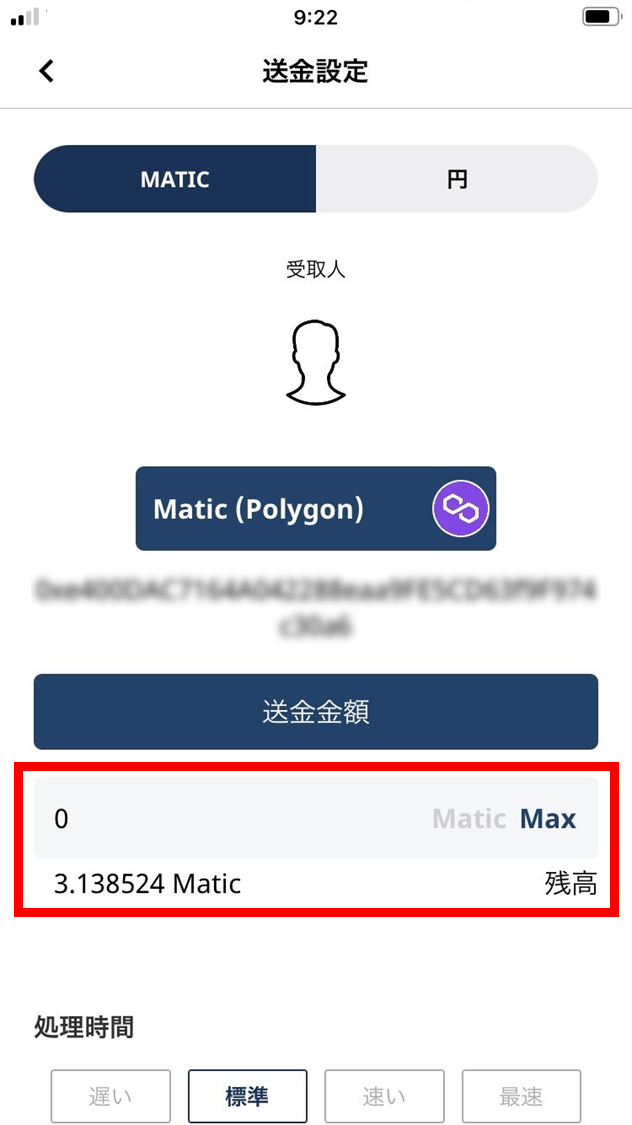
- Enter the send amount.
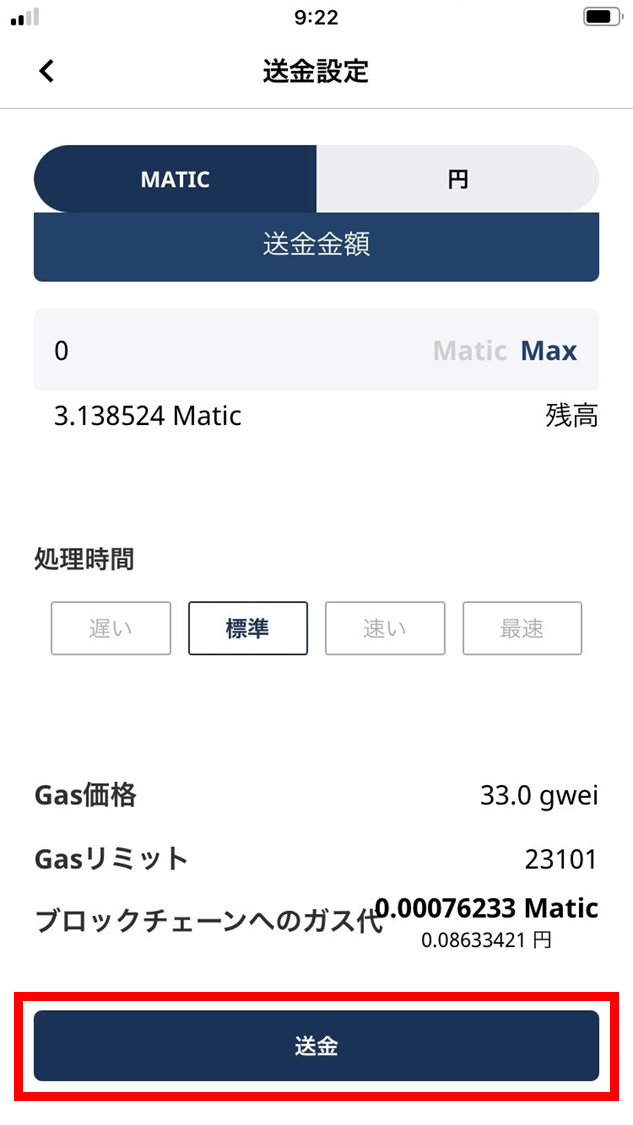
- Tap “Send”.
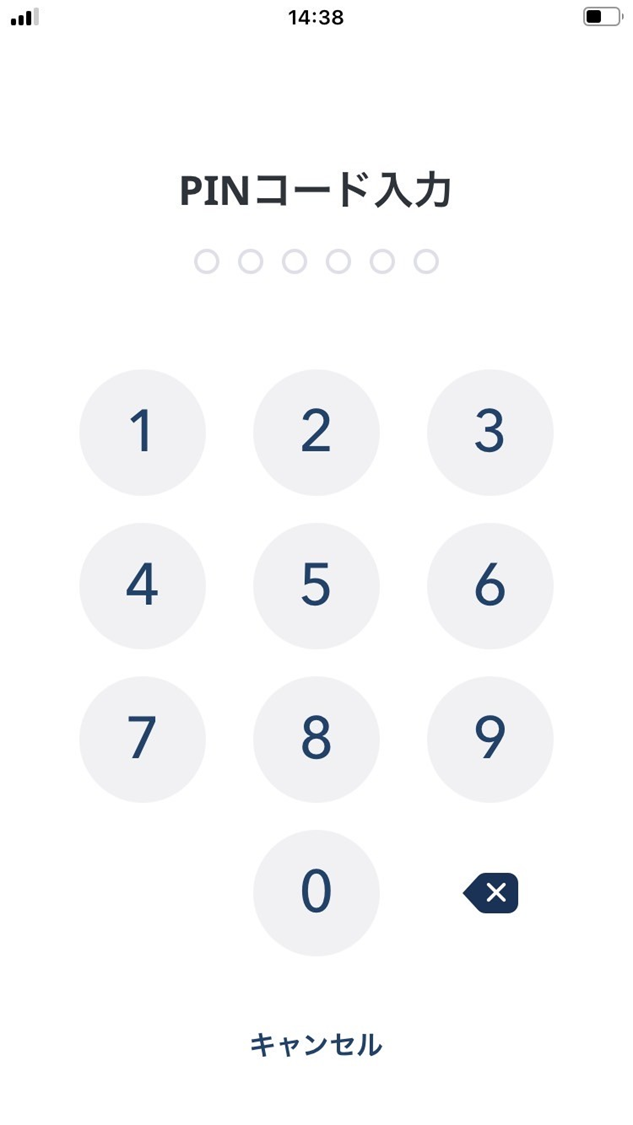
- Enter your PIN.
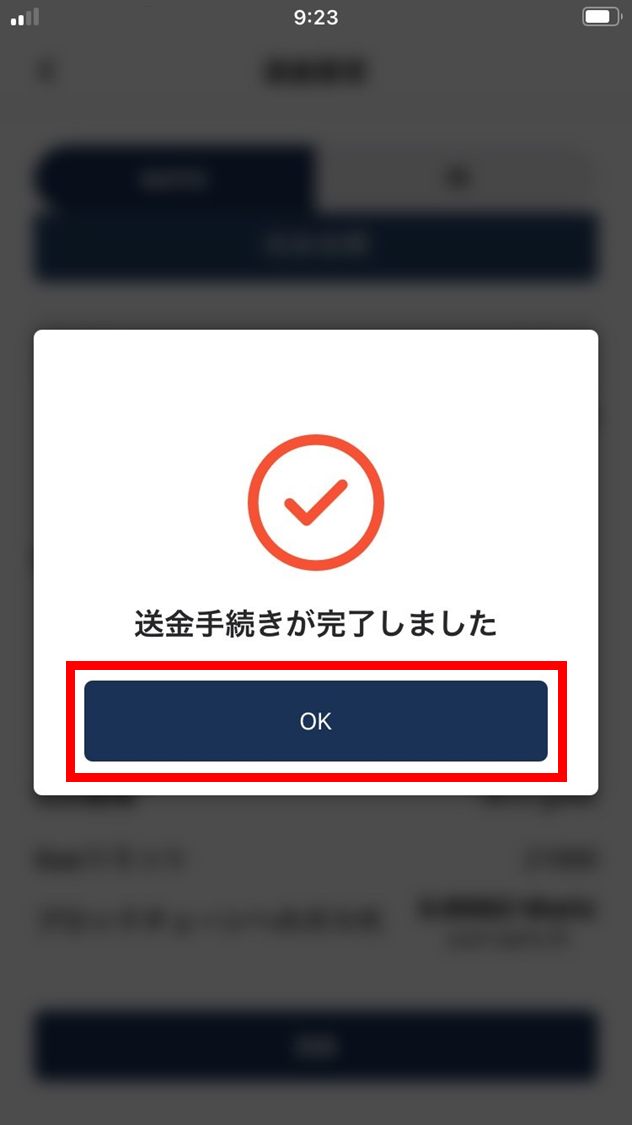
- The send is complete.