Help / challenge
About challenges
Read the challenge rules carefully before joining.
-
Read the challenge rules carefully before joining.
-
Before joining a challenge, read “Before you start using ESPL” and complete the required setup.
The challenge top screen
Open the challenge top screen.
- From the home screen, tap “Challenges”.
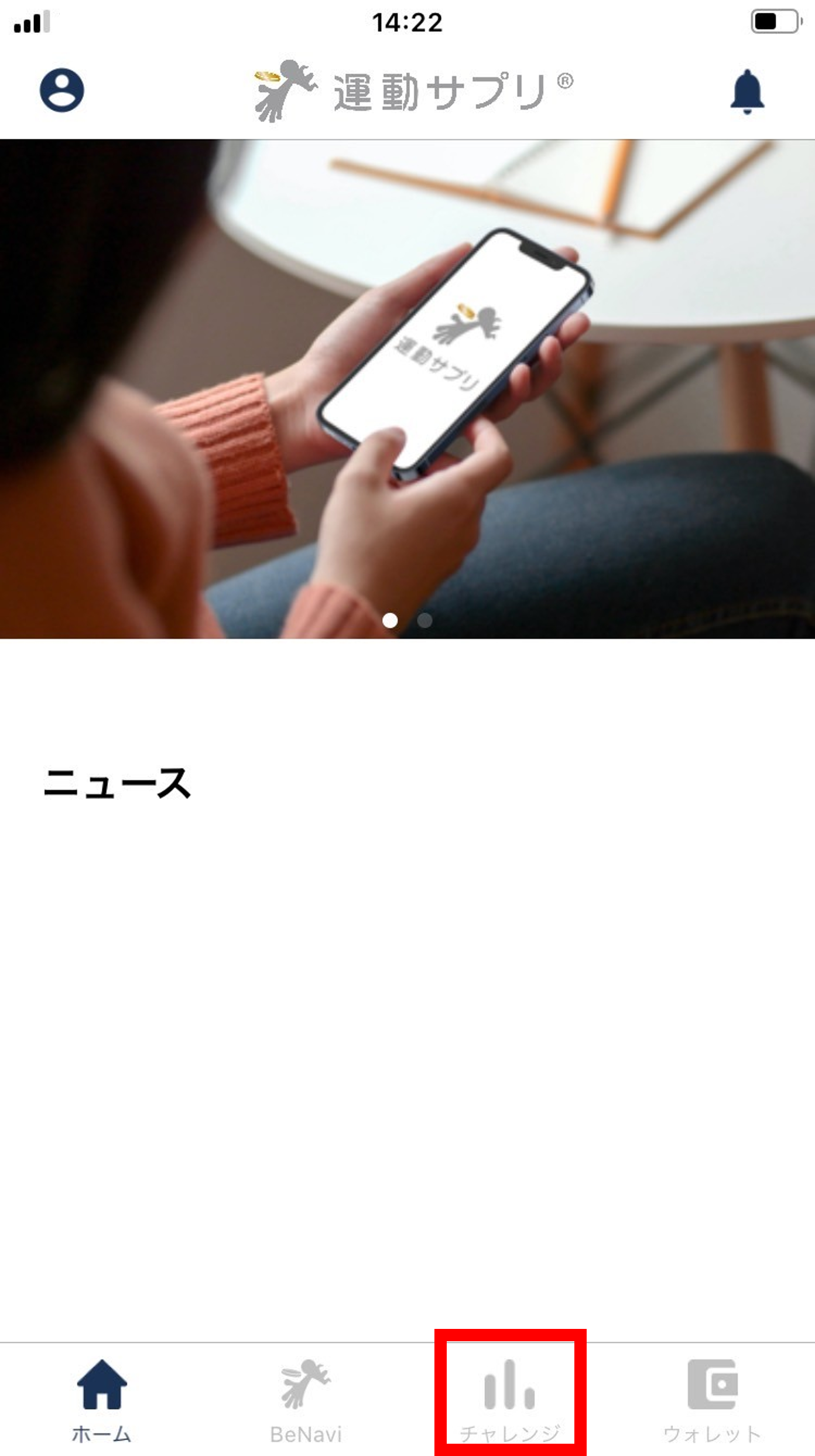
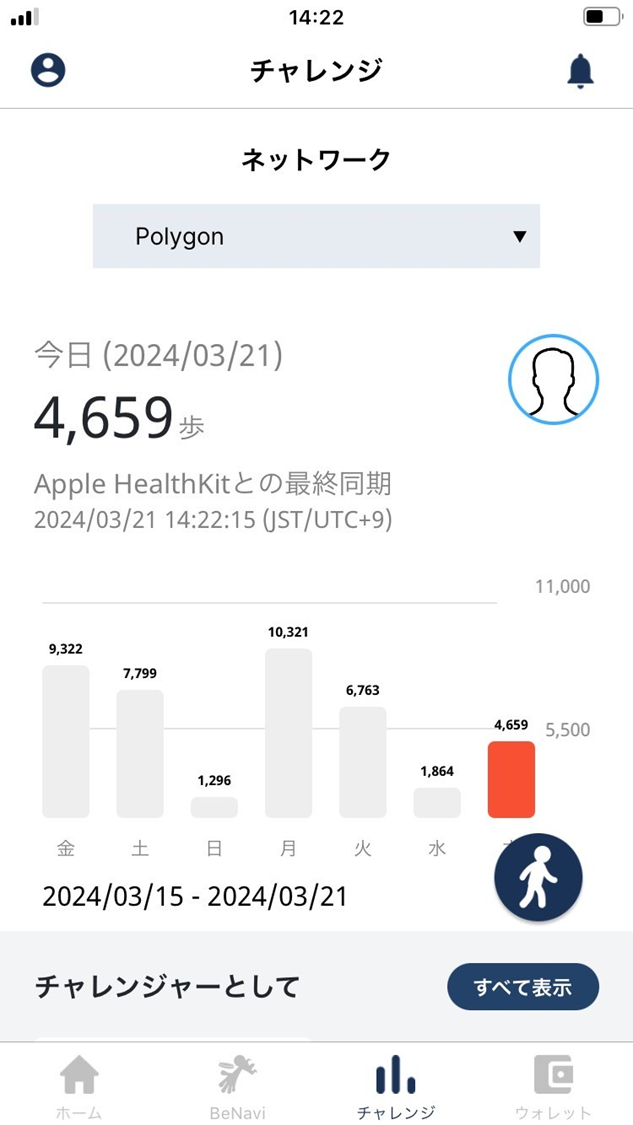
- The challenge top screen opens.
If the step graph doesn’t display correctly, see “Linking the health app with ESPL” and confirm the link is set up correctly.
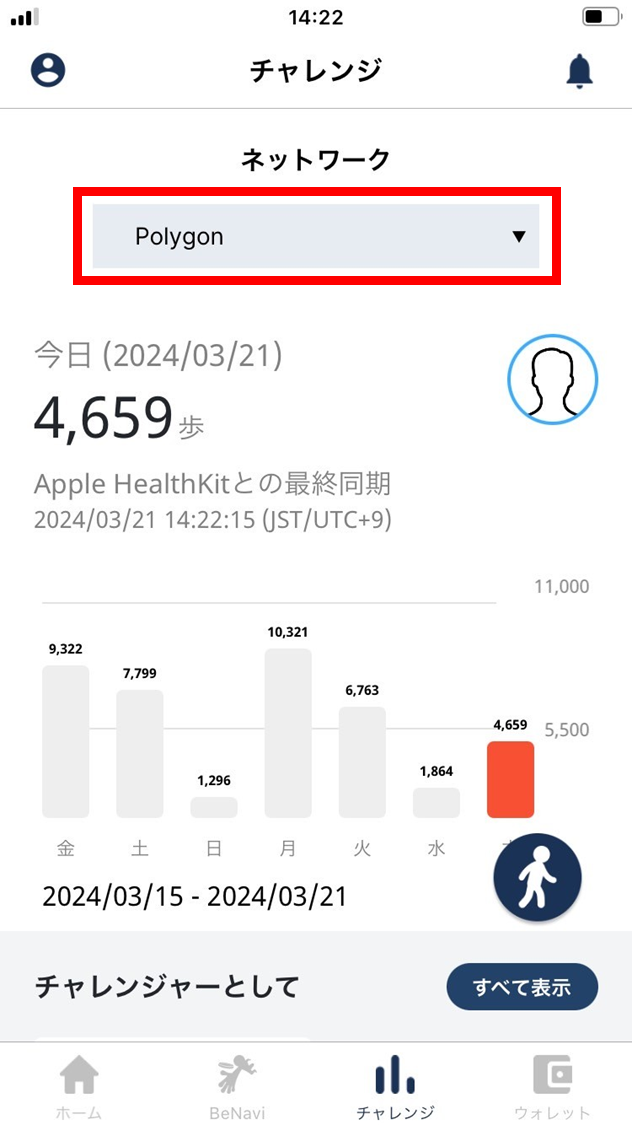
Network
Shows the blockchain network ESPL is using.
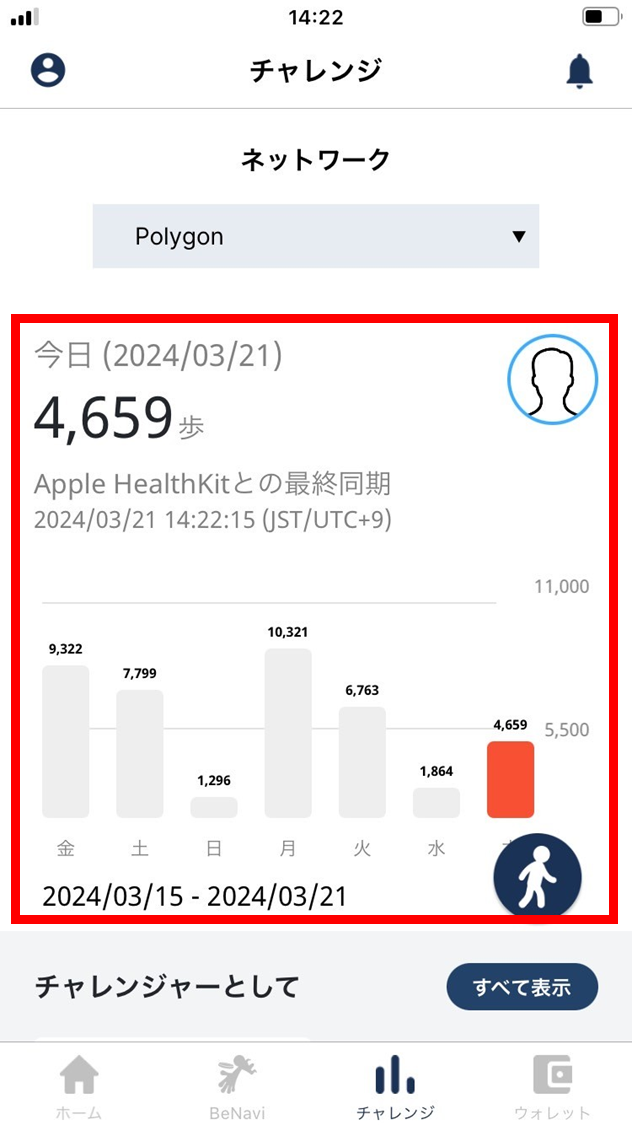
Step graph
-
Steps counted by the health app are displayed automatically. There is a 10–20 minute lag before health-app data is reflected.
-
If you walked but the step graph shows zero, the data link may not be working. See Linking the health app with ESPL and confirm the link is correctly set up.