Help / challenge
Create a challenge (Sponsor)
Create a challenge with yourself as the Sponsor.
-
Create a challenge with yourself as the Sponsor.
-
Creating a challenge uses crypto-assets or tokens from your wallet. If your wallet has no assets, you can’t create one.
-
If your wallet doesn’t hold the crypto-assets or tokens, buy them on a crypto-asset / token exchange or in MetaMask and send them to your ESPL wallet.
-
ESPL records the challenge on the blockchain. The Challenger must send steps to the blockchain during the challenge period — or within 2 days after it ends. Each step send incurs a blockchain usage fee called gas.
Three ways to join a walking challenge
There are three ways to take part in a walking challenge.
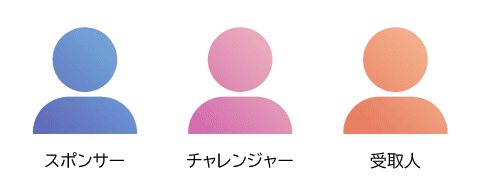
Sponsor
- Creates a new challenge.
- Pays the commitment deposit that’s distributed on success.
- Must be a registered ESPL user.
Challenger
- Actually performs the walking challenge.
- Must be a registered ESPL user.
Receiver
- Receives the commitment deposit on success / miss.
- Does not have to be a registered ESPL user.
- Must have a wallet address.
Create a challenge
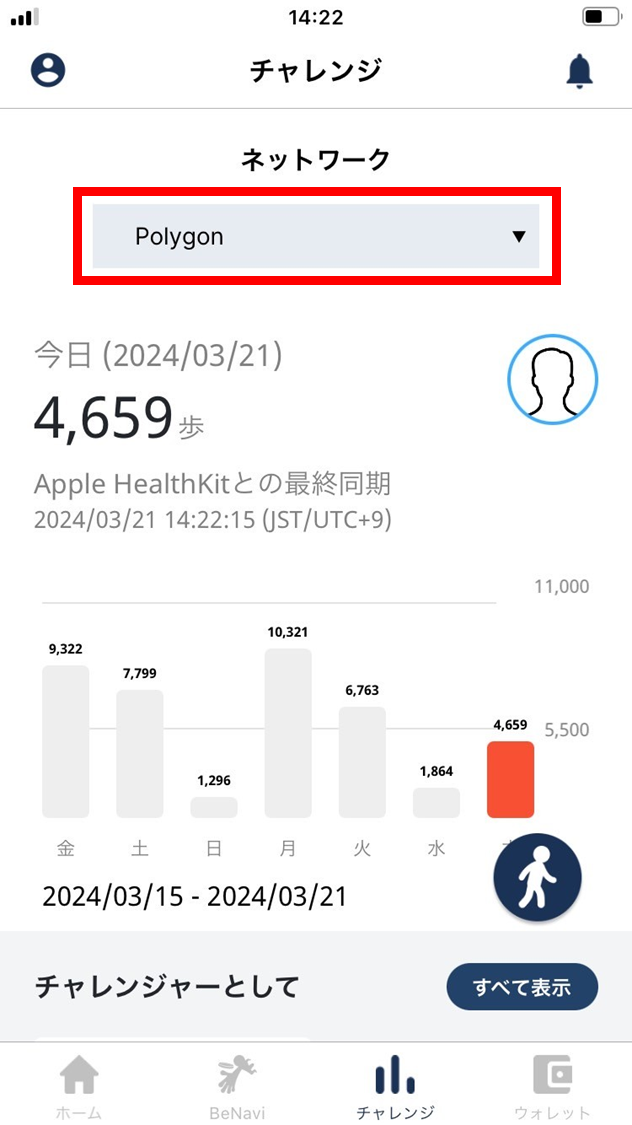
- Choose the network to use for the new challenge.
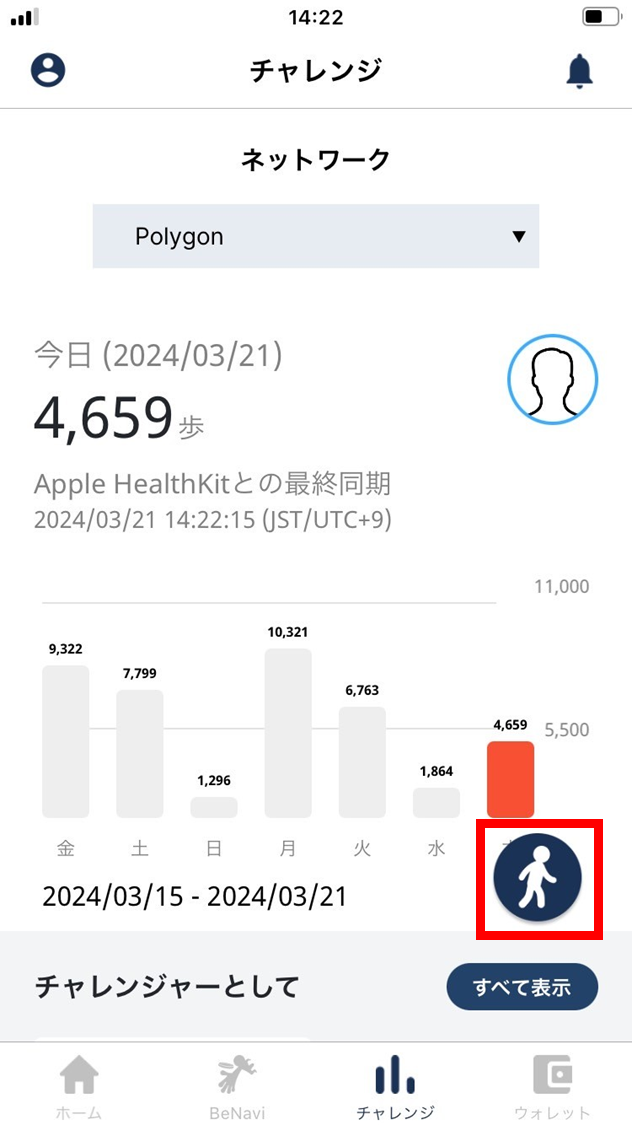
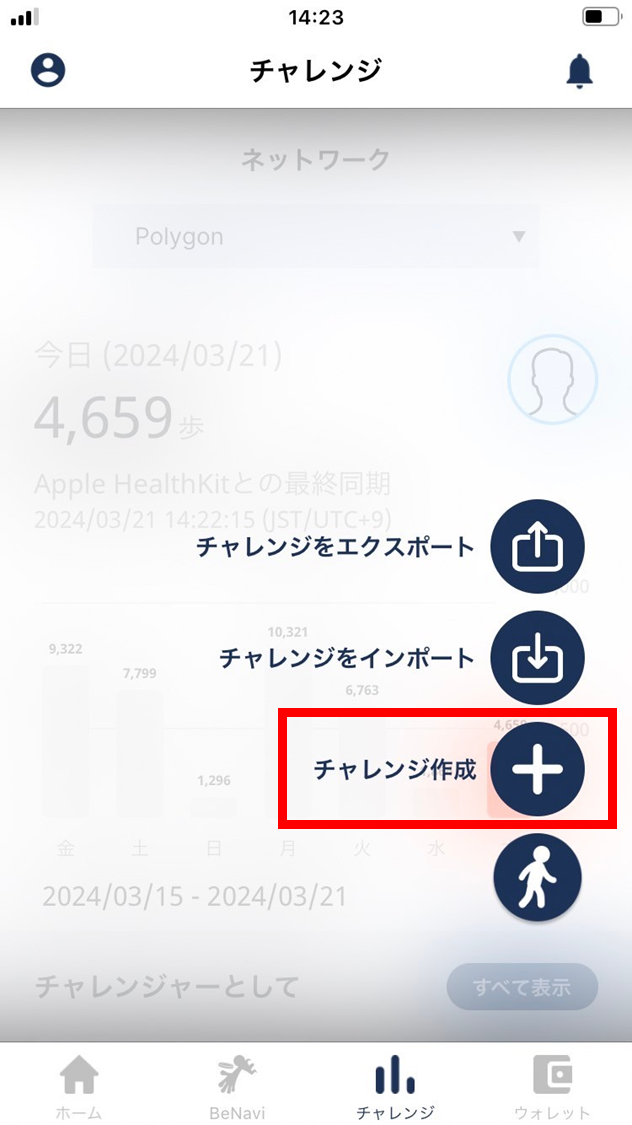
- Tap the walking icon.
- Tap “Create challenge”.
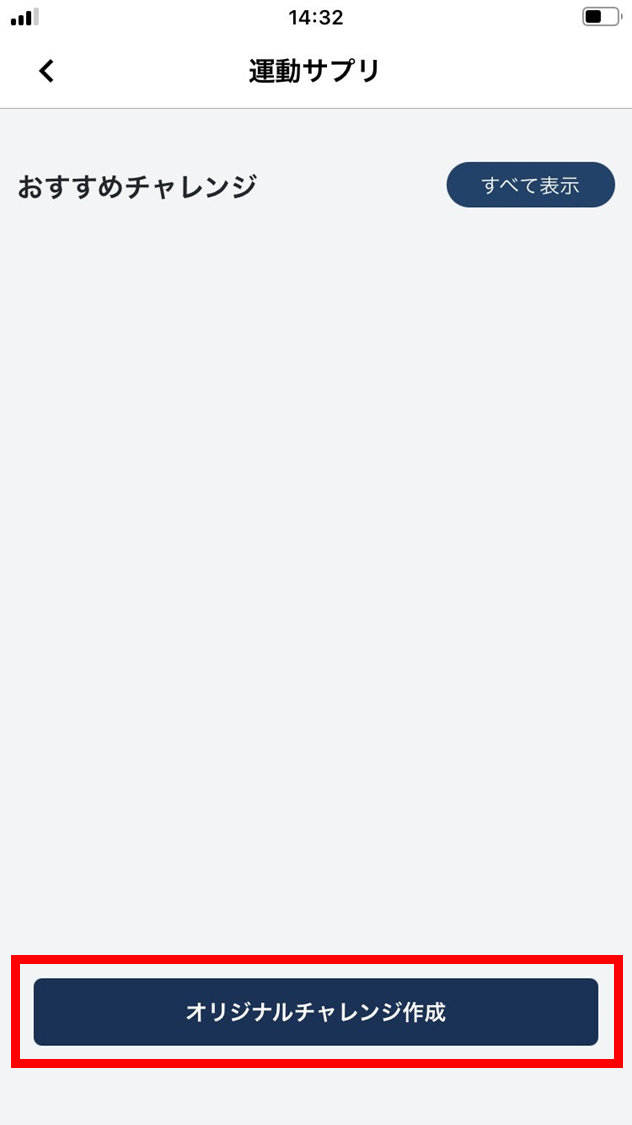
- Tap “Create original challenge”.
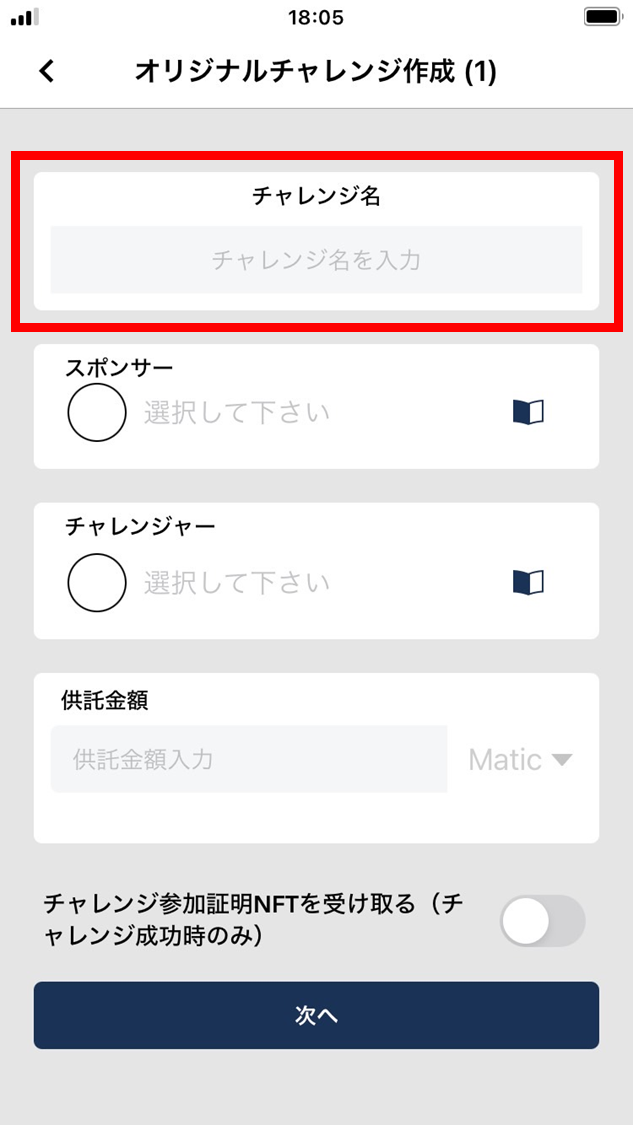
- Enter a challenge name.
Use any name you like.
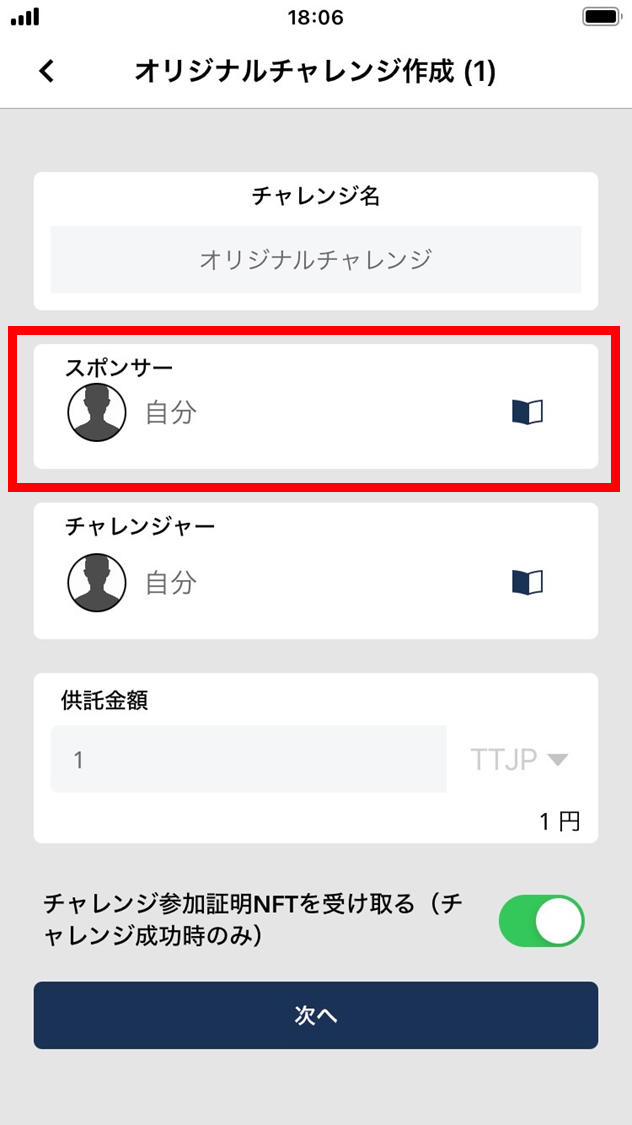
- Tap the Sponsor field and choose yourself.
The Sponsor can only be yourself. (When you export the challenge, other users can be chosen.)
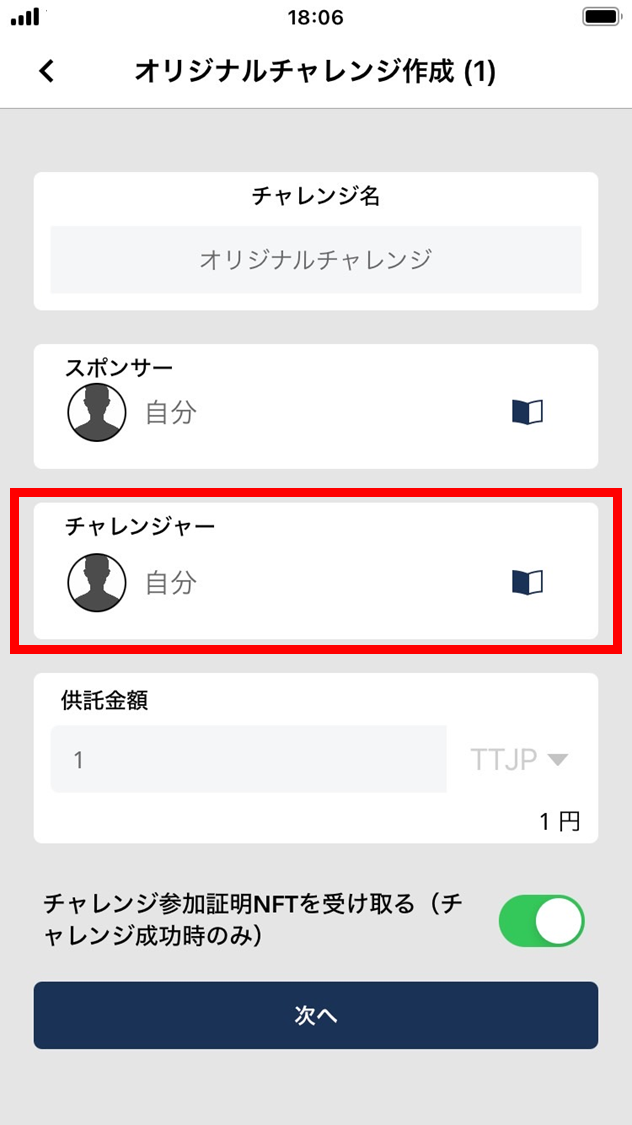
- Tap the Challenger field and pick yourself or another person from the address book.
-
The Challenger can only be a registered ESPL user.
-
If nobody is in your address book, register them in the address book first, then pick the Challenger.
-
You can set yourself as the Challenger.
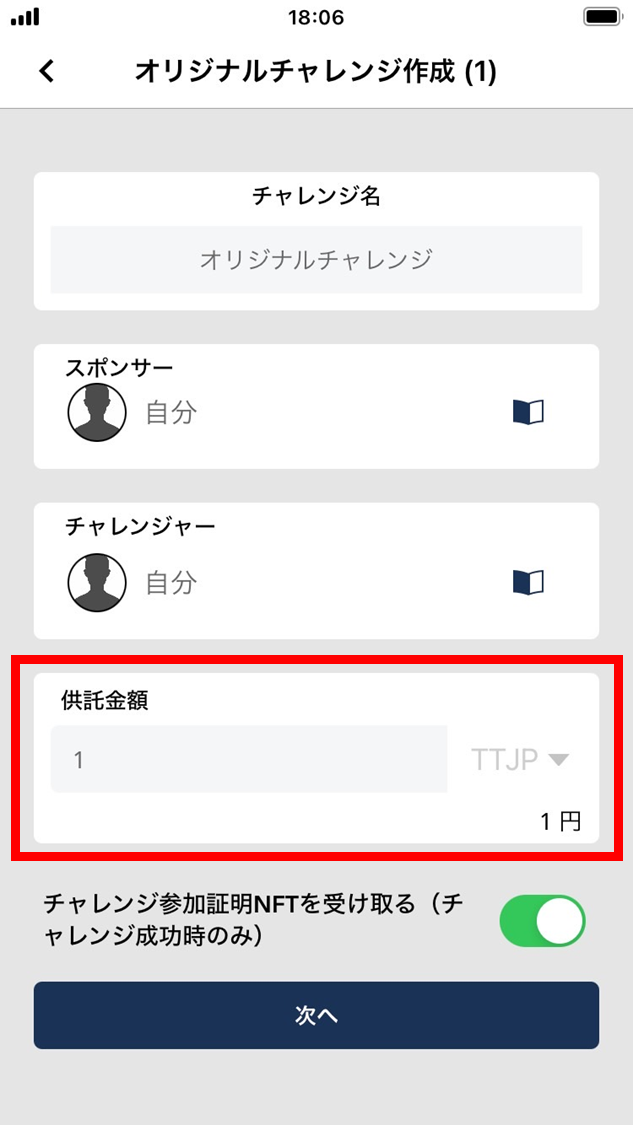
- Enter the deposit amount and choose the crypto-asset.
Pick the coin / token to deposit into the challenge and enter the deposit amount. (You can also change the blockchain network.)
Decimal values are allowed — e.g., 0.0001.
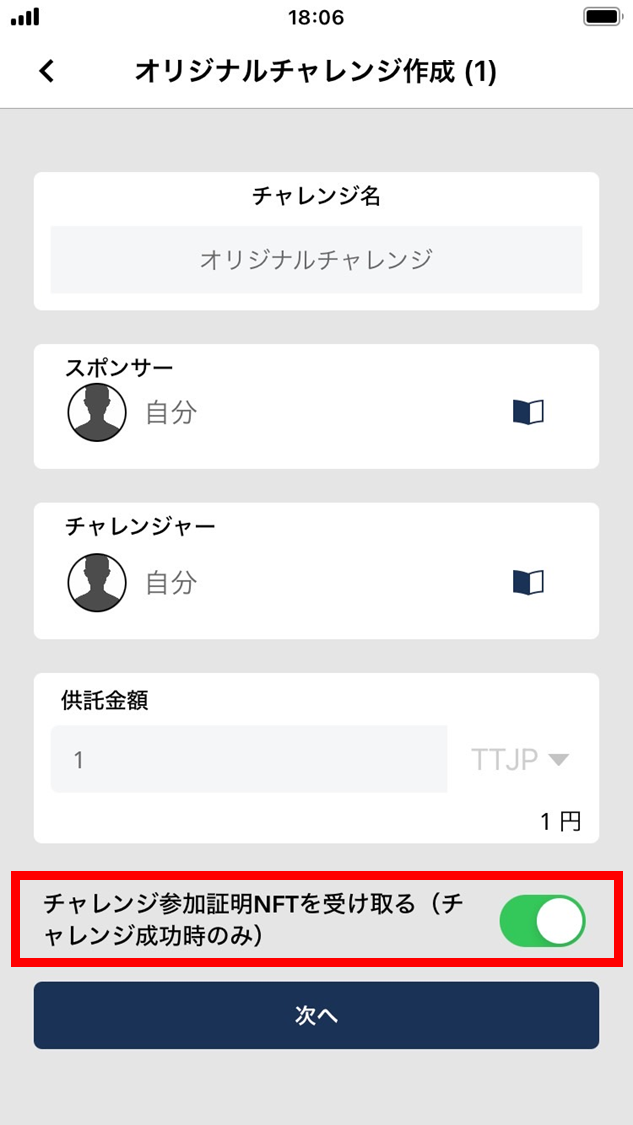
- To receive an NFT on challenge success, enable that option.
NFTs (non-fungible tokens) are recorded on the blockchain. They can be linked to items such as images, video, audio, and other digital files.
- Tap “Next”.
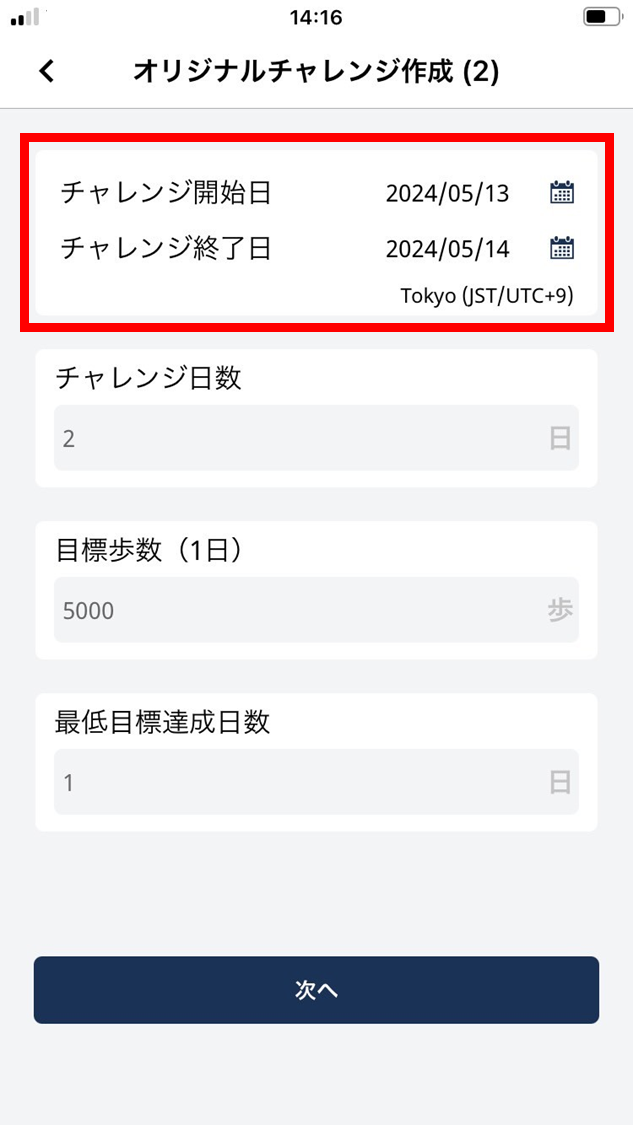
- Pick the challenge start date and end date.
The number of challenge days is calculated automatically.
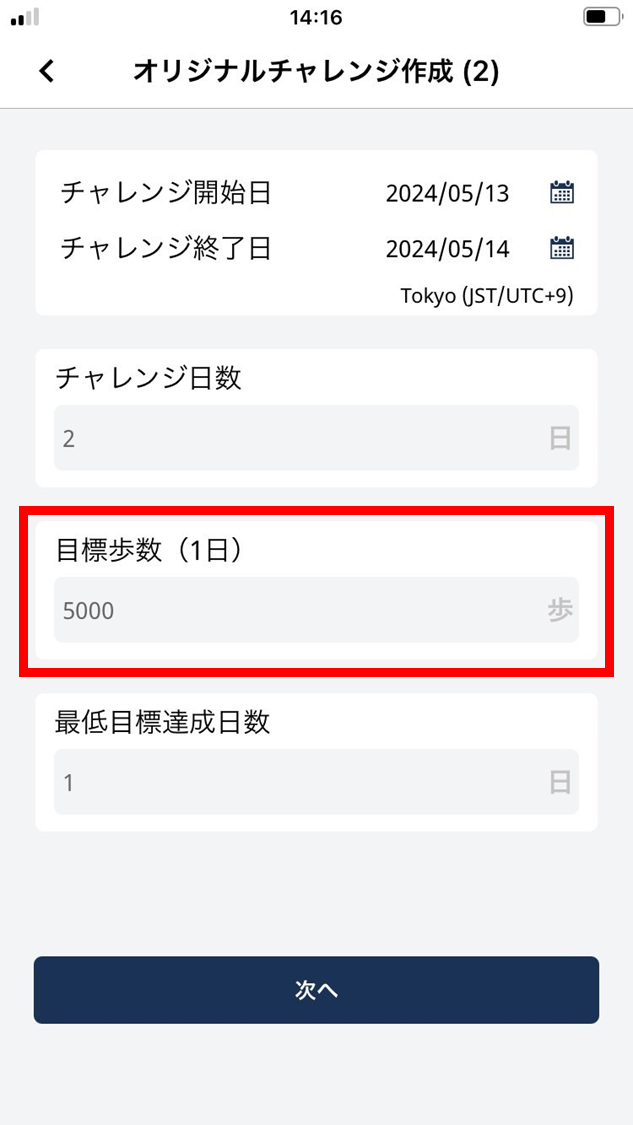
- Enter the daily step goal.
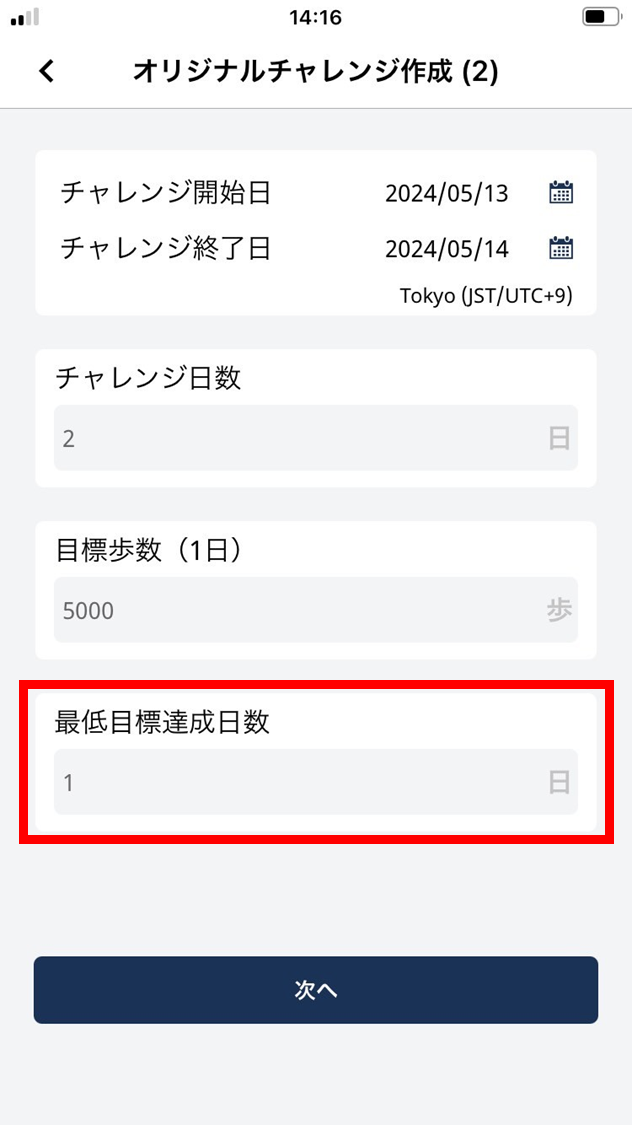
13. Enter the minimum required achievement days.
Setting a minimum required achievement days has many benefits — sustaining motivation, building a habit. It lets users focus on a short-term goal while keeping the environment in place to maintain healthy behavior in the long run.
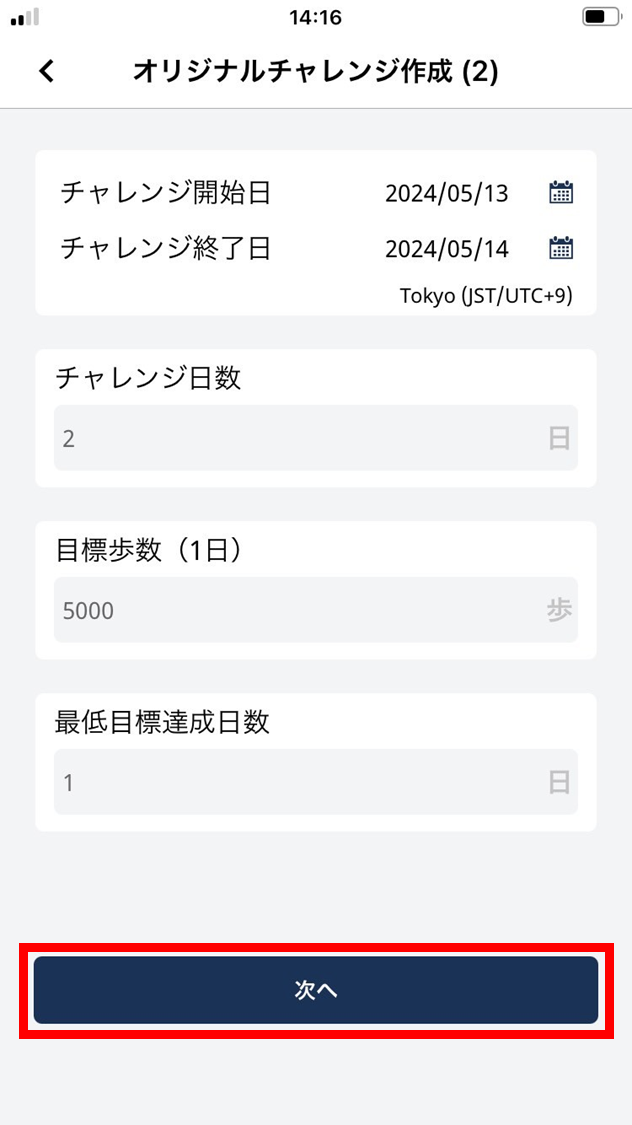
- Tap “Next”.
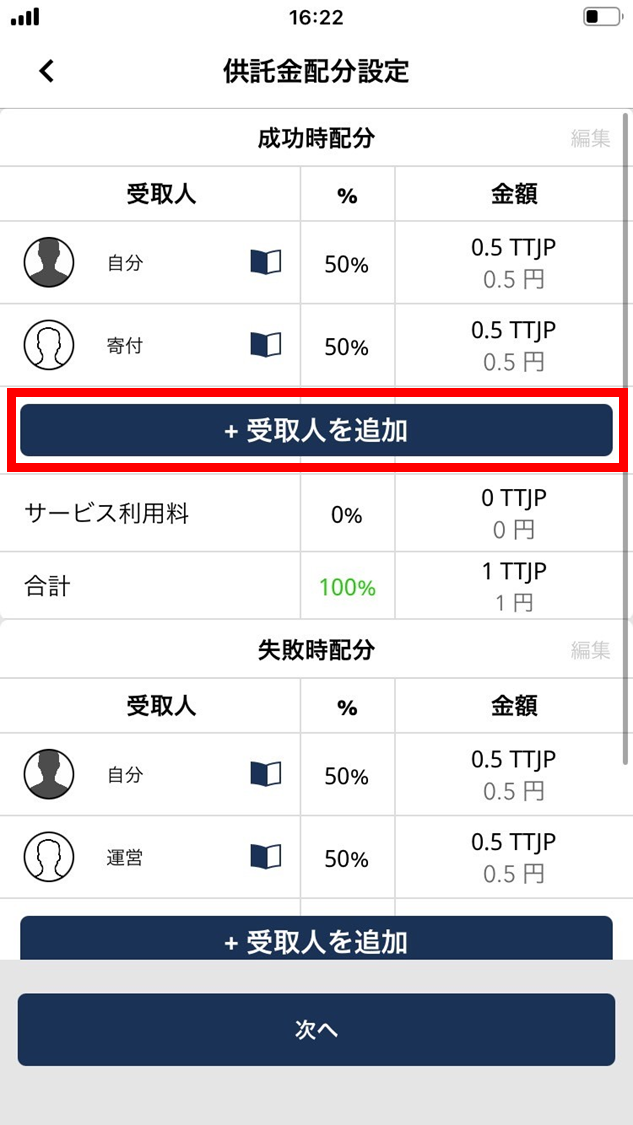
- To add a recipient who receives the commitment deposit on success, tap “Add recipient”.
Distribute the commitment deposit based on the challenge outcome.
-
Tap the address-book icon to choose the recipient who receives the deposit on success.
-
If your address book has no entries, register the addresses first.
-
The recipient doesn’t have to be an ESPL user — anyone with a wallet address can be selected.
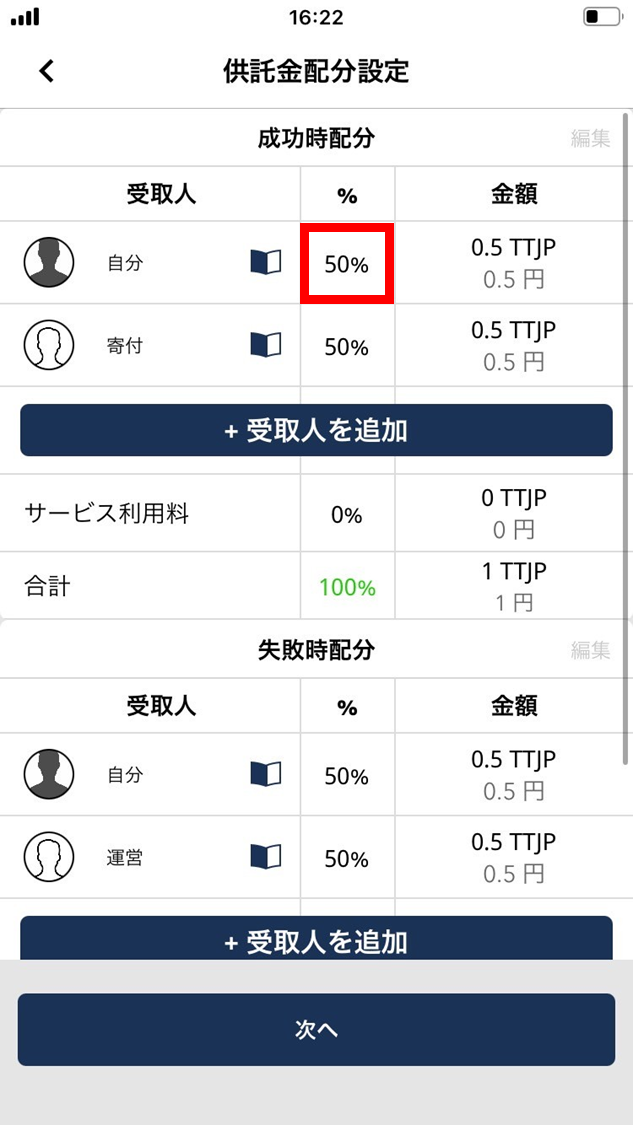
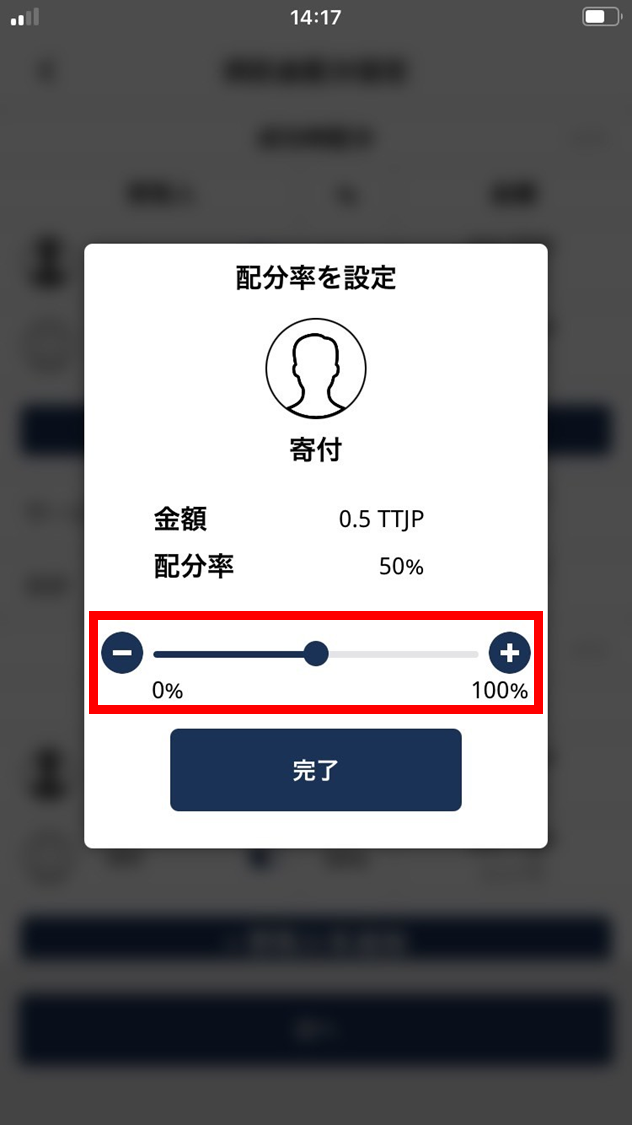
- Tap the % field and set the distribution share between 0% and 98%*.
- Move the slider to adjust the share.
- There’s a 2% service fee, so the total should be set to at most 98%.
- *When the operating fee is 0%, the maximum total is 100%.
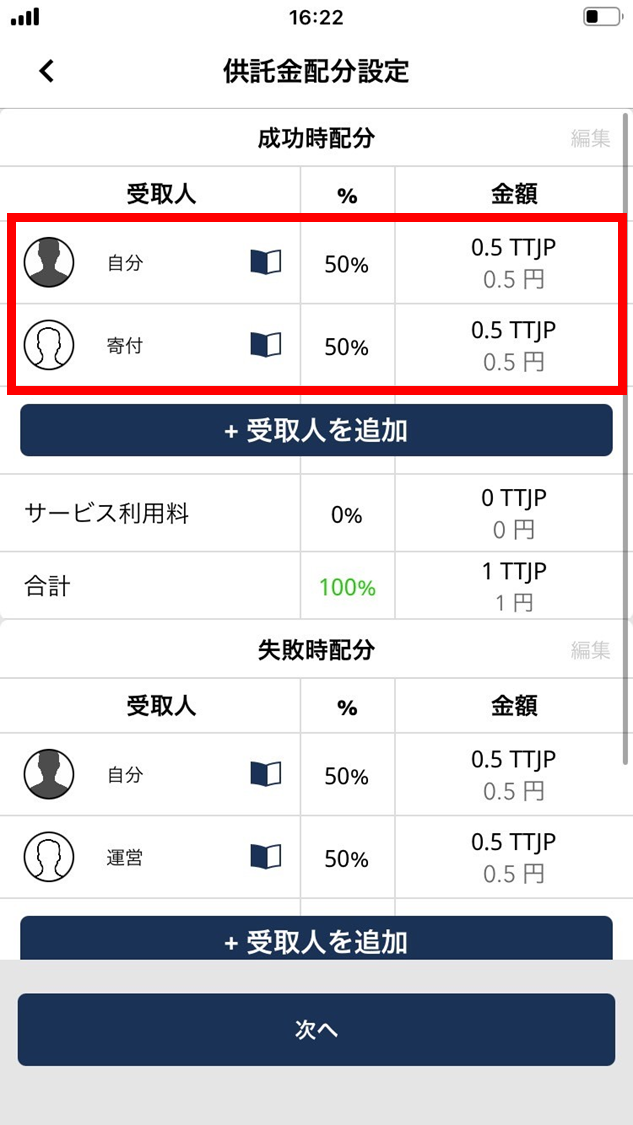
- For multiple recipients, set the total deposit distribution to 98%.
Because of the 2% service fee, please set the total to 98%.
- Set the failure-case deposit distribution the same way.
The failure-case recipients and shares don’t have to match the success case.
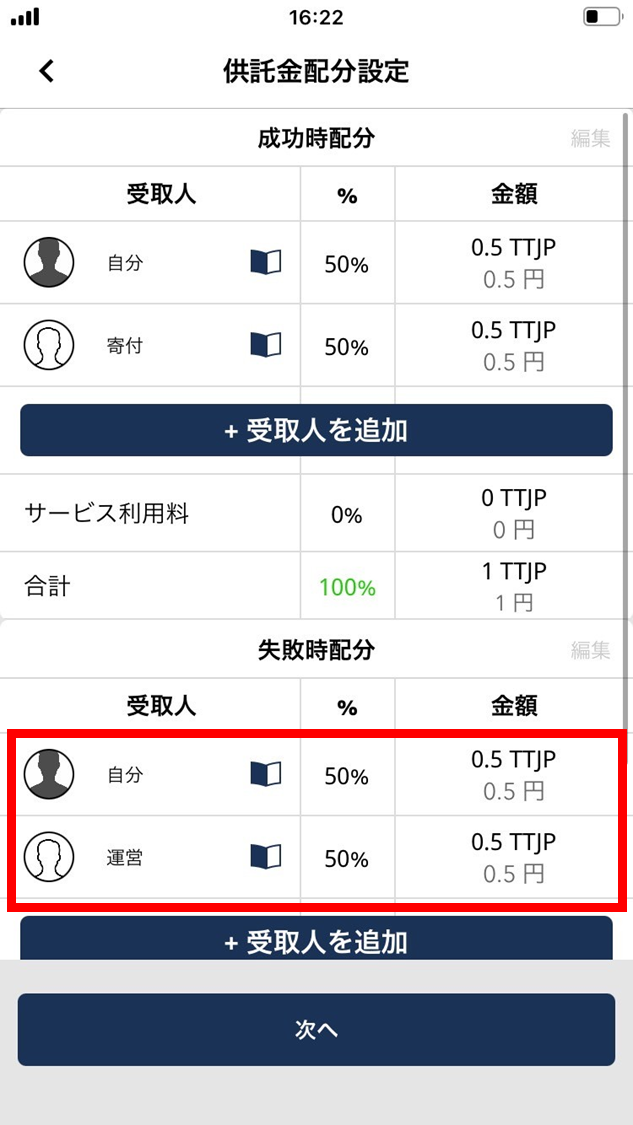
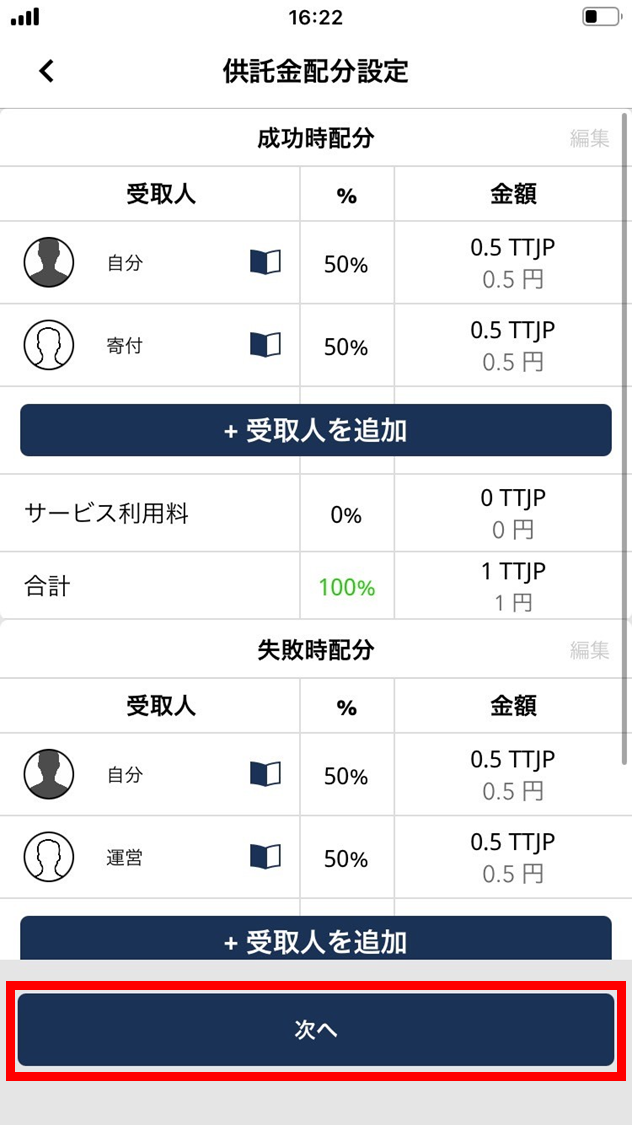
- Tap “Next”.
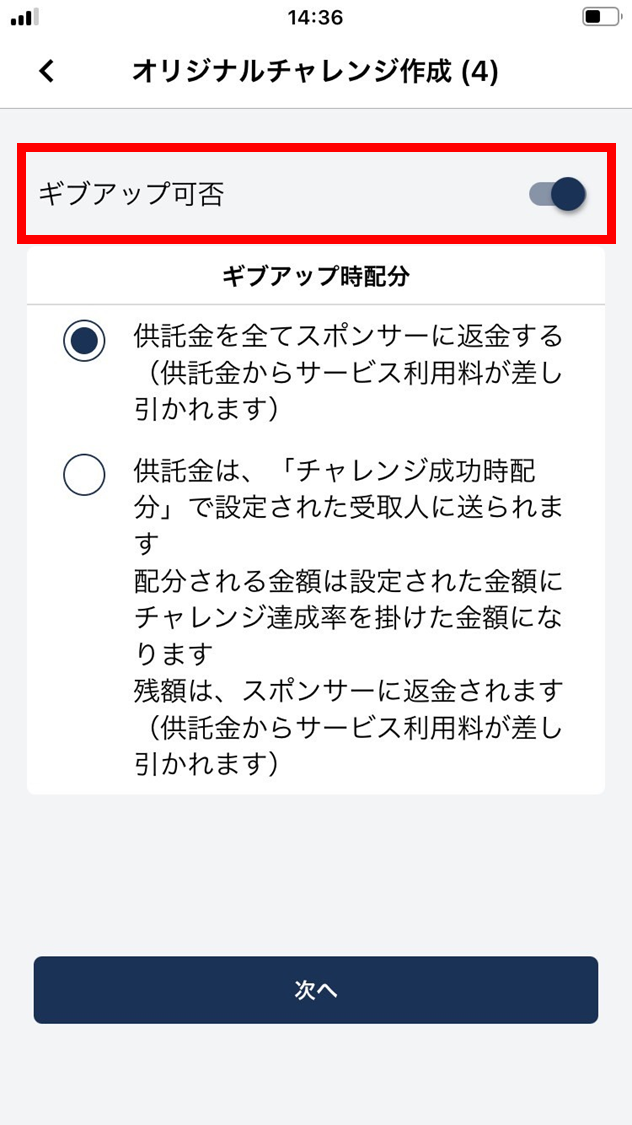
- To allow give-up, enable the give-up option.
This sets whether the Challenger can cancel the challenge partway.
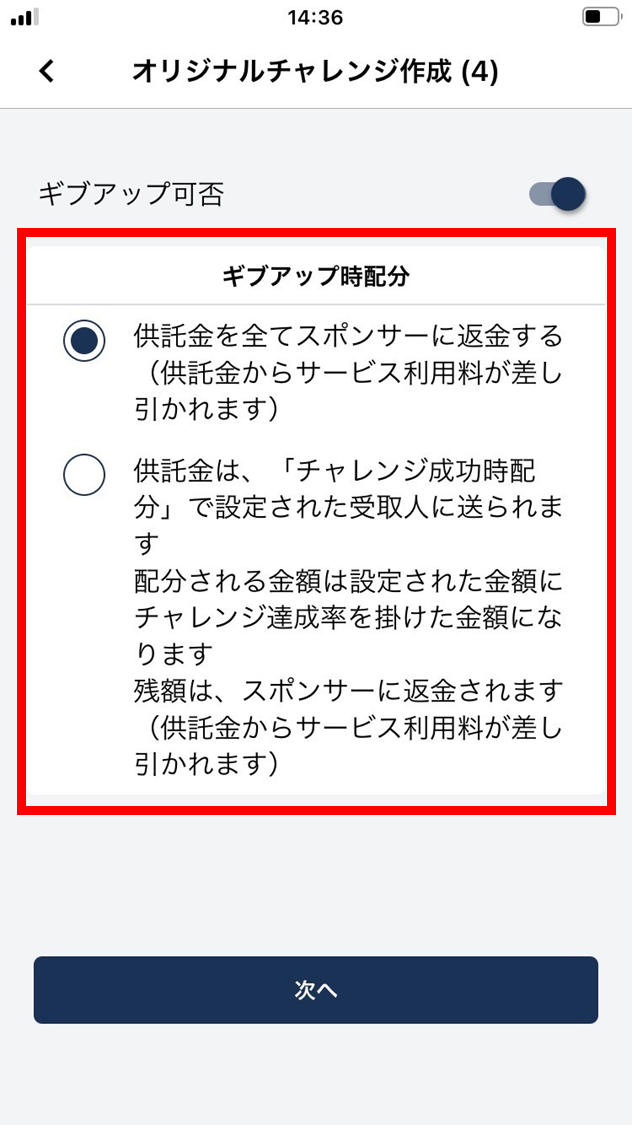
- Pick one of the give-up distribution rules.
We recommend picking “Achievement rate × Receiver’s share” since it tends to keep the Challenger’s motivation up.
-
Refund the entire deposit to the Sponsor. (The service fee is deducted from the deposit.)
-
The deposit goes to the recipients set in “Success-case distribution”. The amount distributed is the configured amount times the challenge achievement rate. The remainder is refunded to the Sponsor. (The service fee is deducted from the deposit.) Example: configured amount 100 TTJP, fee 2%, achievement rate 50% → (100 - 2) × 0.5 = 49. Sent amount = 49 TTJP.
- Tap “Next”.
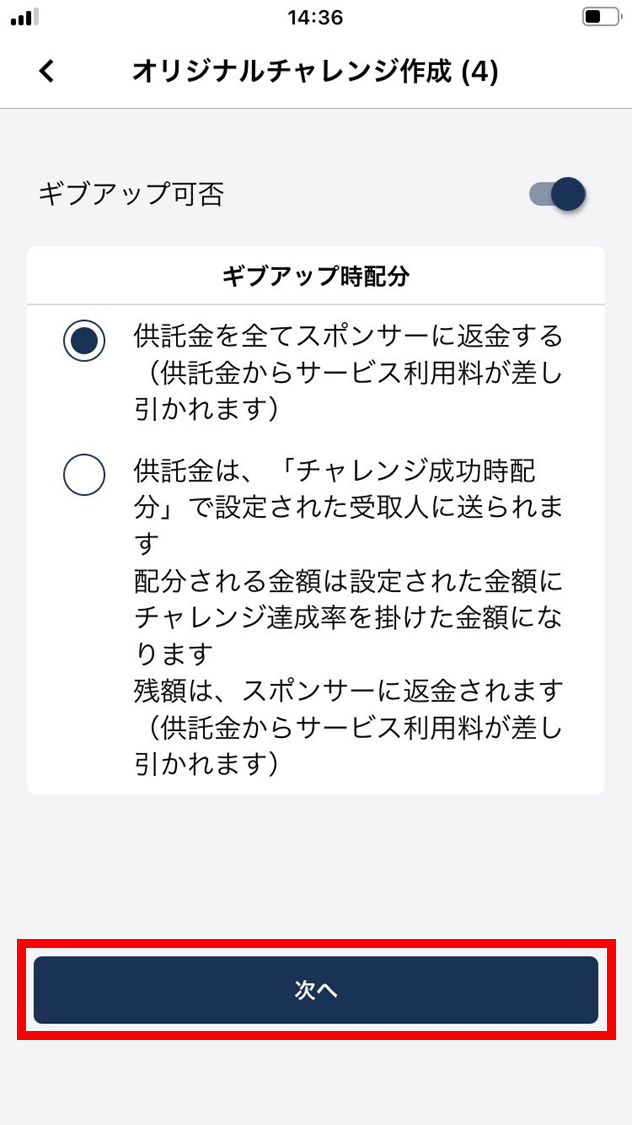
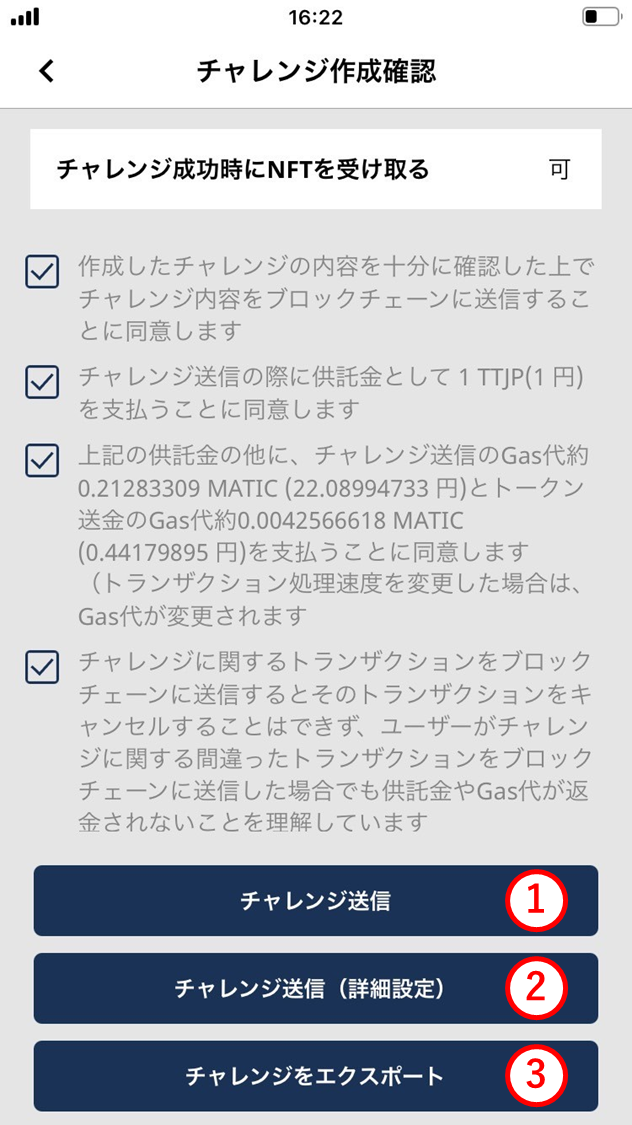
- Review the contract details.
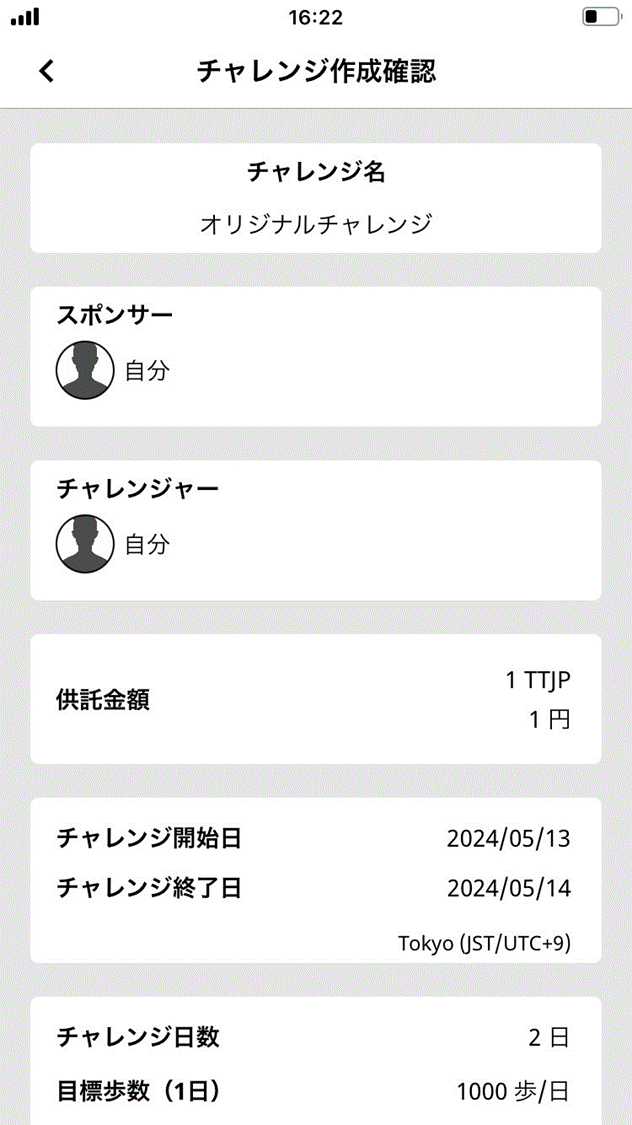
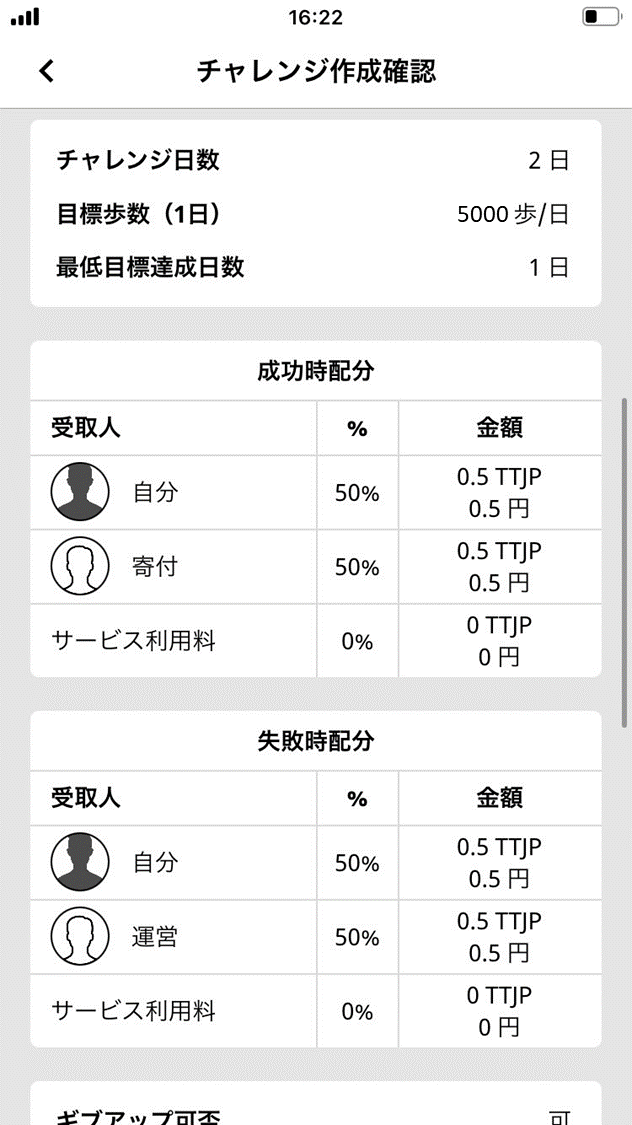
- Read the caveats. If you agree, check all four boxes.
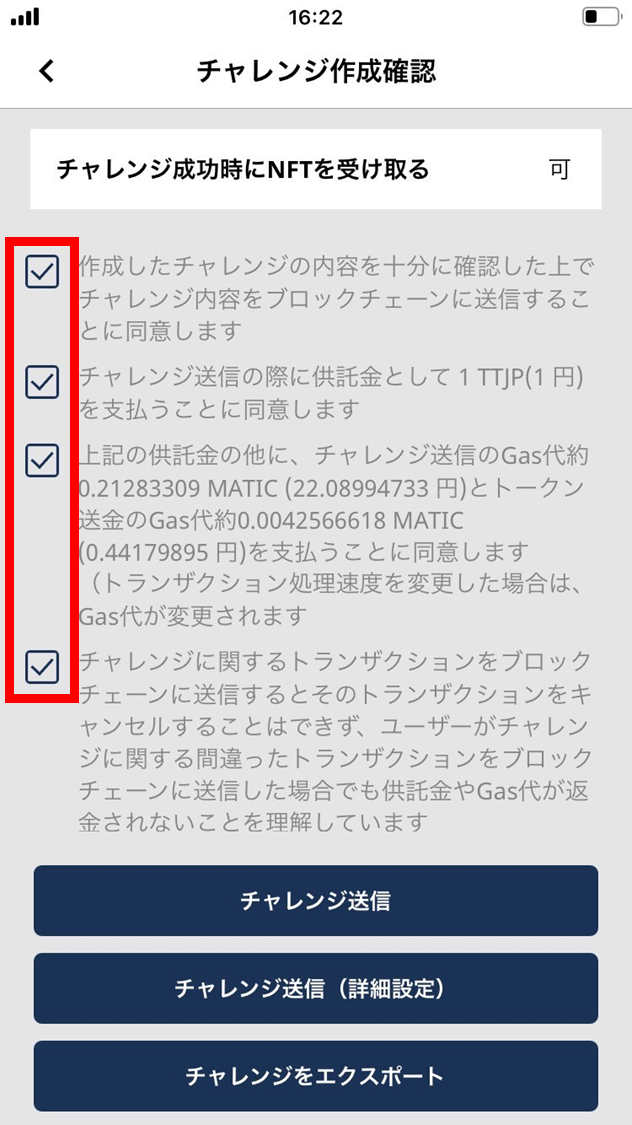
- Tap one of the following.
(1) Send challenge
Tap to send the challenge to the blockchain as-is. Double-check the amount before tapping.
(2) Send challenge (advanced)
Tap to confirm the coin / token balance and to adjust the gas price.
(3) Export challenge
Tap to export the challenge to another device. Scan the QR shown on the other device, or copy the challenge address to use during import.
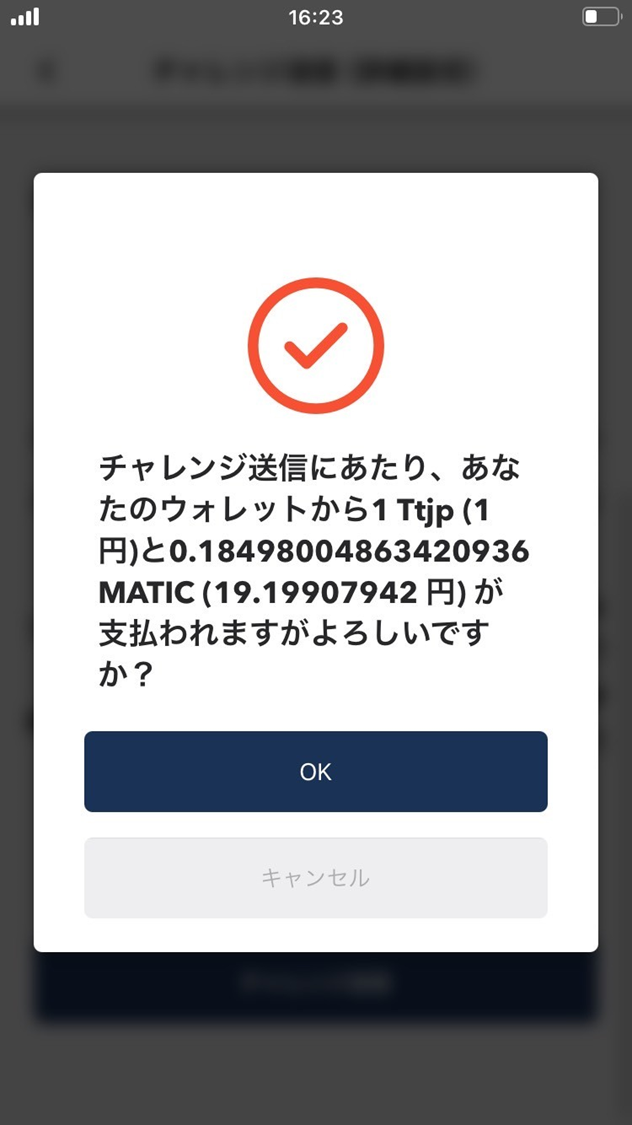
- The challenge is sent to the blockchain. Confirm the amount to be sent and tap “OK”.
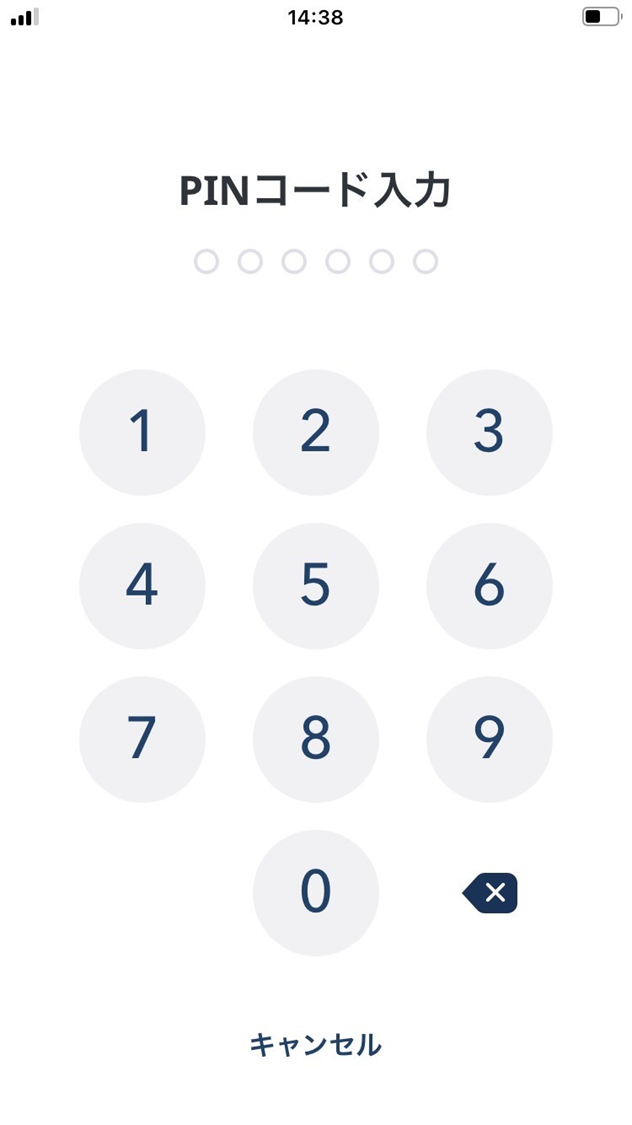
- Enter your PIN.
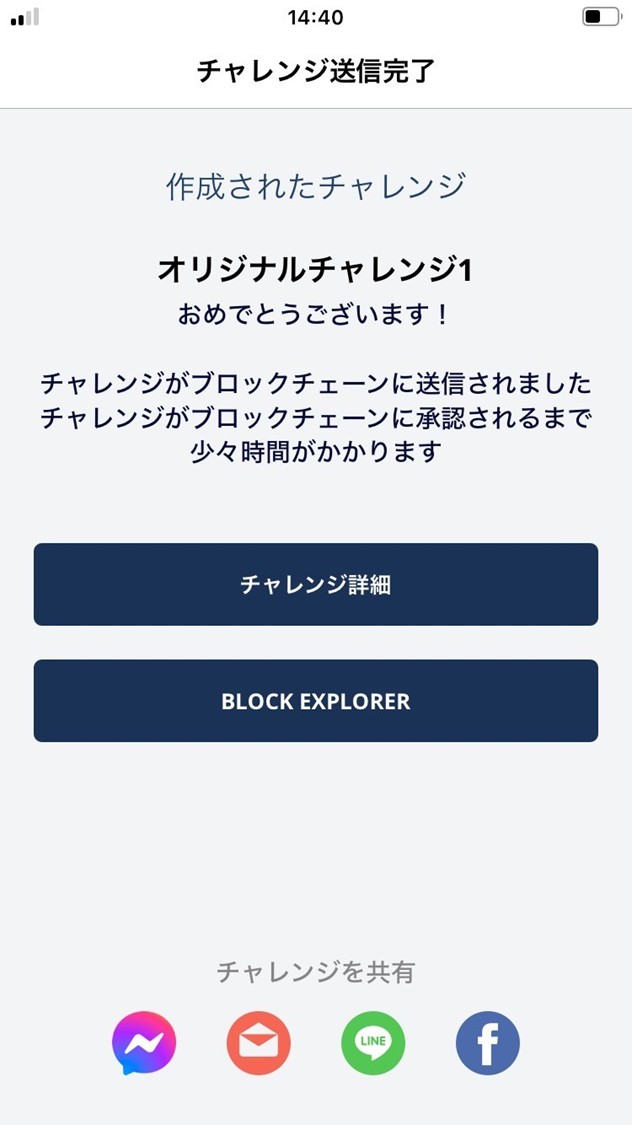
- The challenge has been sent to the blockchain.
- It takes some time for the transaction to be reflected on the blockchain.
- You can share the created challenge via email or social.