Help / challenge
Export a challenge (Sponsor / Challenger / Receiver)
Export a challenge to another device.
Export a challenge to another device.
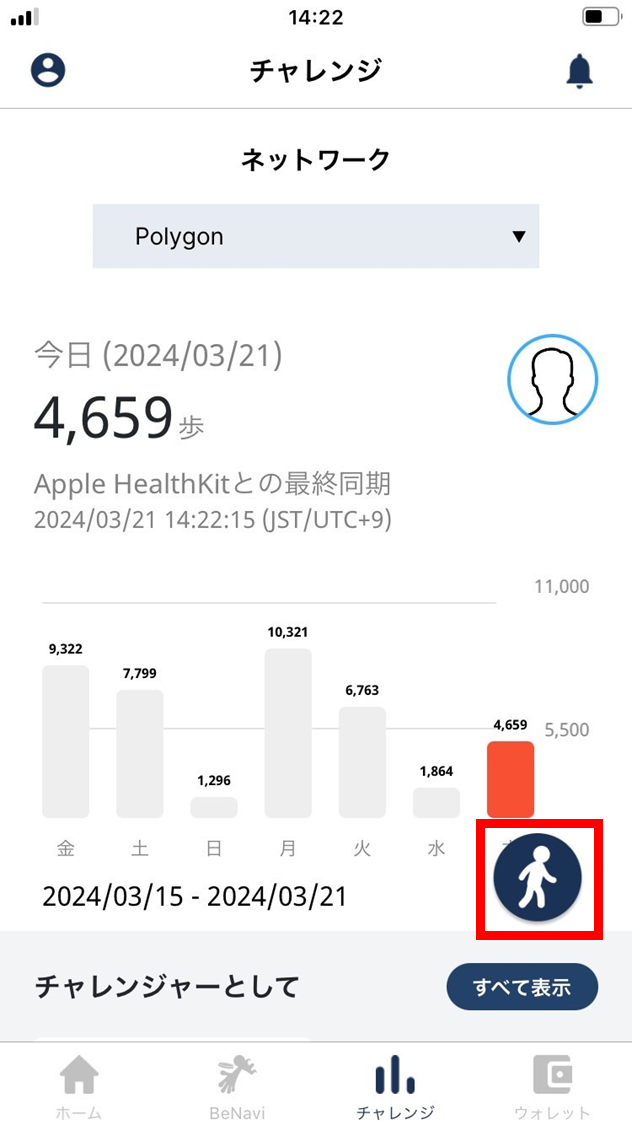
- Tap the walking icon.
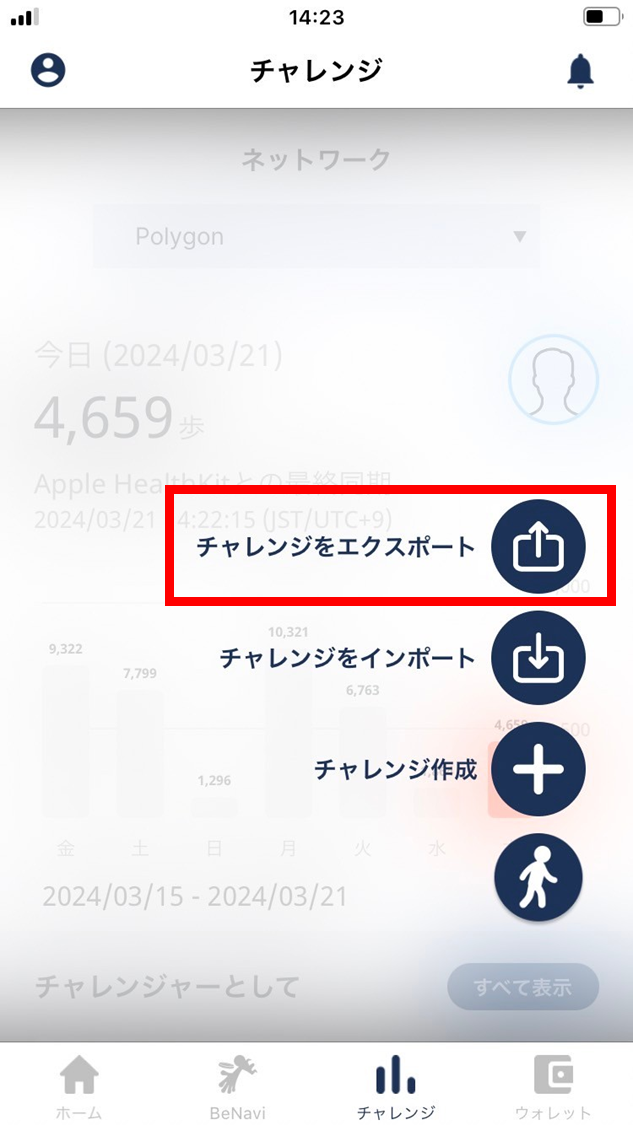
- Tap “Export challenge”.
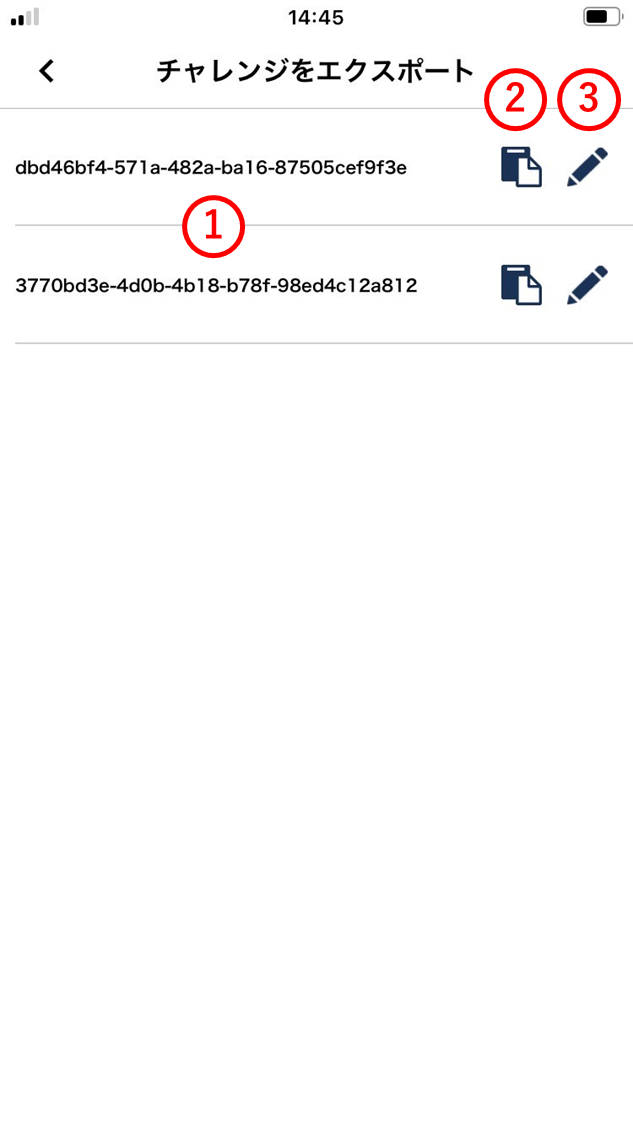
- The address of the in-progress or ended challenge is shown.
(1) Challenge address
Tap the address to copy it to the clipboard. Send it by email or SMS / social.
(2) Copy
Tap to display the QR code for the challenge address. On the new device, read it from “Import challenge” in the ESPL app.
(3) Edit
Tap to edit or delete the challenge address.