Help / settings
Log out
Log out of ESPL.
Log out of ESPL.
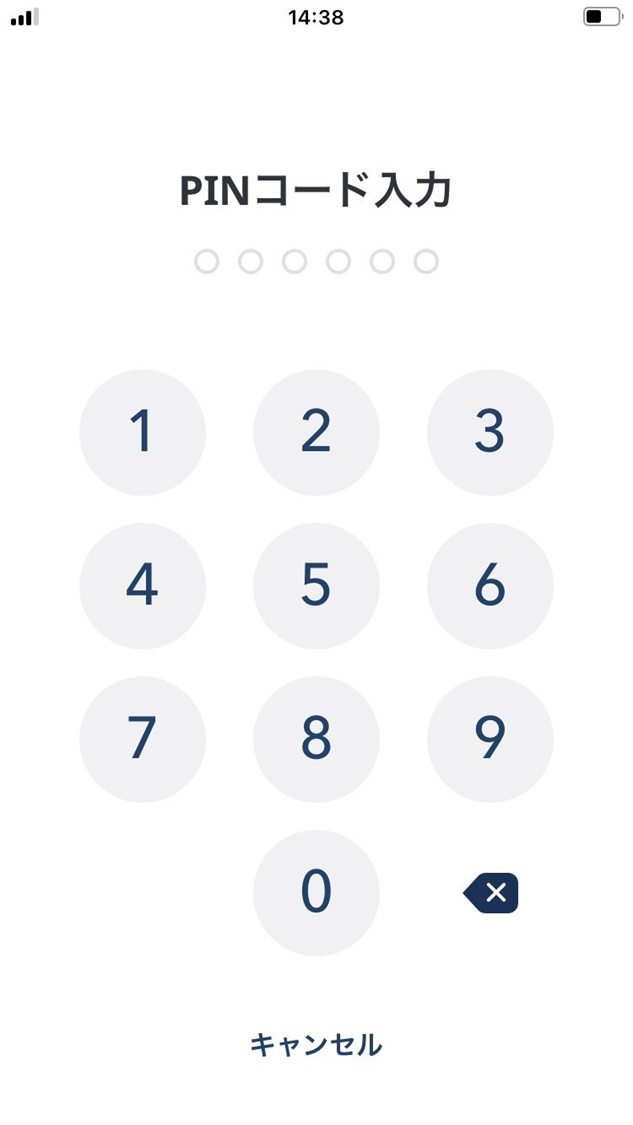
Enter your PIN to log out.
After logging out, you may be asked for a 12-English-word passphrase the next time you log in.
If you haven’t backed up the wallet with the 12-word passphrase, the assets in the wallet are lost permanently.
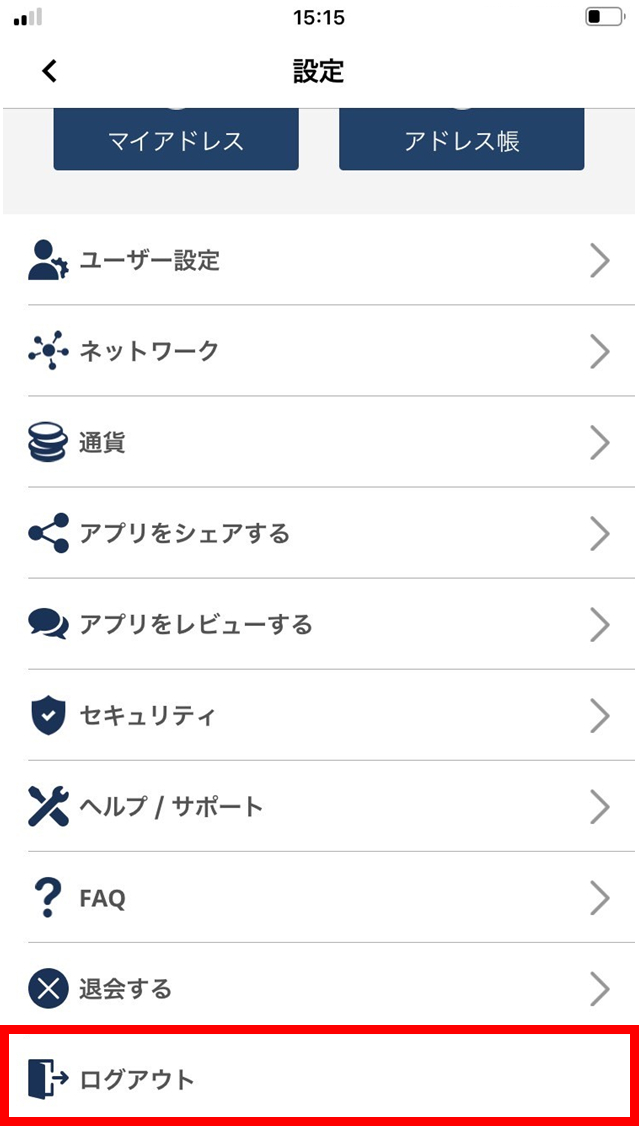
- Tap “Log out”.
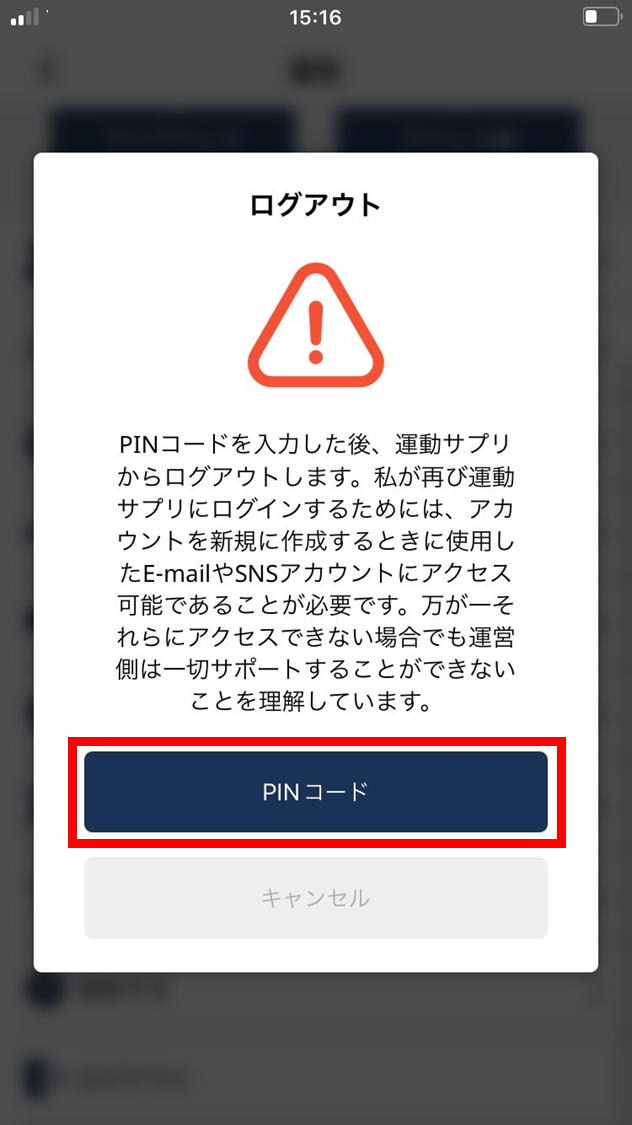
- Read the following. If you agree, tap “PIN”.
- Enter your PIN.
- Logout is complete.